

Organic 16mm grain boils with dust flecks, stray hairs, faint scratches and gentle flicker. A seamless analog overlay.
Grain, burns, VHS tracking and CRT stings for analog nostalgia.
Organic 16mm grain boils with dust flecks, stray hairs, faint scratches and gentle flicker. A seamless analog overlay.
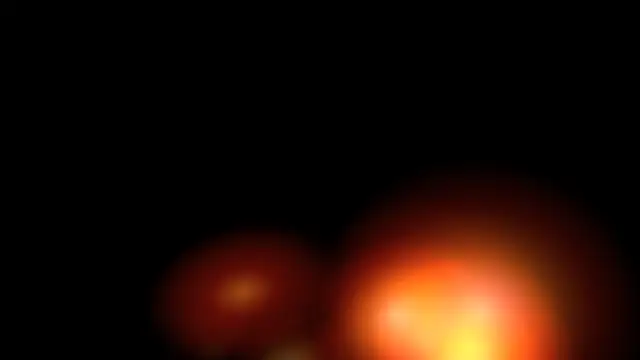
Hot orange light eats in from the frame edge, flares to white at the cut and cools away like burning celluloid.
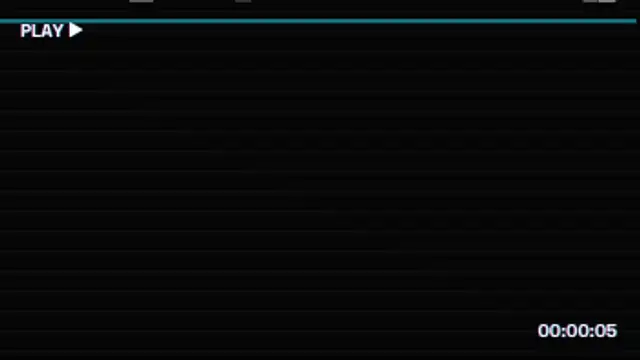
A rolling tracking band of tape noise, chroma bleed stripes, scanlines and a playback OSD with running timecode.
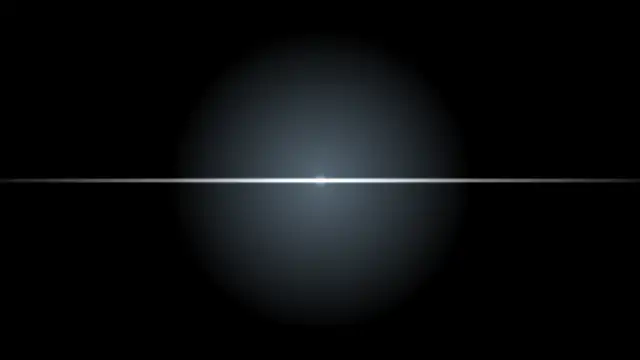
A glowing phosphor screen squeezes into a bright scan line, shrinks to a dot and leaves a fading afterglow.
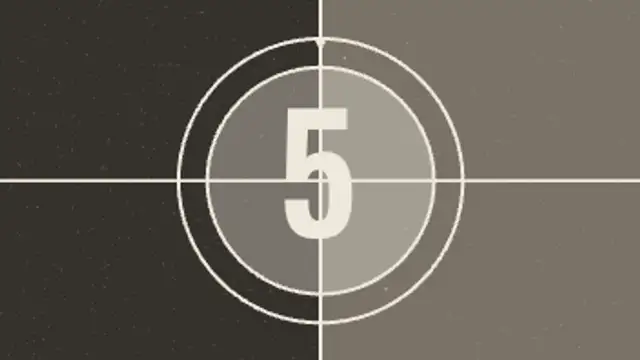
The classic projection leader: crosshair, rings and a clock wipe sweeping behind each number, with grain and weave.
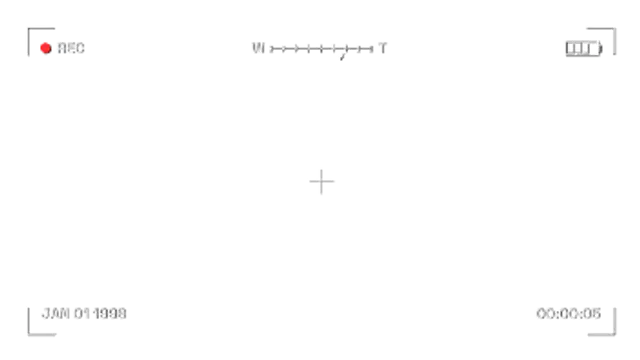
A home video viewfinder with blinking REC dot, running timecode, date stamp, battery, zoom bar and corner marks.
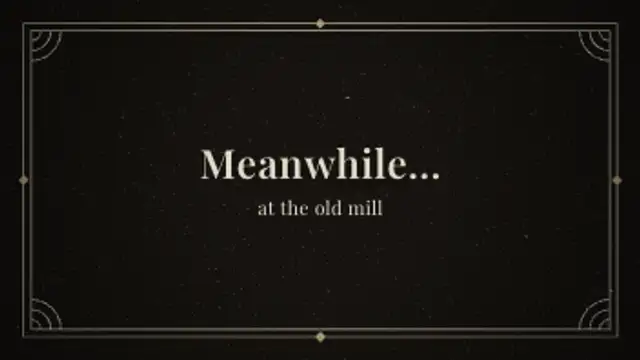
An iris opens on a flickering intertitle with an Art Deco double border, corner fans and serif text, then irises out.
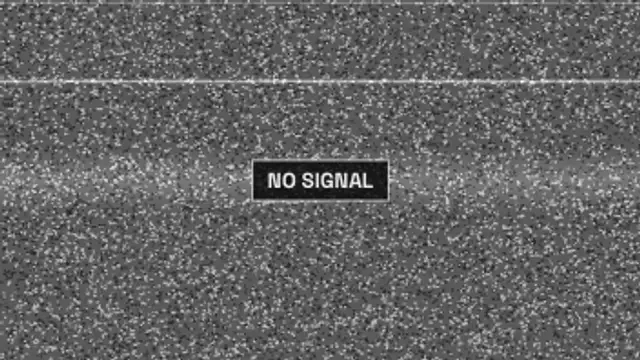
Old television snow boils with a rolling bright bar, stray tear lines and a flickering no signal card.

A camera flash pops, then a glowing orange seven-segment date settles into the corner like a 2000s point-and-shoot photo.
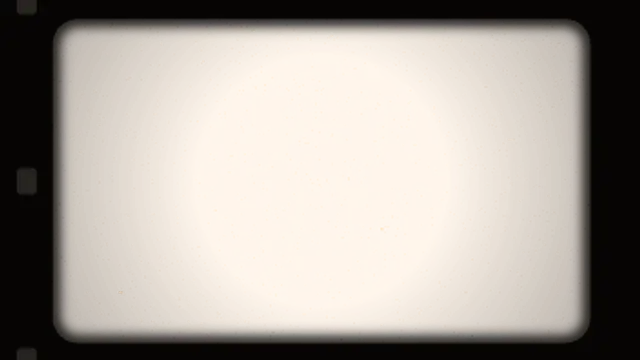
A rounded projector gate frames your footage with soft edges, sprocket holes, gate weave, warm exposure flicker and grain.
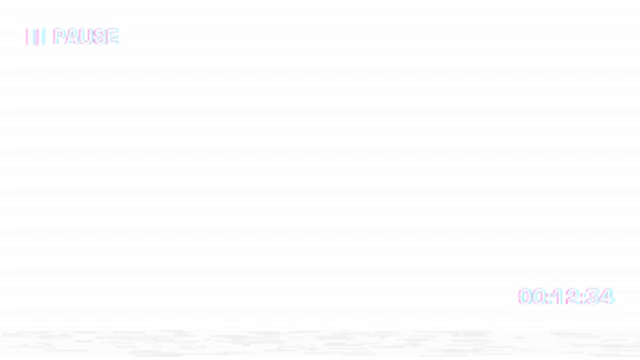
A paused tape screen with a pause icon and label, a jittering noise band, a slight picture shake and a held tape counter.
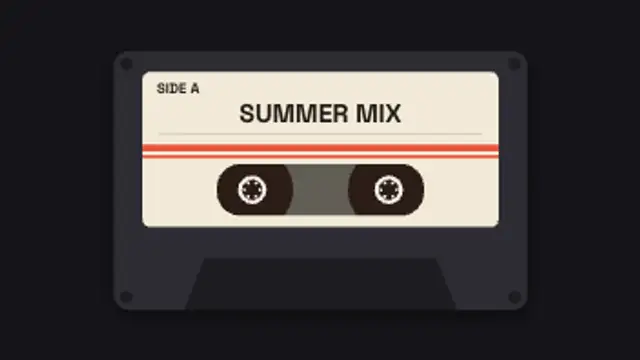
A mixtape cassette with your handwritten-style label spins its reels while the tape winds from one spool to the other.
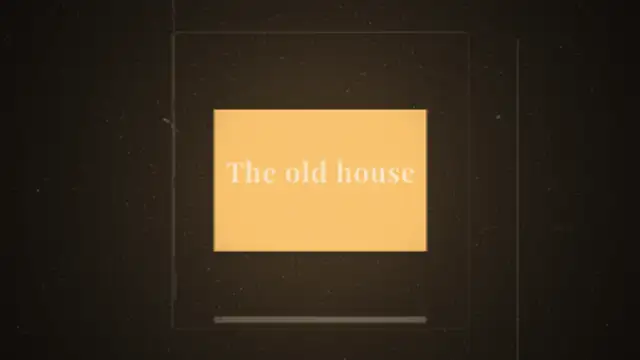
A cardboard 35mm slide drops out of the gate and the next one falls in and settles, with lamp flare, dust in the beam and gate weave.
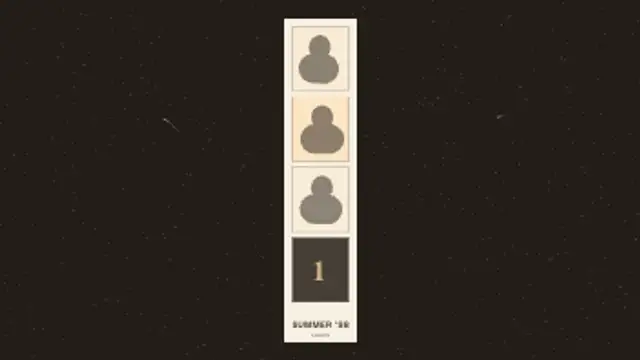
A four-frame booth strip fills one window at a time, each shot counted in and blown out by the flash, then the finished strip feeds out at a tilt.
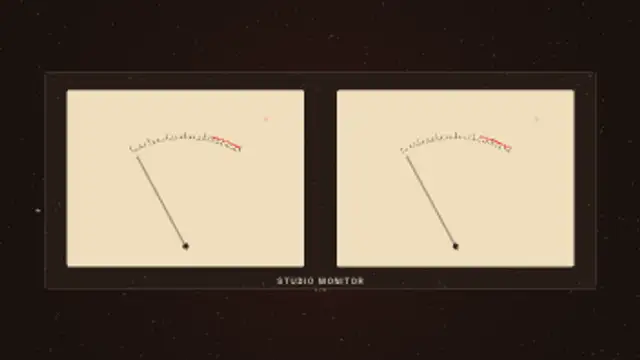
Cream-faced analog meters swing on real needle ballistics, overshooting each transient and falling back slowly, with the peak lamp catching the loud ones.
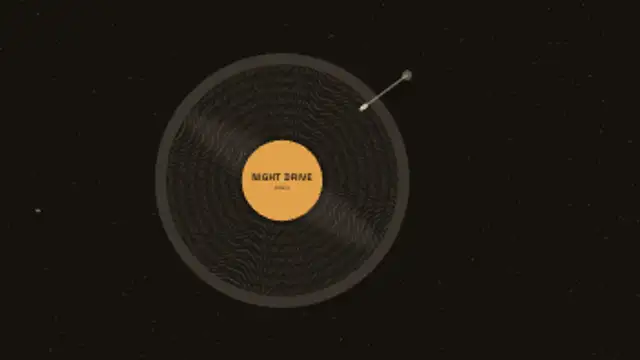
A record turns under a sweeping sheen while the tonearm swings in and drops onto the groove, your label spinning with the disc.
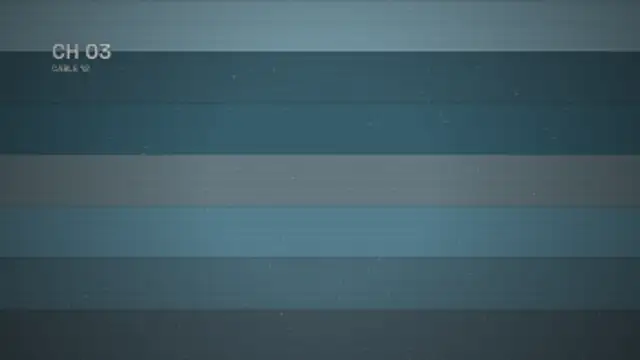
The picture loses vertical hold, rolls up through the blanking bar with the frame tearing sideways, then locks onto the next channel.
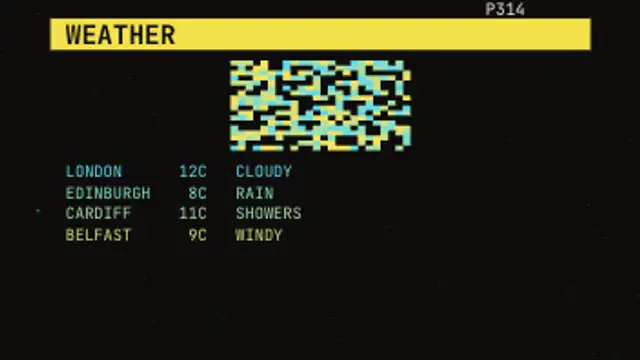
A character-cell teletext page loads in: the number spins up, mosaic block graphics paint on ink by ink and each line types itself across the grid.
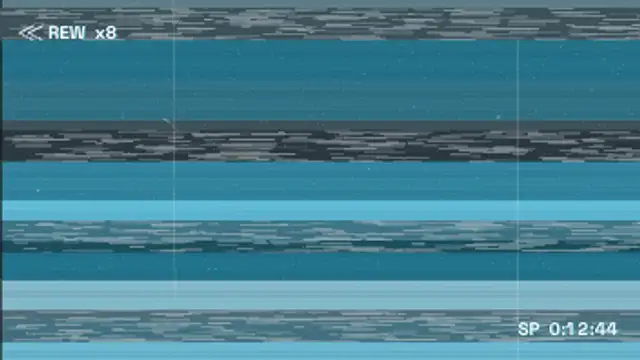
Tape shuttles at speed: head-switching bands race up the picture dragging it sideways, under a chroma-fringed REW readout.
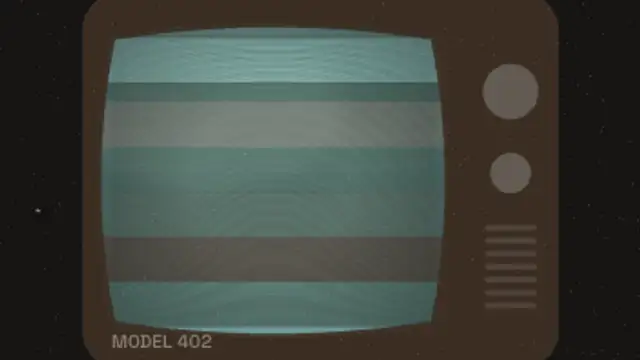
A period television cabinet frames a bulged glass screen where the picture drifts behind curvature-following scanlines, knobs and speaker grille alongside.
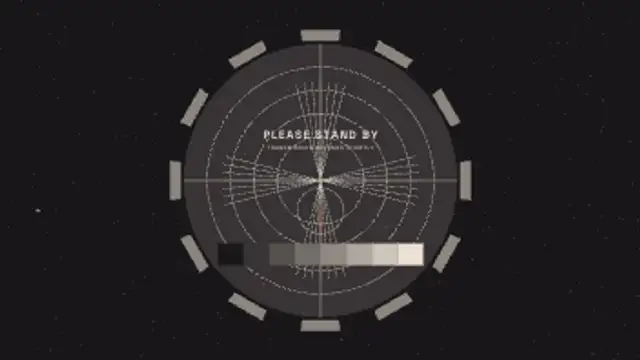
Colour bars wipe across, roll up and settle into a full test card: converging wedges, greyscale staircase, castellated ring and a ticking clock.
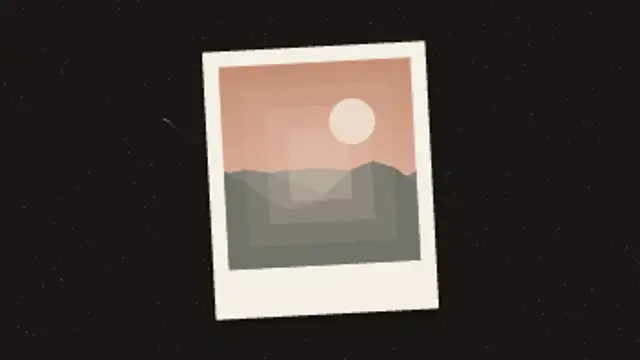
An instant print ejects and shakes, then the image surfaces out of the milky emulsion from the edges inward as the colour cast clears.
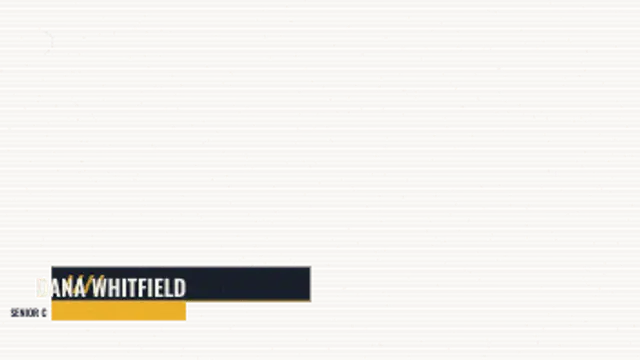
A period character generator wipes its strap on, then sets the name cell by cell in hard steps with the role bar snapping in underneath.
The projectionist's cue dot blinks in the corner, the second cue follows, then the splice runs through and the new reel lands a frame out before settling.
Worn print damage: the picture jumps a few frames out of register, a taped splice runs through the gate and emulsion dropouts flash across the frame.
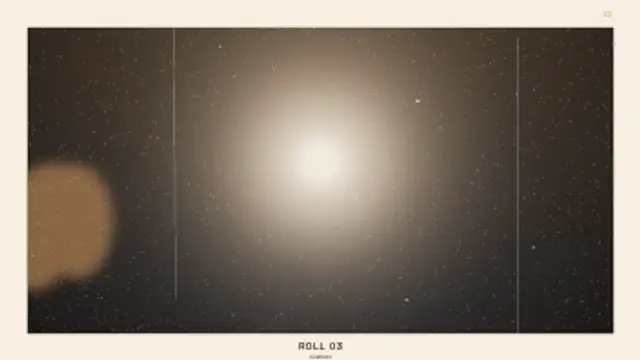
The wind wheel clicks the counter down, the flash fires and blows out the middle of the frame, leaving hard falloff, heavy grain and a thumb over the corner.
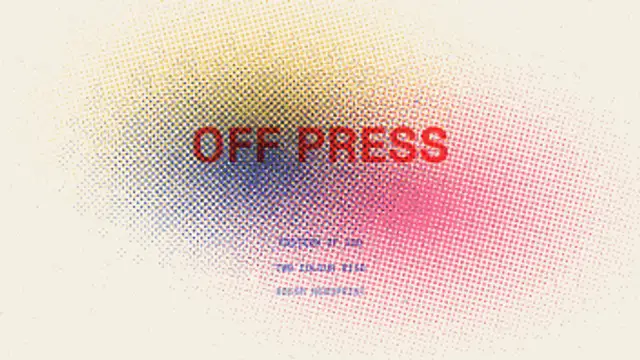
Spot inks lay down one screen at a time at their own angles, each drifting out of register on the drum so the overlaps darken and the paper tooth shows through.
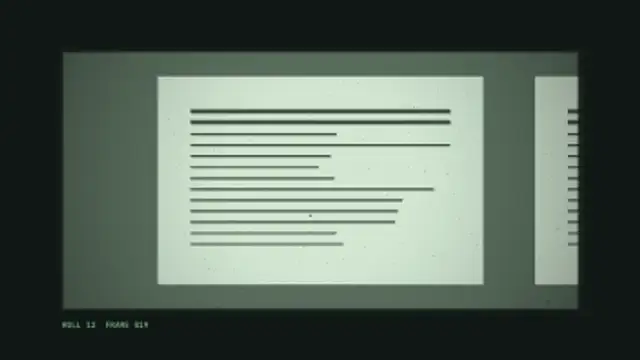
The carriage slides across a sheet of archived pages, overshooting each frame before the lamp-lit column snaps into focus under the readout.
The drum turns and its slits chop the strip inside into frames, so the running figure flickers into motion the way the first animation toys worked.
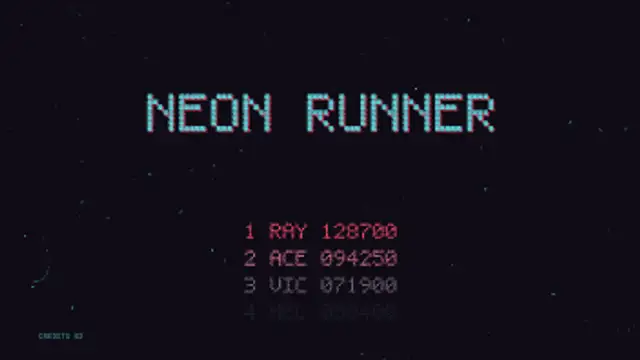
A cabinet left in attract mode: the pixel title drops in with its offset shadow, the high score table counts on line by line and PRESS START blinks over a scrolling starfield.
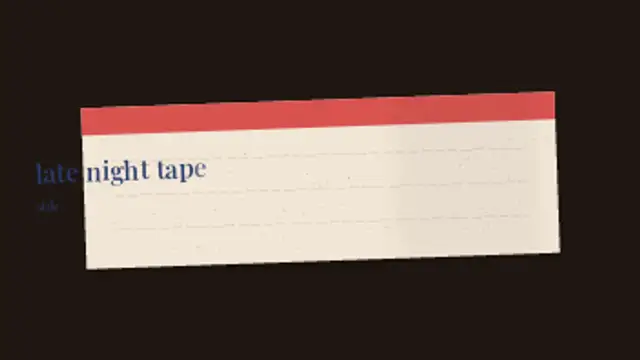
A blank cassette label sits under the lens while the title is written on by hand, each letter set down slightly off the line with the ink bleeding into the paper.
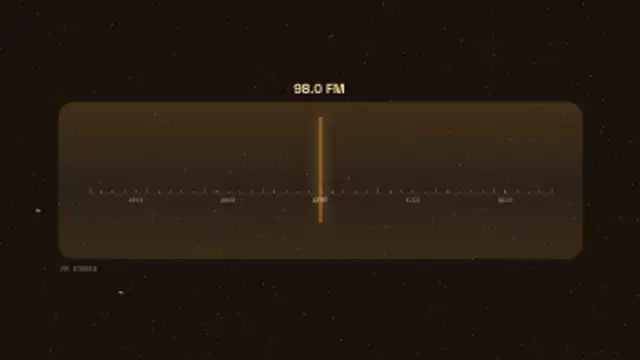
The needle sweeps the lit band and overshoots each station before settling, hiss washing across the glass until the call sign lights and the frequency locks.
Lay a grain, burn or tracking overlay on the track above your footage and set it to a low opacity. Real analog artifacts are inconsistent, so short bursts of tracking error or a single burn between scenes read better than a constant filter.
Nostalgia is mostly texture. These presets add film grain, burn a frame, tear VHS tracking, collapse a CRT and stamp a camcorder date, all as overlays you control.
Read the full guide: How to Add a VHS or Film Look to Digital Footage32 editable presets, including Film Grain & Dust, Film Burn, VHS Tracking, CRT Turn Off, Film Leader Countdown and Camcorder REC. Every one opens in the browser editor, where you change colors, timing and any text before you download.
None of them loop. Every preset in Film & Retro Textures plays once, which suits cuts, openers and one-off moments.
MP4 for any editor or platform, WebM with a transparent background for the web, and a PNG sequence with alpha for Premiere Pro, After Effects, DaVinci Resolve and Figma. Every preset exports in 16:9, 9:16, 1:1 and 4:5 from 720p up to 8K, with a commercial license in your name.
Editing and previewing are free. You only spend a credit when the finished file lands on your machine.
5 free HD downloads on a new account · No card required