
An instant print ejects and shakes, then the image surfaces out of the milky emulsion from the edges inward as the colour cast clears.
Riso Overprint
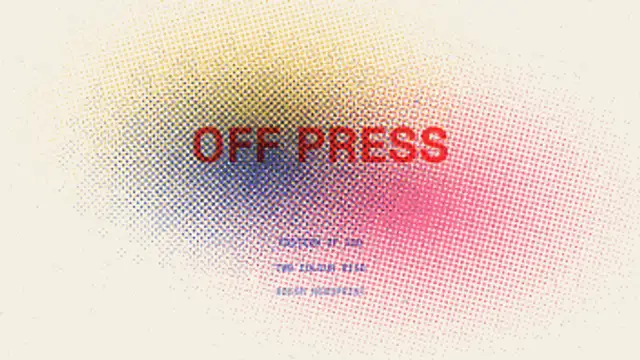
Spot inks lay down one screen at a time at their own angles, each drifting out of register on the drum so the overlaps darken and the paper tooth shows through.
Animate a riso print: spot inks lay down screen by screen at their own angles and drift out of register so overlaps darken.
Part of Film & Retro Textures. New to this kind of graphic? Read How to Add a VHS or Film Look to Digital Footage.
Transparent exports and editor imports are explained in the transparent video guide, and every download is free under the commercial license.
Content: labels and title. Typography: font. Style: background, primary, secondary, accent and text color. Layout: aspect ratio. Motion: duration, intensity, density and variation.
Riso Overprint runs 8 seconds by default, and you can set any length up to 15 seconds before you export. It plays once.
Announce a zine launch, a print fair, a gig poster drop or an indie label release with Riso Overprint. The layers going down one ink at a time mirror how the real prints are made, which suits audiences who care about the craft.
An instant print ejects and shakes, then the image surfaces out of the milky emulsion from the edges inward as the colour cast clears.

A print screen of dots swells and shrinks as a seeded noise field drifts underneath, so the whole surface breathes without a single dot leaving its cell.

A newspaper page builds itself around your headline: rules draw on, the headline sets line by line, then greeked columns flow around a halftone photo block.

A grid of circles grows from a wavefront sweeping across the frame, the dots expanding to full size as the wipe passes, then contracting to clear the shot.
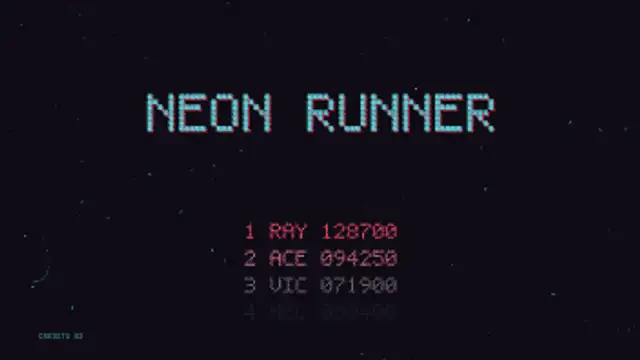
A cabinet left in attract mode: the pixel title drops in with its offset shadow, the high score table counts on line by line and PRESS START blinks over a scrolling starfield.

A mixtape cassette with your handwritten-style label spins its reels while the tape winds from one spool to the other.

The picture loses vertical hold, rolls up through the blanking bar with the frame tearing sideways, then locks onto the next channel.

A glowing phosphor screen squeezes into a bright scan line, shrinks to a dot and leaves a fading afterglow.