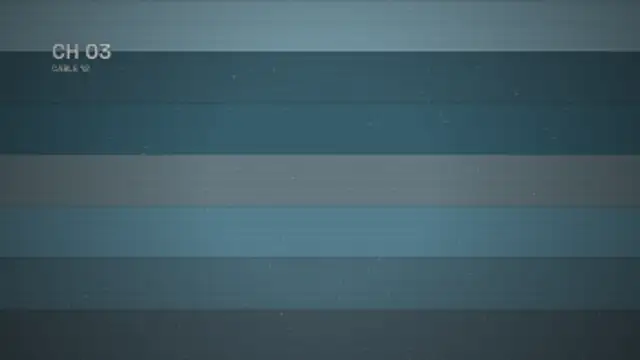
The picture loses vertical hold, rolls up through the blanking bar with the frame tearing sideways, then locks onto the next channel.
Film Burn
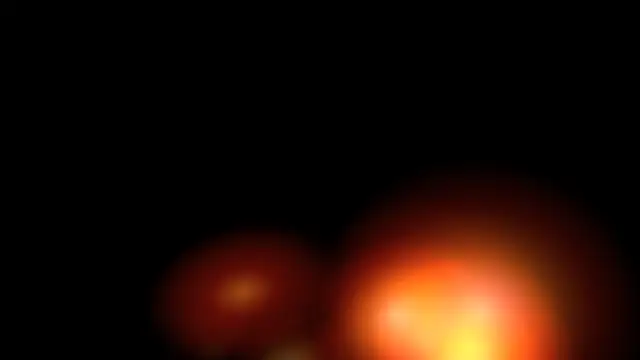
Hot orange light eats in from the frame edge, flares to white at the cut and cools away like burning celluloid.
Part of Film & Retro Textures. New to this kind of graphic? Read How to Add a VHS or Film Look to Digital Footage.
Hot orange light eats in from the frame edge, flares to white at the cut and cools away like burning celluloid. It belongs to the Film & Retro Textures category on velements, where you edit it in the browser and download it as a finished video file.
Every control in the editor, grouped the same way there. Style: background, primary, secondary and accent. Layout: aspect ratio. Motion: duration, intensity, density and variation. Each change appears in the live preview straight away, and editing is free.
Film Burn runs 2 seconds by default, and you can set any length up to 5 seconds before you export. It plays once from start to finish, so it drops straight onto a cut or an opening.
Yes. Set the background to Transparent, then export a PNG sequence for Premiere Pro, After Effects, DaVinci Resolve, Final Cut Pro or Figma: import the first frame as an image sequence and it drops onto a track above your footage with a straight alpha channel. Export WebM with a VP9 alpha channel for the web and for CapCut. MP4 has no alpha channel, so it keeps a solid color or image behind the animation.
Yes. Each download comes with a perpetual commercial license in your name for client work, ads and products, and you may sell the edited clip on stock footage sites. Reselling the preset itself as an editable template is not allowed.
The picture loses vertical hold, rolls up through the blanking bar with the frame tearing sideways, then locks onto the next channel.
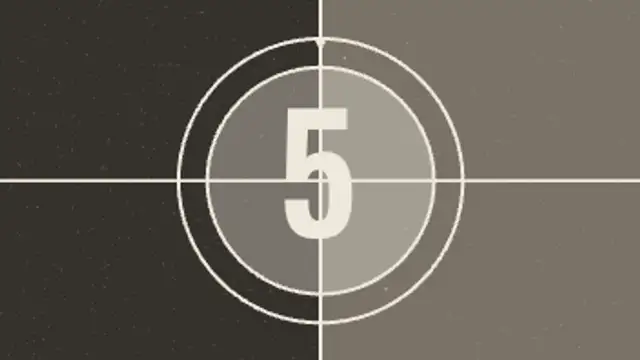
The classic projection leader: crosshair, rings and a clock wipe sweeping behind each number, with grain and weave.
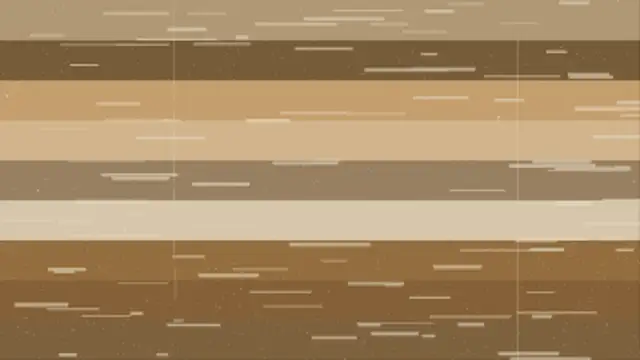
Worn print damage: the picture jumps a few frames out of register, a taped splice runs through the gate and emulsion dropouts flash across the frame.
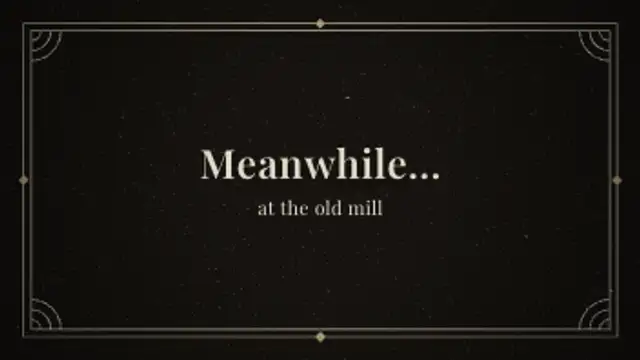
An iris opens on a flickering intertitle with an Art Deco double border, corner fans and serif text, then irises out.
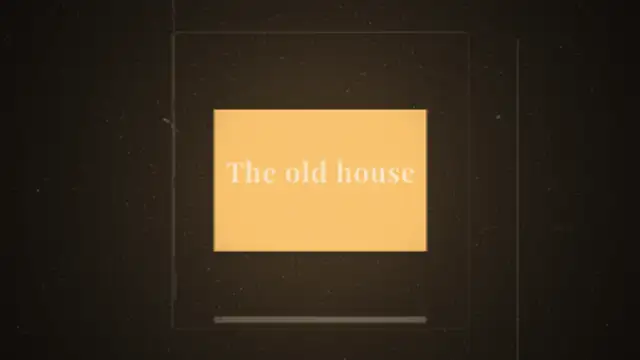
A cardboard 35mm slide drops out of the gate and the next one falls in and settles, with lamp flare, dust in the beam and gate weave.
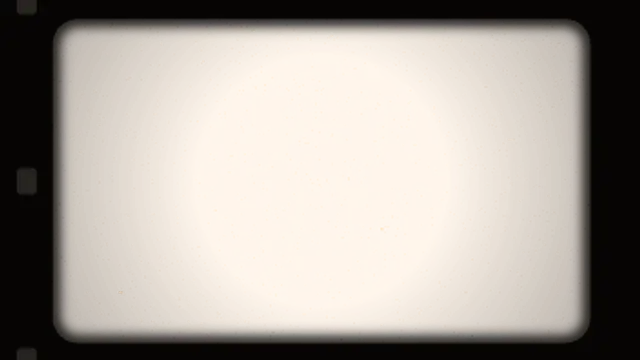
A rounded projector gate frames your footage with soft edges, sprocket holes, gate weave, warm exposure flicker and grain.
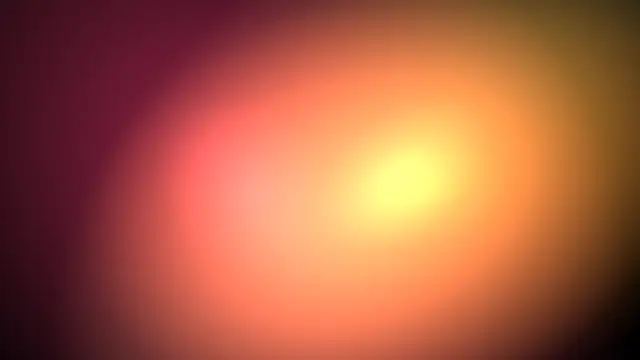
Warm film-style light leaks wash across the frame and fade. Set your editor to Screen blend for an organic cinematic transition.
The frame burns through from an off-centre hot spot, its ragged edge boiling outward behind an amber rim before bleaching out.