
A punchy white flash peaks exactly at the cut point with a soft bloom. The simplest transition that always works.
Film Burn Burnout
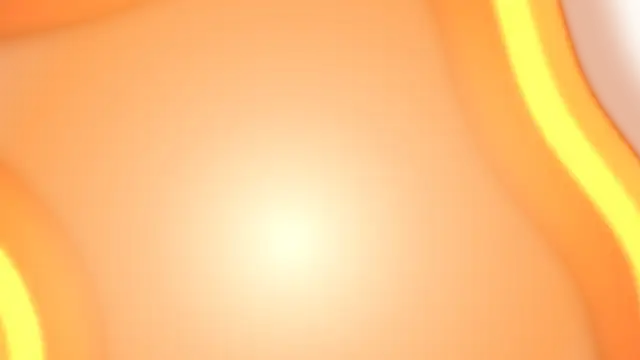
The frame burns through from an off-centre hot spot, its ragged edge boiling outward behind an amber rim before bleaching out.
Burn through the frame with a ragged boiling edge and amber rim for retro, analog and vlog transitions. Transparent export.
Part of Light Leaks & Flares. New to this kind of graphic? Read How to Add Light Leaks to a Video.
Transparent exports and editor imports are explained in the transparent video guide, and every download is free under the commercial license.
Style: background, primary, secondary and accent. Layout: aspect ratio. Motion: duration, intensity and variation.
Film Burn Burnout runs 2.5 seconds by default, and you can set any length up to 60 seconds before you export. It plays once.
End a vlog chapter or a nostalgic montage with Film Burn Burnout, letting the frame melt away before the next scene. It also makes a strong final beat for a music video, where the bleach-out can land on the last chord.
A punchy white flash peaks exactly at the cut point with a soft bloom. The simplest transition that always works.

A travelling front ignites cross-star sparkles that flare and decay behind it, sweeping the frame clean. Export transparent.
Projector light flickers and weaves in the gate with drifting hairs, dust specks and a frame line that slips past mid-shot.
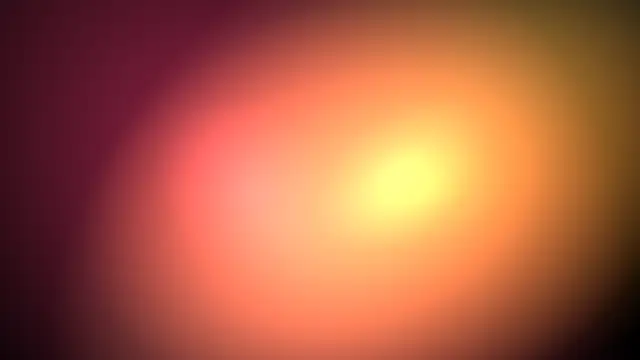
Warm film-style light leaks wash across the frame and fade. Set your editor to Screen blend for an organic cinematic transition.
A glass tube sign burns with a hot core and gas halo while one dead segment stutters on and off, buzzing on a tired ballast.
Sprocketed film edges slide in and roll continuously for a nostalgic analog cinema frame.
Hot orange light eats in from the frame edge, flares to white at the cut and cools away like burning celluloid.

A specular highlight sweeps across your headline with a soft beam, turning flat type into polished metal or glass.