
A rhythmic strobe pulses the frame with an optional colour cycle and soft bloom. Capped to a gentle flash rate.
Flash Cut

A punchy white flash peaks exactly at the cut point with a soft bloom. The simplest transition that always works.
Part of Light Leaks & Flares. New to this kind of graphic? Read How to Add Light Leaks to a Video.
A punchy white flash peaks exactly at the cut point with a soft bloom. The simplest transition that always works. It belongs to the Light Leaks & Flares category on velements, where you edit it in the browser and download it as a finished video file.
Every control in the editor, grouped the same way there. Style: background, primary, secondary and accent. Layout: aspect ratio. Motion: duration, intensity and variation. Each change appears in the live preview straight away, and editing is free.
Flash Cut runs 1 second by default, and you can set any length up to 3 seconds before you export. It plays once from start to finish, so it drops straight onto a cut or an opening.
Yes. Set the background to Transparent, then export a PNG sequence for Premiere Pro, After Effects, DaVinci Resolve, Final Cut Pro or Figma: import the first frame as an image sequence and it drops onto a track above your footage with a straight alpha channel. Export WebM with a VP9 alpha channel for the web and for CapCut. MP4 has no alpha channel, so it keeps a solid color or image behind the animation.
Yes. Each download comes with a perpetual commercial license in your name for client work, ads and products, and you may sell the edited clip on stock footage sites. Reselling the preset itself as an editable template is not allowed.
A rhythmic strobe pulses the frame with an optional colour cycle and soft bloom. Capped to a gentle flash rate.

The frame burns through from an off-centre hot spot, its ragged edge boiling outward behind an amber rim before bleaching out.

A travelling front ignites cross-star sparkles that flare and decay behind it, sweeping the frame clean. Export transparent.
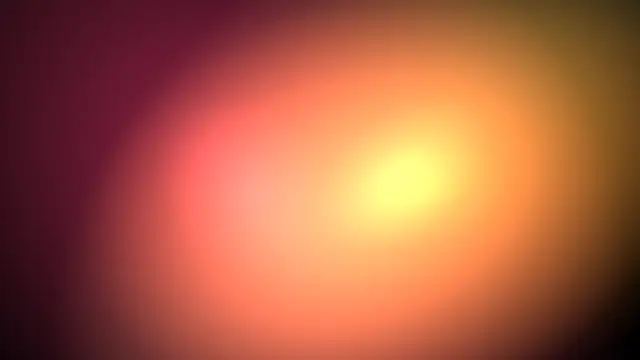
Warm film-style light leaks wash across the frame and fade. Set your editor to Screen blend for an organic cinematic transition.
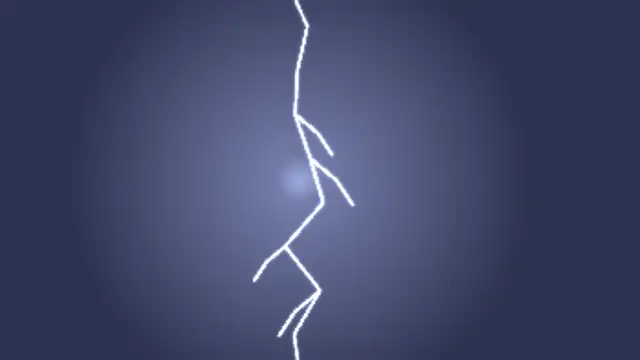
A lightning bolt strikes with branching forks, a blown-out sheet flash and a fading afterglow. Flash rate stays gentle.

A specular highlight sweeps across your headline with a soft beam, turning flat type into polished metal or glass.
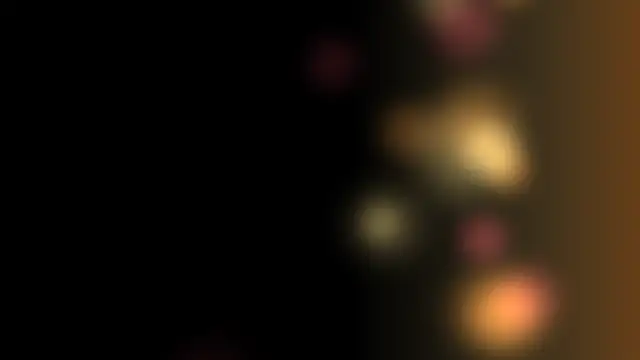
Blown-out defocused orbs bleed in from one edge and drift on a warm wash. Seamless loop for Screen blend.
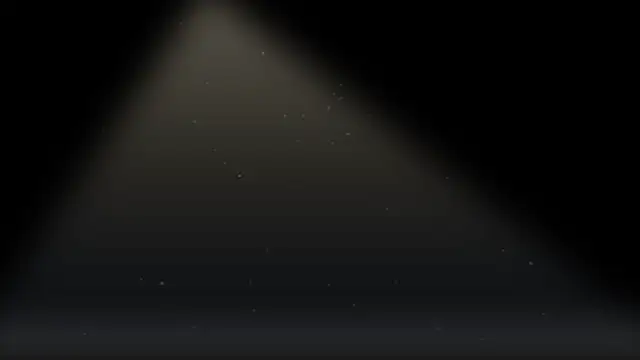
A projector throws a widening cone of light over the audience, dust motes turning inside it while the screen glows at the far end.