
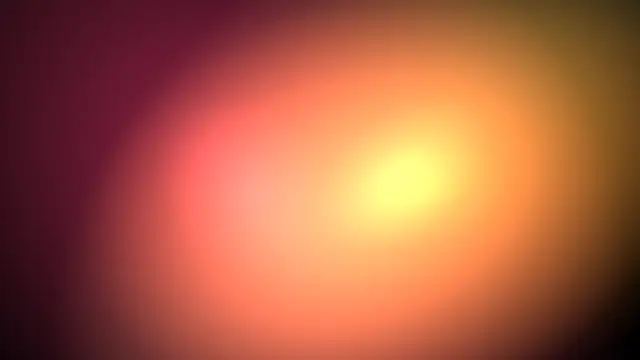
Warm film-style light leaks wash across the frame and fade. Set your editor to Screen blend for an organic cinematic transition.
Warm leaks, flashes and flares that add cinematic atmosphere.
Warm film-style light leaks wash across the frame and fade. Set your editor to Screen blend for an organic cinematic transition.
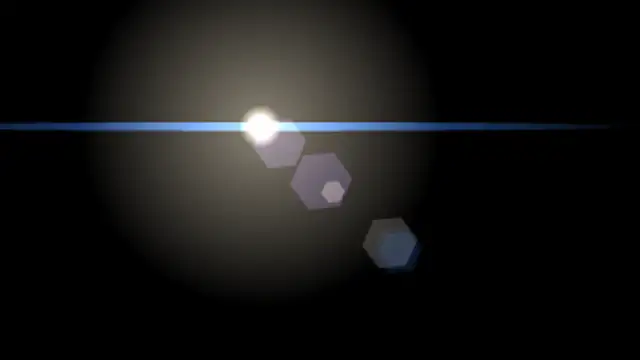
An anamorphic lens flare glides across with a blue streak and hexagonal ghosts, like a sun catching the lens.

A punchy white flash peaks exactly at the cut point with a soft bloom. The simplest transition that always works.
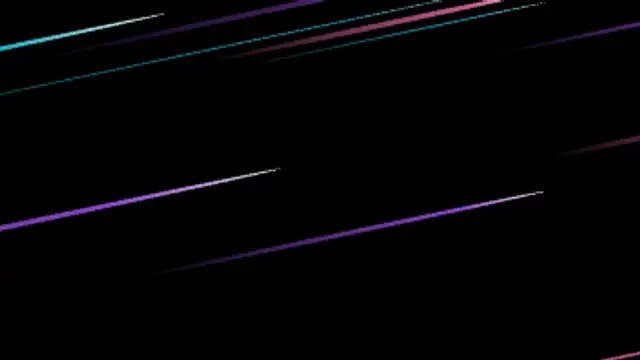
Glowing light trails race across the screen at speed, leaving neon energy behind. Loops seamlessly.
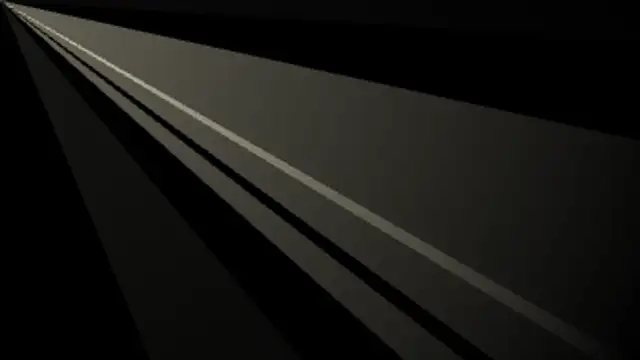
Soft volumetric rays pour from a corner, swaying and shimmering like sunlight through haze.
Blown-out defocused orbs bleed in from one edge and drift on a warm wash. Seamless loop for Screen blend.
Warm slats of window light drift across the frame with soft edges, haze and floating dust. Loops for Screen blend.
A chromatic fan of refracted colour bands sweeps past with a white core, like light splitting through glass.

A specular highlight sweeps across your headline with a soft beam, turning flat type into polished metal or glass.
A radiant burst blooms from behind the subject with turning rays, a hot core and a shockwave ring, then settles.
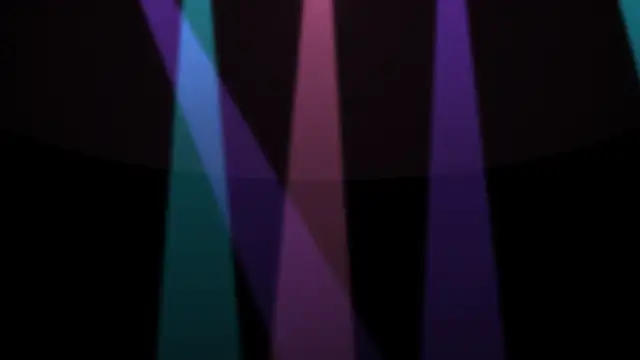
Concert moving-head beams swing across the frame in hazy cones with glowing lamp heads. Seamless loop.
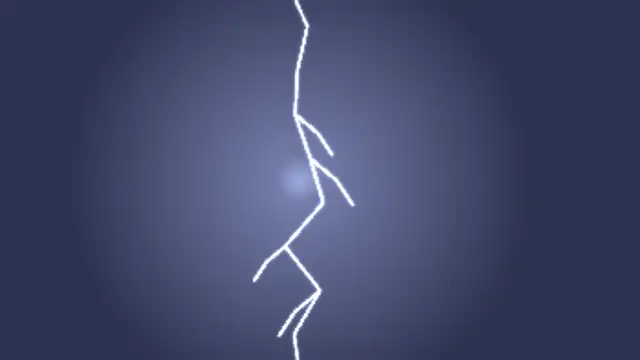
A lightning bolt strikes with branching forks, a blown-out sheet flash and a fading afterglow. Flash rate stays gentle.
A rhythmic strobe pulses the frame with an optional colour cycle and soft bloom. Capped to a gentle flash rate.
Refracted pool light crawls across the frame in shimmering cells that stretch and breathe. Seamless loop.
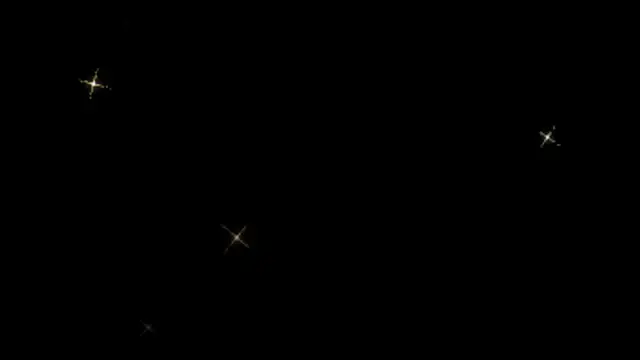
Cross-filter glints ignite on highlights, flare out with spikes and a hot core, then fade. Seamless loop.
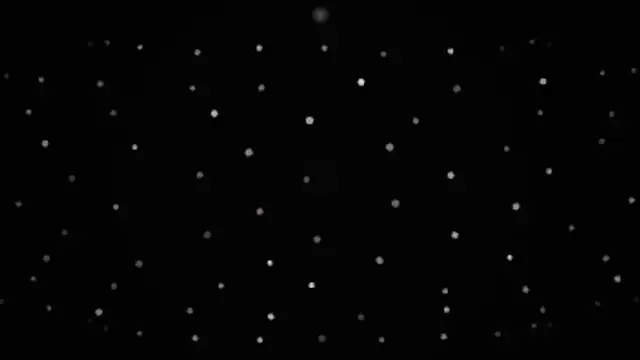
Facets of a turning mirror ball throw a field of bright dots that slide across the room and twinkle one by one. Seamless loop.
Sunlight filtered through a leafy canopy scatters soft patches across the frame, breathing and swaying on a light breeze. Seamless loop.
Coloured panes of an arched window are cast across the wall in perspective, breathing as the sun drifts, with soft dust shafts.
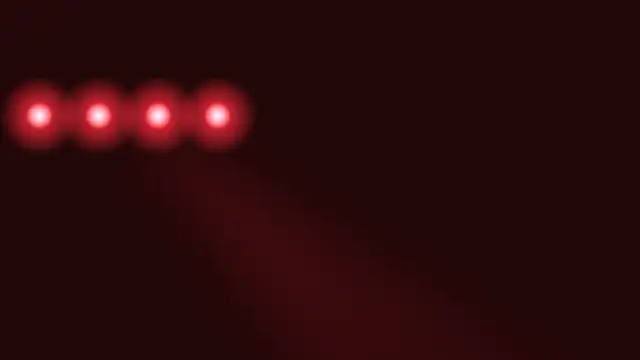
Red and blue lamp clusters rip through a quad-flash pattern while rotating beacons sweep their spill across the frame.
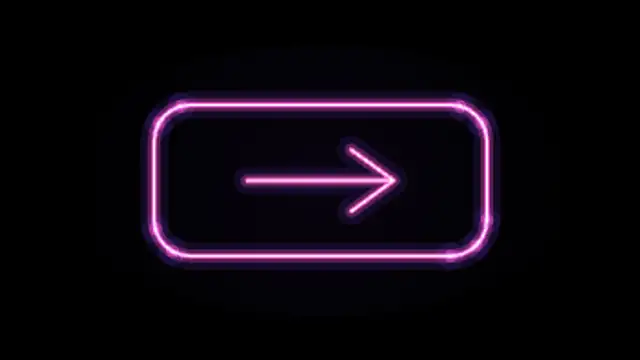
A glass tube sign burns with a hot core and gas halo while one dead segment stutters on and off, buzzing on a tired ballast.

A travelling front ignites cross-star sparkles that flare and decay behind it, sweeping the frame clean. Export transparent.
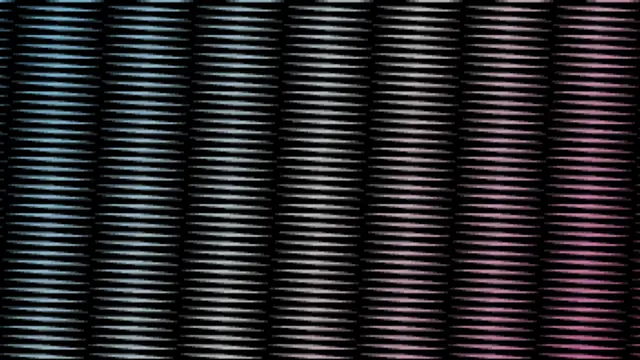
Two dense line gratings drift against each other and beat into rolling interference bands. Switch to radial for a spun rosette.
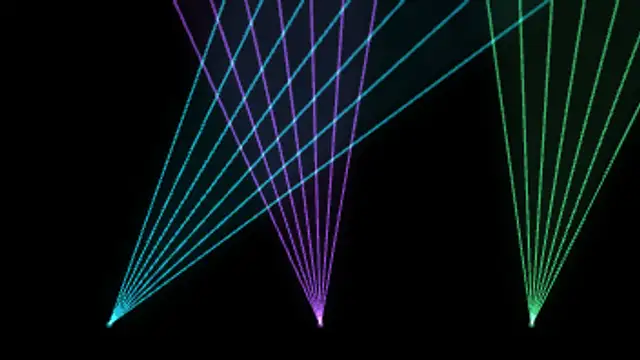
Razor-thin laser beams fan from several emitters and scan on offset schedules, brightening where they cross in the haze.
Projector light flickers and weaves in the gate with drifting hairs, dust specks and a frame line that slips past mid-shot.
The frame burns through from an off-centre hot spot, its ragged edge boiling outward behind an amber rim before bleaching out.
Sodium streetlamps rush out of the vanishing point, stretching and blowing past the camera one after another. Seamless loop.
Strands of warm bulbs sag across the frame on their wire, each one twinkling to its own slow rhythm. Seamless loop.
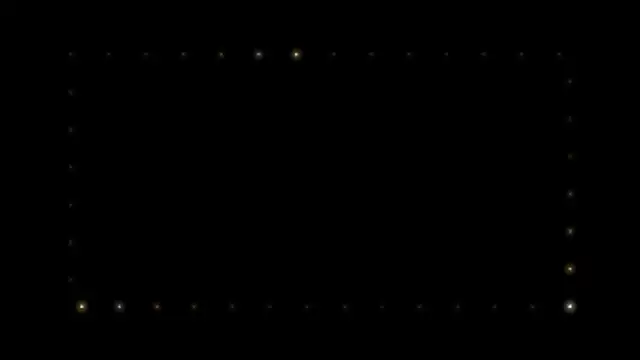
Theatre marquee bulbs run around the border in chasing groups, each filament warming up and dying away behind the next.
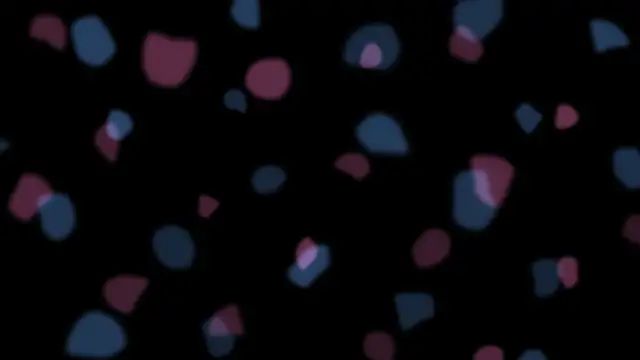
Two stage gobo breakup patterns turn against each other while a colour wheel steps the tint from one hue to the next.
Neon signs smear down wet asphalt in long vertical reflections that break apart into travelling ripples. Seamless loop.
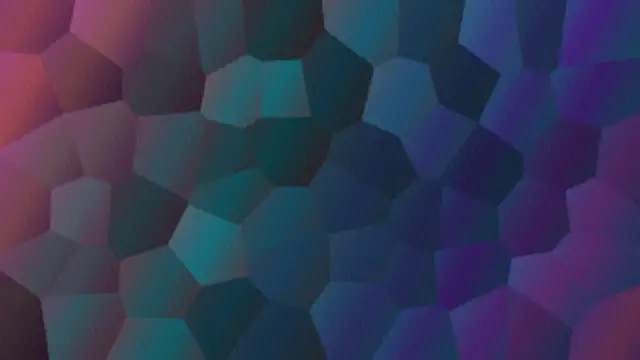
Crinkled holographic foil shifts hue facet by facet as a specular sheen travels across the etched surface. Seamless loop.
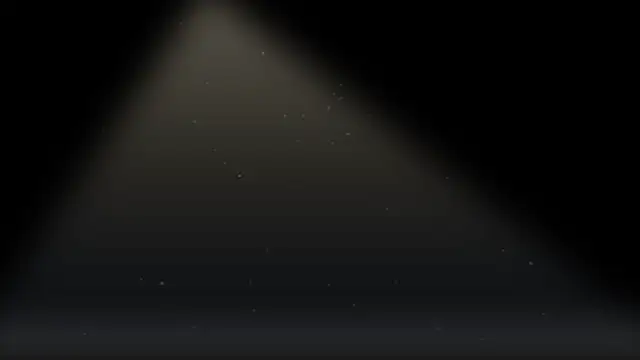
A projector throws a widening cone of light over the audience, dust motes turning inside it while the screen glows at the far end.
A walking figure crosses in front of an off-frame lamp, its silhouette stretching and softening as it moves away from the light.
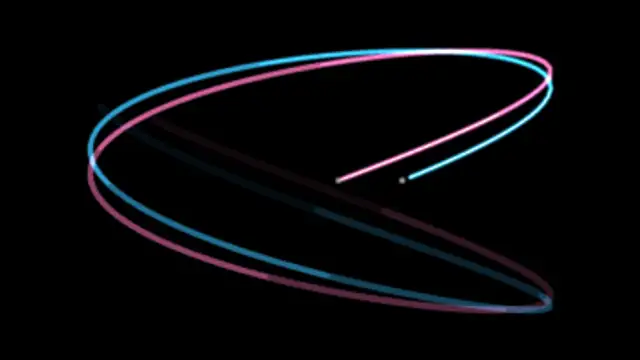
A bright point traces a looping figure through the dark, dragging a long-exposure trail that fades behind it. Seamless loop.
An off-screen television washes the room in colour, jumping tint and brightness on every cut with a fine refresh flicker.
Export a light leak on a transparent background, place it on the track above your footage, and set the blend mode to screen or add if your editor needs it. Trim it to the cut you want to soften, and lower the opacity until it feels like lens behavior rather than an overlay.
Light behaves like a memory: warm, imprecise and welcome. These presets sweep leaks, bloom flares, pulse flashes and rake god rays, all in colors you set rather than a fixed film stock.
Read the full guide: How to Add Light Leaks to a Video35 editable presets, including Light Leak Sweep, Lens Flare Pass, Flash Cut, Light Streaks, God Rays and Bokeh Light Leak. Every one opens in the browser editor, where you change colors, timing and any text before you download.
None of them loop. Every preset in Light Leaks & Flares plays once, which suits cuts, openers and one-off moments.
MP4 for any editor or platform, WebM with a transparent background for the web, and a PNG sequence with alpha for Premiere Pro, After Effects, DaVinci Resolve and Figma. Every preset exports in 16:9, 9:16, 1:1 and 4:5 from 720p up to 8K, with a commercial license in your name.
Editing and previewing are free. You only spend a credit when the finished file lands on your machine.
5 free HD downloads on a new account · No card required