
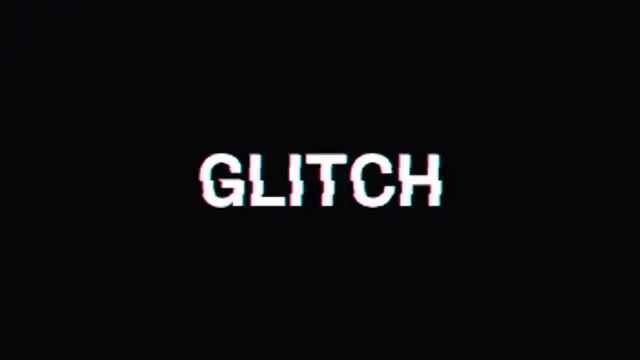
Your text tears into sliced RGB channels that jitter and snap together. The definitive digital glitch title.
Digital distortion hits for energetic cuts and tech aesthetics.
Your text tears into sliced RGB channels that jitter and snap together. The definitive digital glitch title.
Corrupted data blocks flood the screen at the cut and dissolve away. A harsh, energetic glitch transition.
CRT scanlines, a rolling refresh bar and nervous flicker give footage an authentic retro monitor look.
Uneven horizontal slices snap across the frame in stepped jumps, covering and uncovering like a broken signal.
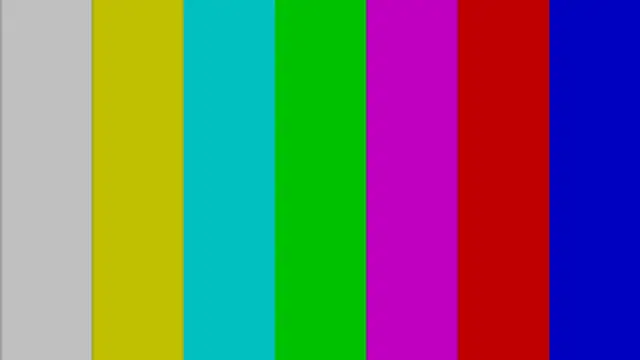
Test-card color bars jitter, then the picture collapses into a line and blinks out like an old TV turning off.
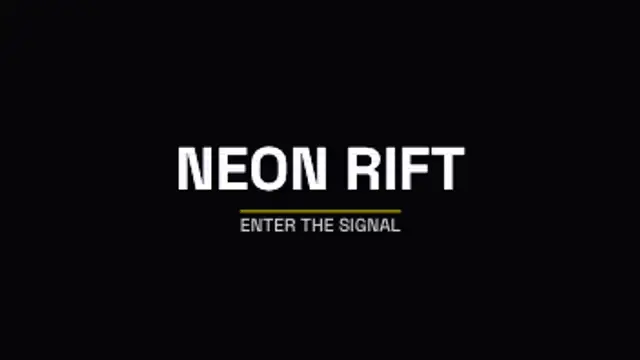
Your logo or wordmark builds from jumping slices with magenta and cyan ghosts, locks clean with small hits, then tears away.
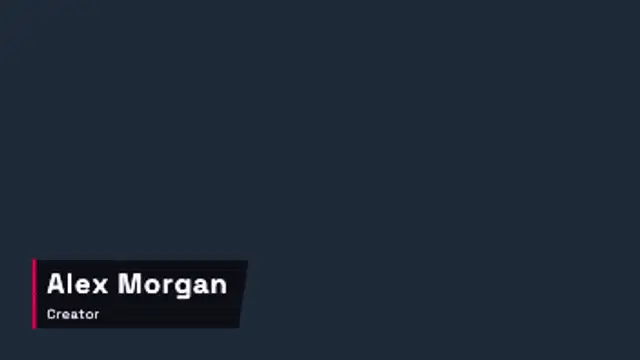
A slanted name plate slices in with RGB ghosts and stepped jumps, holds with small digital hits and tears back out.
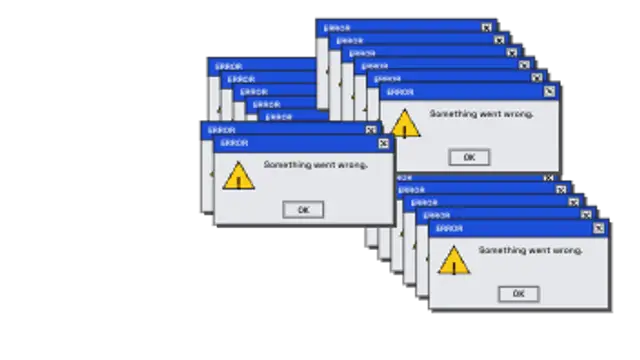
Generic retro error dialogs spawn faster and faster, cascading across the screen with glitchy ghost frames. System overload meme.
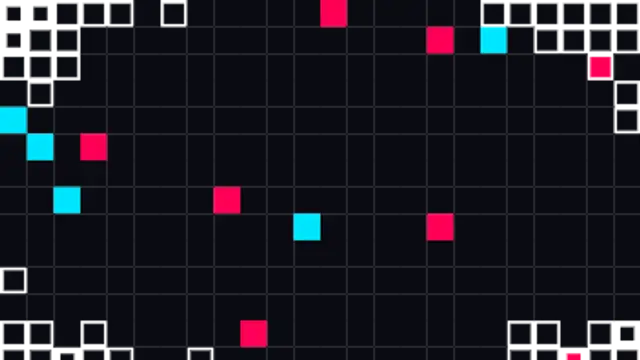
An even grid of pixels grows from the center in stepped sizes to cover the cut, then shrinks away to reveal the next shot.
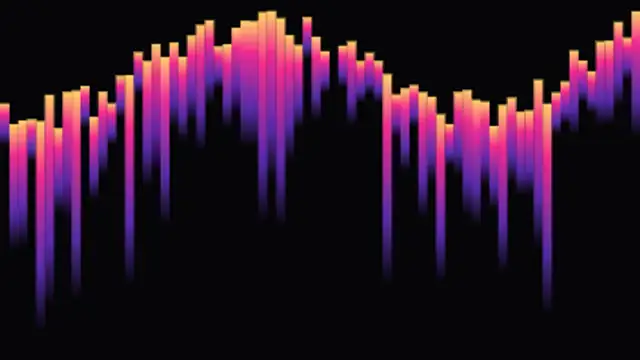
Sorted gradient streaks drip from a wavy threshold line, stretching and snapping in stepped bursts. A glitch art overlay loop.
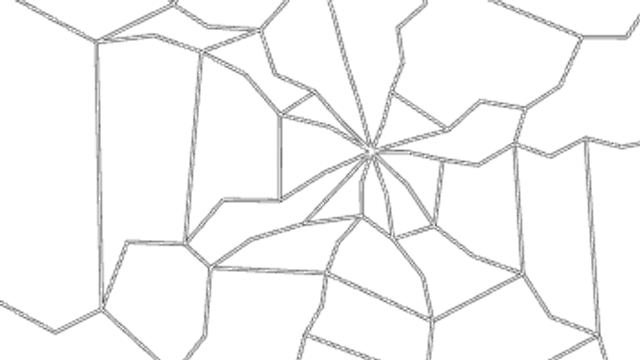
An impact flash cracks the screen from any point, the fractures shake with an RGB split and dead pixel bars keep flickering.
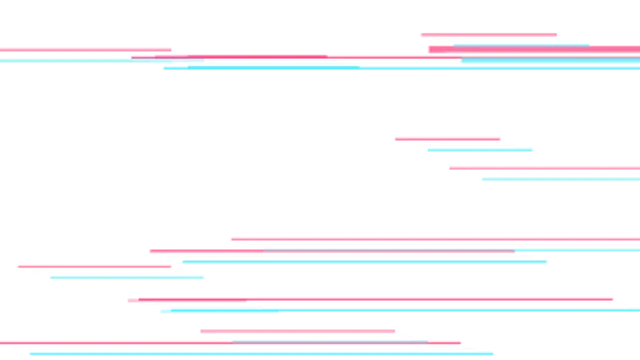
Thin chromatic lines and torn bars streak across the frame in stepped digital bursts. A transparent seamless glitch overlay.
Choose a glitch preset, set the intensity, speed and colors, and decide whether it carries text or acts as a transition. Export MP4 for a full-frame hit or transparent WebM when the distortion should sit over your own footage.
Glitch works when it is short and deliberate. These presets split RGB channels, tear blocks, drop signal and crack the screen, and every one of them exposes intensity so you can dial the noise down to taste.
Read the full guide: How to Add a Glitch Effect to a Video12 editable presets, including RGB Split Text, Block Noise Transition, Scanline Flicker, Slice Shift Wipe, Signal Drop and Glitch Logo Reveal. Every one opens in the browser editor, where you change colors, timing and any text before you download.
None of them loop. Every preset in Glitch Effects plays once, which suits cuts, openers and one-off moments.
MP4 for any editor or platform, WebM with a transparent background for the web, and a PNG sequence with alpha for Premiere Pro, After Effects, DaVinci Resolve and Figma. Every preset exports in 16:9, 9:16, 1:1 and 4:5 from 720p up to 8K, with a commercial license in your name.
Editing and previewing are free. You only spend a credit when the finished file lands on your machine.
5 free HD downloads on a new account · No card required