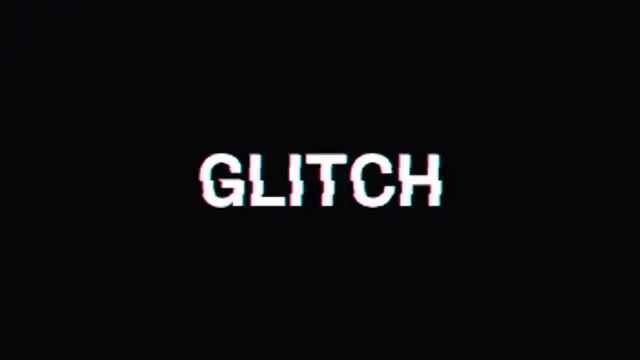
Your text tears into sliced RGB channels that jitter and snap together. The definitive digital glitch title.
Glitch Lines Overlay
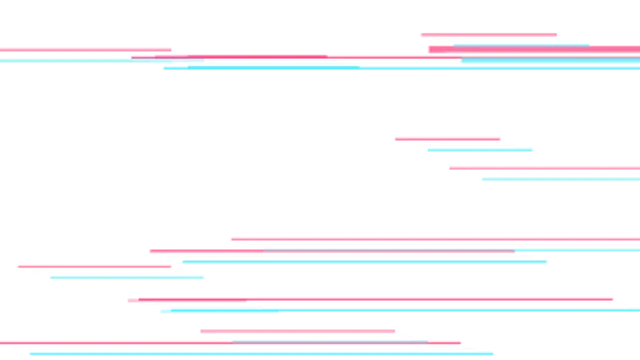
Thin chromatic lines and torn bars streak across the frame in stepped digital bursts. A transparent seamless glitch overlay.
Part of Glitch Effects. New to this kind of graphic? Read How to Add a Glitch Effect to a Video.
Thin chromatic lines and torn bars streak across the frame in stepped digital bursts. A transparent seamless glitch overlay. It belongs to the Glitch Effects category on velements, where you edit it in the browser and download it as a finished video file.
Every control in the editor, grouped the same way there. Style: background, primary, secondary and accent. Layout: aspect ratio. Motion: duration, intensity and variation. Each change appears in the live preview straight away, and editing is free.
Glitch Lines Overlay runs 4 seconds by default, and you can set any length up to 60 seconds before you export. It plays once from start to finish, so it drops straight onto a cut or an opening.
Yes. Set the background to Transparent, then export a PNG sequence for Premiere Pro, After Effects, DaVinci Resolve, Final Cut Pro or Figma: import the first frame as an image sequence and it drops onto a track above your footage with a straight alpha channel. Export WebM with a VP9 alpha channel for the web and for CapCut. MP4 has no alpha channel, so it keeps a solid color or image behind the animation.
Yes. Each download comes with a perpetual commercial license in your name for client work, ads and products, and you may sell the edited clip on stock footage sites. Reselling the preset itself as an editable template is not allowed.
Your text tears into sliced RGB channels that jitter and snap together. The definitive digital glitch title.
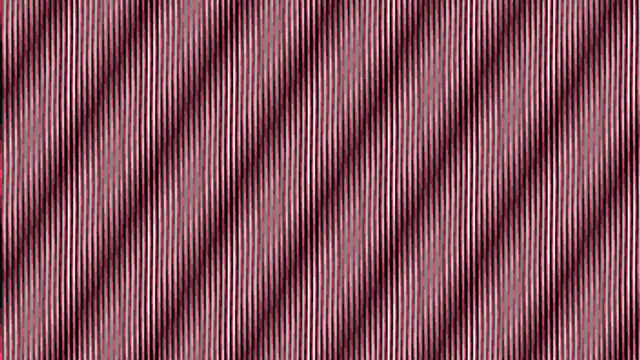
Two line grids of slightly different pitch sit over one another and one rocks a couple of degrees, so wide interference bands sweep across the frame.
Curved neon lines radiate from a central glow, drawing on and fading out in staggered waves with additive light blending.
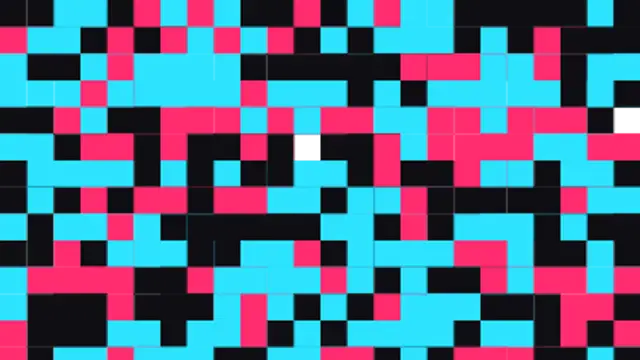
Corrupted data blocks flood the screen at the cut and dissolve away. A harsh, energetic glitch transition.
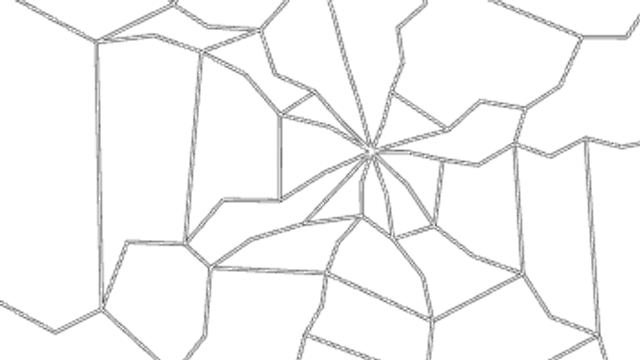
An impact flash cracks the screen from any point, the fractures shake with an RGB split and dead pixel bars keep flickering.
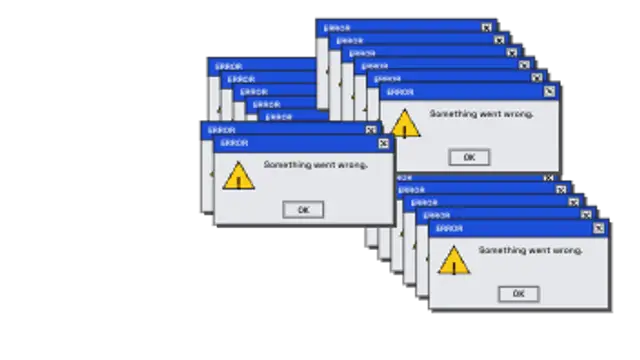
Generic retro error dialogs spawn faster and faster, cascading across the screen with glitchy ghost frames. System overload meme.
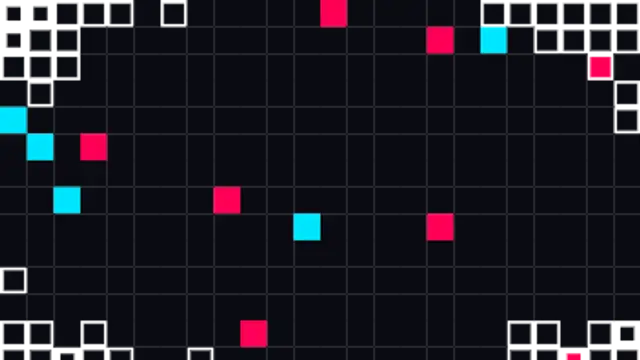
An even grid of pixels grows from the center in stepped sizes to cover the cut, then shrinks away to reveal the next shot.
CRT scanlines, a rolling refresh bar and nervous flicker give footage an authentic retro monitor look.