velements

Glitch Effects

Glitch effects: digital distortion that still reads clean

Updated September 18, 20263 min read

How do you make a glitch effect for video?

Choose a glitch preset, set the intensity, speed and colors, and decide whether it carries text or acts as a transition. Export MP4 for a full-frame hit or transparent WebM when the distortion should sit over your own footage.

Glitch works when it is short and deliberate. These presets split RGB channels, tear blocks, drop signal and crack the screen, and every one of them exposes intensity so you can dial the noise down to taste.
Five glitch effects presets to start from

Hover any card to play it. Opening one loads it in the editor with every control unlocked.

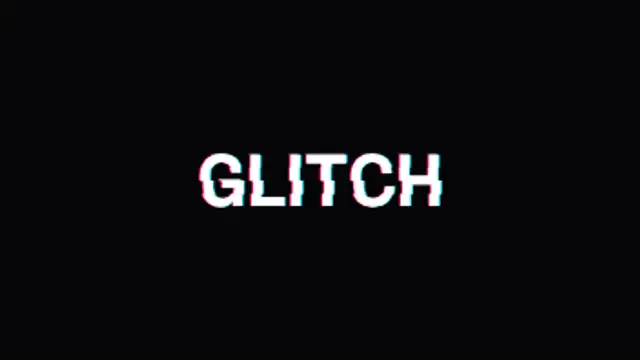
  • Your text tears into sliced RGB channels that jitter and snap together. The definitive digital glitch title.

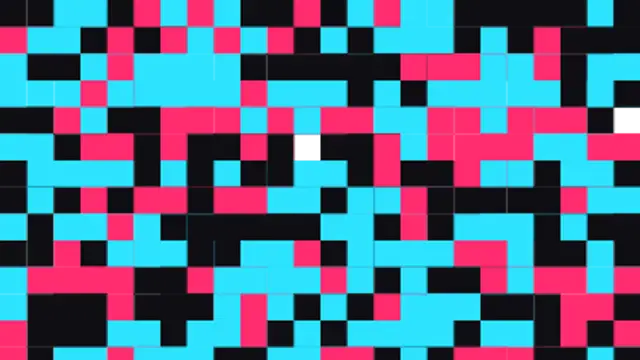
  • Corrupted data blocks flood the screen at the cut and dissolve away. A harsh, energetic glitch transition.

  • CRT scanlines, a rolling refresh bar and nervous flicker give footage an authentic retro monitor look.

  • Uneven horizontal slices snap across the frame in stepped jumps, covering and uncovering like a broken signal.

  • Test-card color bars jitter, then the picture collapses into a line and blinks out like an old TV turning off.

All glitch effects

How to make one in the browser

  1. 01Open a glitch effects presetBrowse the Glitch Effects category and open the preset closest to what you need. It loads in the editor with every control unlocked.
  2. 02Make it yoursRewrite the text, set your brand colors and font, adjust easing and duration, and switch the aspect ratio for the platform you are posting to.
  3. 03Export the clipChoose MP4 for a normal track or transparent WebM for an overlay, pick a resolution up to 8K, and the file renders on your own machine.

Which format should you export?

Use MP4 when the clip sits on its own track or fills the frame. Use transparent WebM whenever it has to float over your own footage: the alpha channel is real, so no keying or blend mode is needed.

Format
MP4 H.264 · WebM VP9
Alpha
Transparent WebM
Resolution
720p to 8K
Aspect
16:9 · 9:16 · 1:1 · 4:5
License
Commercial use included

Three tips that make it look intentional

  • Two to six frames is usually enough for a glitch accent.
  • Cut the glitch on a transient in the audio and it will feel designed.
  • Reduce intensity when the effect covers faces or small text.

Frequently asked

Will a glitch look the same every export?
Yes. Randomness is seeded, so the same variation number always produces the same frames.
Can I glitch my own text or logo?
Several presets take your own text or image, including glitch text reveals and logo distortion.
  • Light Leaks & Flares

    Light leaks and flares: cinematic atmosphere in one layer

    Export a light leak on a transparent background, place it on the track above your footage, and set the blend mode to screen or add if your editor needs it. Trim it to the cut you want to soften, and lower the opacity until it feels like lens behavior rather than an overlay.

    Read the guide
  • Liquid Transitions

    Liquid transitions: ink, drips and waves between scenes

    A liquid transition uses organic motion, ink spreading, paint dripping or a wave rising, to cover the frame and reveal the next shot. It suits lifestyle, beauty and craft content where a hard geometric wipe would feel too technical.

    Read the guide
  • Brush Stroke Animations

    Brush strokes: handmade texture for titles and reveals

    Pick a brush preset and set the stroke color, width and speed. The stroke draws itself along a path and can wipe the frame, highlight a word or splatter behind a title. Export transparent WebM to keep the paper texture over your own footage.

    Read the guide