
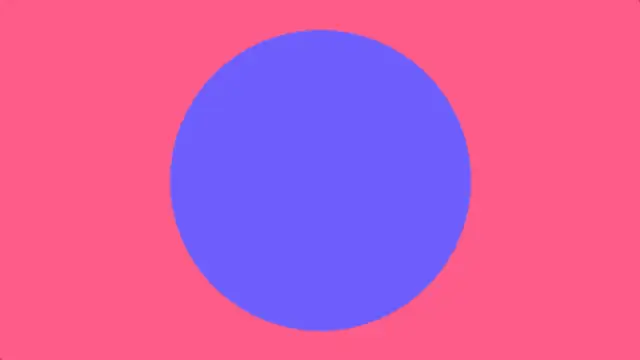
A layered circle expands from any point to cover the frame, then opens a clean hole into the next shot.
Geometric reveals, wipes and covers that cut cleanly between shots.
A layered circle expands from any point to cover the frame, then opens a clean hole into the next shot.
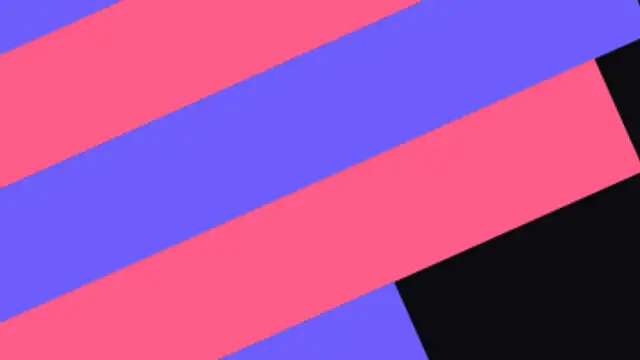
Angled two-tone bars race across the screen in a staggered sweep for energetic, sporty cuts.
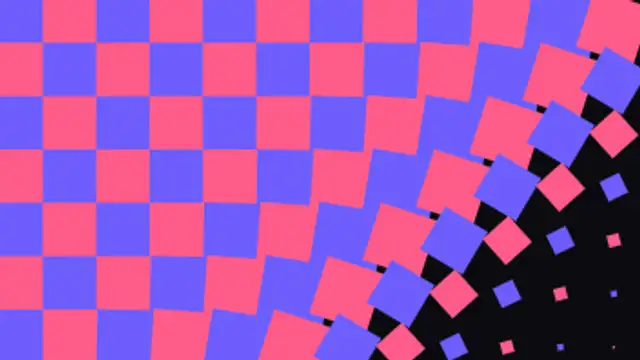
A checkerboard of rotating tiles cascades diagonally across the frame and dissolves away in the same rhythm.
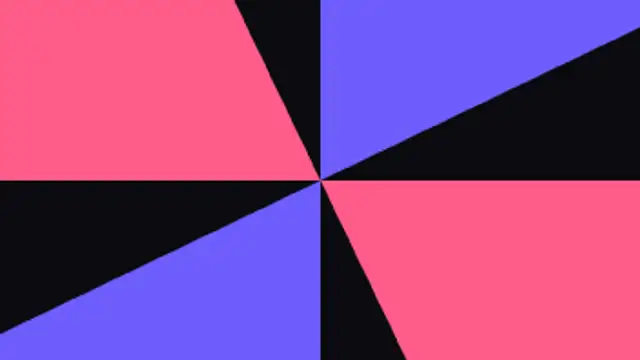
Four radial blades sweep around the center like a clock hand, covering and uncovering the frame.
Three brand-colored panels slide over each other with soft rounded edges for a polished corporate cut.
Two panels slam shut from opposite sides to meet at a center seam, then pull apart to open on the next shot.
Honeycomb cells bloom outward from the center to seal the frame, then shrink away in the same wave.
Horizontal slats unroll one after another to shut the frame like blinds, then fold away in the same order.
Arrow-shaped bands race across the frame ahead of a solid chevron cover, then chase it out to reveal the next shot.
A solid color wipe with a sawtooth leading edge tears across the frame and zips away on the other side.
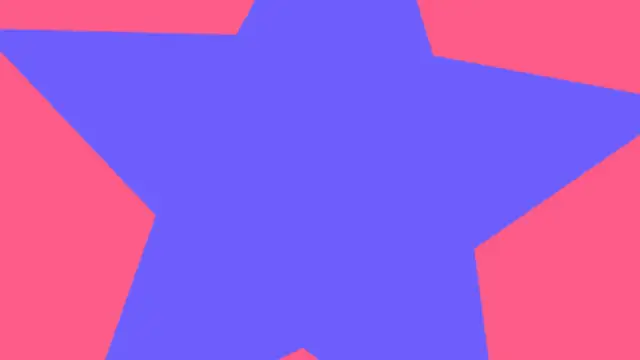
A spinning star bursts out from the center to fill the frame, then twists open a star-shaped window onto the next shot.
Stacked rounded squares pop in with an elastic overshoot and a quarter spin, then bounce open onto the next scene.
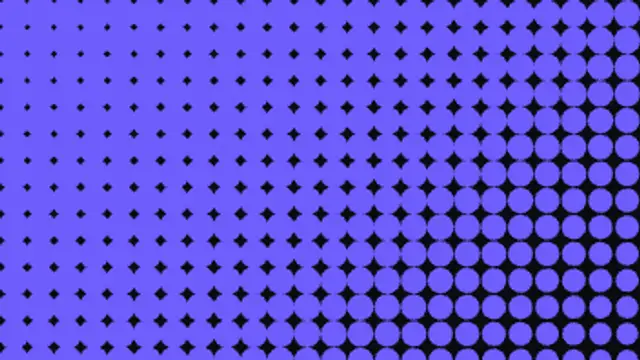
A halftone field of dots swells diagonally across the frame into a solid fill, then shrinks back to reveal the next shot.

Layered hearts swell from the center to fill the frame, then a heart-shaped window opens onto the next shot.

Three color layers sweep across with a soft bowed edge that flattens as they land, then curve away to reveal the next shot.
A shape transition is a graphic wipe where a circle, bar or tile grid travels across the frame and hands the shot over to the next one. It hides the cut, carries your brand color and works in any editor once exported as MP4 or transparent WebM.
Hard cuts are honest but flat. A shape wipe gives the edit a beat and lets a brand color lead the eye from one scene to the next. Every preset below is a real animation you can retime, recolor and reframe before you export it.
Read the full guide: How to Add Shape Transitions to a Video15 editable presets, including Circle Reveal, Diagonal Bars Wipe, Square Tile Cascade, Clock Sweep, Layered Swipe and Split Doors. Every one opens in the browser editor, where you change colors, timing and any text before you download.
None of them loop. Every preset in Shape Transitions plays once, which suits cuts, openers and one-off moments.
MP4 for any editor or platform, WebM with a transparent background for the web, and a PNG sequence with alpha for Premiere Pro, After Effects, DaVinci Resolve and Figma. Every preset exports in 16:9, 9:16, 1:1 and 4:5 from 720p up to 8K, with a commercial license in your name.
Editing and previewing are free. You only spend a credit when the finished file lands on your machine.
5 free HD downloads on a new account · No card required