
A solid color wipe with a sawtooth leading edge tears across the frame and zips away on the other side.
Circle Reveal

A layered circle expands from any point to cover the frame, then opens a clean hole into the next shot.
Part of Shape Transitions. New to this kind of graphic? Read How to Add Shape Transitions to a Video.
A layered circle expands from any point to cover the frame, then opens a clean hole into the next shot. It belongs to the Shape Transitions category on velements, where you edit it in the browser and download it as a finished video file.
Every control in the editor, grouped the same way there. Style: background, primary and secondary. Layout: aspect ratio, shape, position and rotation. Motion: duration and easing. Each change appears in the live preview straight away, and editing is free.
Circle Reveal runs 1 second by default, and you can set any length up to 5 seconds before you export. It plays once from start to finish, so it drops straight onto a cut or an opening.
Yes. Set the background to Transparent, then export a PNG sequence for Premiere Pro, After Effects, DaVinci Resolve, Final Cut Pro or Figma: import the first frame as an image sequence and it drops onto a track above your footage with a straight alpha channel. Export WebM with a VP9 alpha channel for the web and for CapCut. MP4 has no alpha channel, so it keeps a solid color or image behind the animation.
Yes. Each download comes with a perpetual commercial license in your name for client work, ads and products, and you may sell the edited clip on stock footage sites. Reselling the preset itself as an editable template is not allowed.
A solid color wipe with a sawtooth leading edge tears across the frame and zips away on the other side.

A spark circles the centre of the frame and leaves a lingering ring of glittering dust to frame your subject.

Stacked rounded squares pop in with an elastic overshoot and a quarter spin, then bounce open onto the next scene.
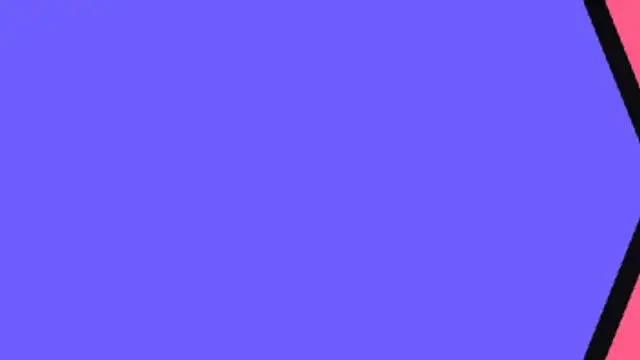
Arrow-shaped bands race across the frame ahead of a solid chevron cover, then chase it out to reveal the next shot.
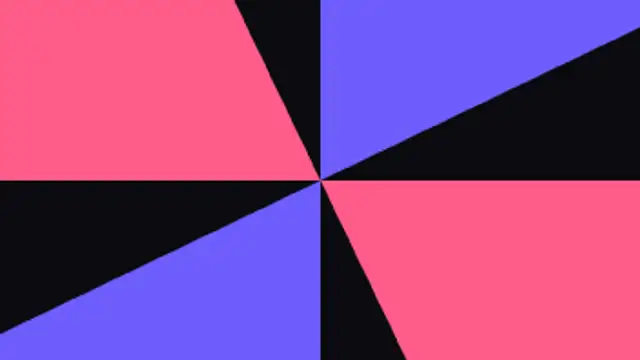
Four radial blades sweep around the center like a clock hand, covering and uncovering the frame.

Three color layers sweep across with a soft bowed edge that flattens as they land, then curve away to reveal the next shot.
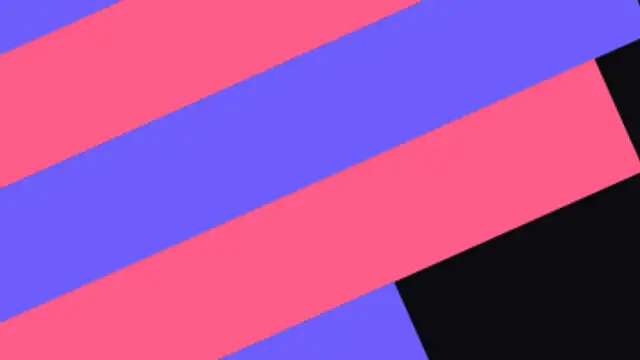
Angled two-tone bars race across the screen in a staggered sweep for energetic, sporty cuts.
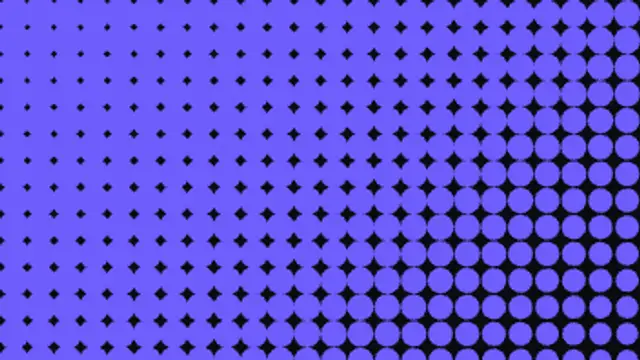
A halftone field of dots swells diagonally across the frame into a solid fill, then shrinks back to reveal the next shot.