
Bold, textured paint strokes zigzag across the frame to cover the cut, then get brushed away again.
Hand-made strokes, markers and splatters with artistic texture.
Bold, textured paint strokes zigzag across the frame to cover the cut, then get brushed away again.
A chunky highlighter sweeps behind your words like a real marker, perfect for emphasizing key phrases.
Colorful paint splats slap onto the screen with flying drops until the frame is covered, then vanish in a new pattern.
A frantic marker scribble fills the whole frame at an angle, then scribbles itself away. Hand-made and fun.
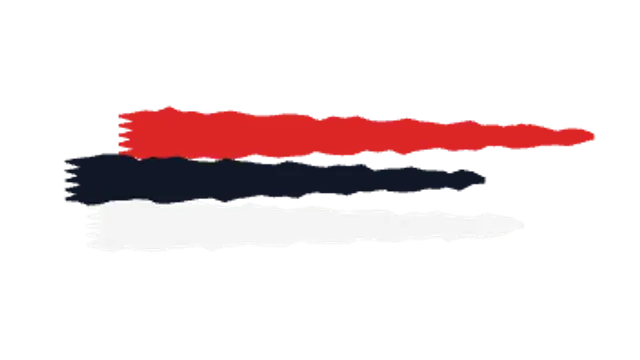
Rough dry-brush bars streak across in layers with visible bristle texture, a perfect gritty backdrop for titles.
Pick a brush preset and set the stroke color, width and speed. The stroke draws itself along a path and can wipe the frame, highlight a word or splatter behind a title. Export transparent WebM to keep the paper texture over your own footage.
A painted mark adds a human hand to an otherwise perfect frame. These presets wipe with a brush, highlight with a marker, splatter and scribble, all in your colors and at your pace.
Read the full guide: How to Make a Brush Stroke Animation for a Video5 editable presets, including Brush Stroke Wipe, Marker Highlight, Splatter Reveal, Scribble Fill and Dry Brush Bars. Every one opens in the browser editor, where you change colors, timing and any text before you download.
None of them loop. Every preset in Brush Stroke Animations plays once, which suits cuts, openers and one-off moments.
MP4 for any editor or platform, WebM with a transparent background for the web, and a PNG sequence with alpha for Premiere Pro, After Effects, DaVinci Resolve and Figma. Every preset exports in 16:9, 9:16, 1:1 and 4:5 from 720p up to 8K, with a commercial license in your name.
Editing and previewing are free. You only spend a credit when the finished file lands on your machine.
5 free HD downloads on a new account · No card required