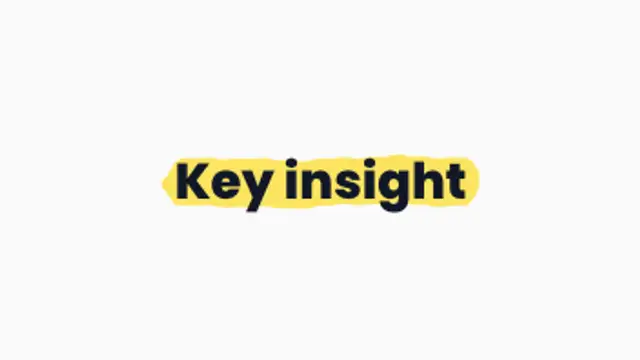
A chunky highlighter sweeps behind your words like a real marker, perfect for emphasizing key phrases.
Scribble Fill
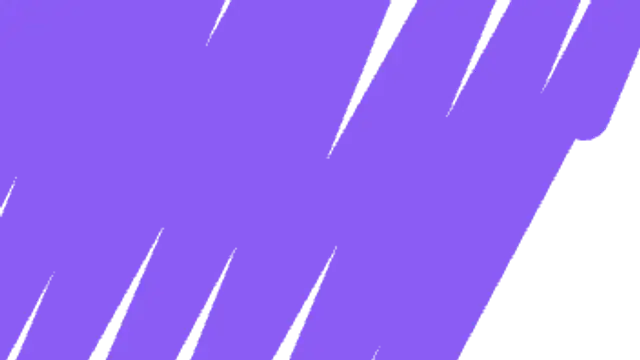
A frantic marker scribble fills the whole frame at an angle, then scribbles itself away. Hand-made and fun.
Part of Brush Stroke Animations. New to this kind of graphic? Read How to Make a Brush Stroke Animation for a Video.
A frantic marker scribble fills the whole frame at an angle, then scribbles itself away. Hand-made and fun. It belongs to the Brush Stroke Animations category on velements, where you edit it in the browser and download it as a finished video file.
Every control in the editor, grouped the same way there. Style: background, primary and thickness. Layout: aspect ratio. Motion: duration, easing and variation. Each change appears in the live preview straight away, and editing is free.
Scribble Fill runs 1.5 seconds by default, and you can set any length up to 5 seconds before you export. It plays once from start to finish, so it drops straight onto a cut or an opening.
Yes. Set the background to Transparent, then export a PNG sequence for Premiere Pro, After Effects, DaVinci Resolve, Final Cut Pro or Figma: import the first frame as an image sequence and it drops onto a track above your footage with a straight alpha channel. Export WebM with a VP9 alpha channel for the web and for CapCut. MP4 has no alpha channel, so it keeps a solid color or image behind the animation.
Yes. Each download comes with a perpetual commercial license in your name for client work, ads and products, and you may sell the edited clip on stock footage sites. Reselling the preset itself as an editable template is not allowed.
A chunky highlighter sweeps behind your words like a real marker, perfect for emphasizing key phrases.
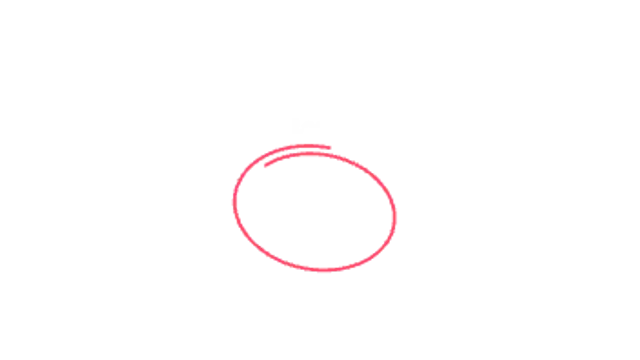
A loose marker-style loop circles the key detail like a presenter sketching on screen.
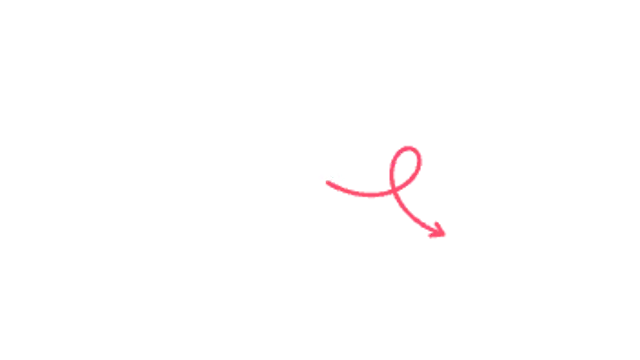
A doodle arrow swoops through a playful loop-de-loop before landing on your subject.
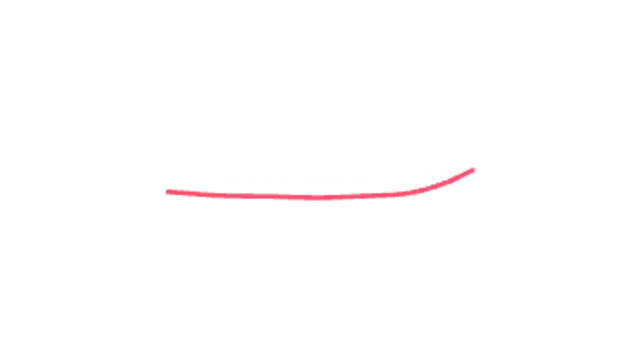
Your words appear, then a marker swoosh underlines them, sized to the text and boiling like hand-drawn animation.
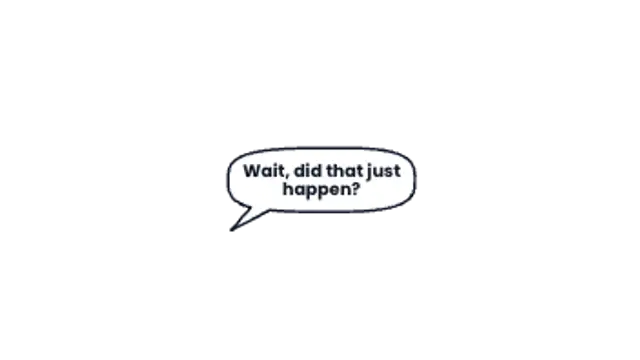
A hand-drawn speech bubble pops from the speaker, sizes itself to your line and types the words in.
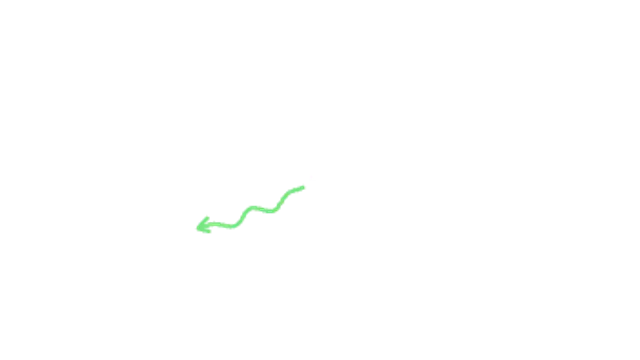
A wavy marker arrow wiggles its way across the frame and boils in place once it lands.

Bold, textured paint strokes zigzag across the frame to cover the cut, then get brushed away again.
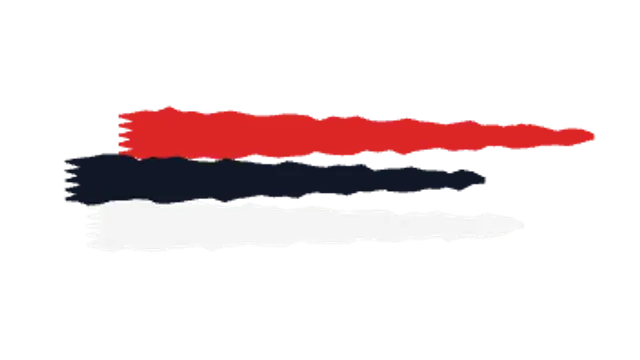
Rough dry-brush bars streak across in layers with visible bristle texture, a perfect gritty backdrop for titles.