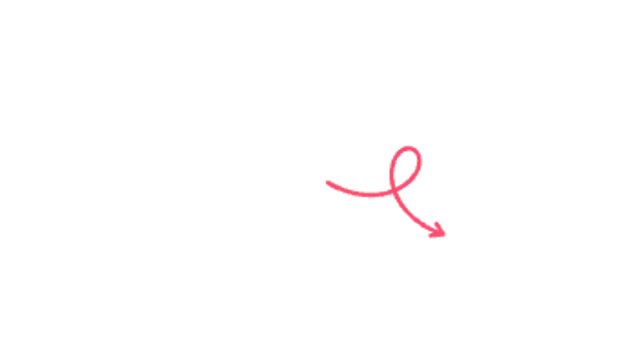
A doodle arrow swoops through a playful loop-de-loop before landing on your subject.
Squiggle Arrow

A wavy marker arrow wiggles its way across the frame and boils in place once it lands.
A wavy doodle arrow that wiggles on and keeps a hand-drawn boil. Transparent overlay for reels, kids content and playful explainers.
Part of Callouts & Arrows. New to this kind of graphic? Read How to Add Arrows and Callouts to a Video.
Transparent exports and editor imports are explained in the transparent video guide, and every download is free under the commercial license.
Content: label. Typography: font, weight and size. Style: background, text color, primary and thickness. Layout: aspect ratio, target x and target y. Motion: duration, easing and variation.
Squiggle Arrow runs 3 seconds by default, and you can set any length up to 15 seconds before you export. It plays once.
Squiggle Arrow fits content for children and light-hearted explainers, such as a classroom science clip or a toy unboxing. The wavy path reads as friendly and informal, so it softens instructions that might otherwise feel like a manual.
A doodle arrow swoops through a playful loop-de-loop before landing on your subject.
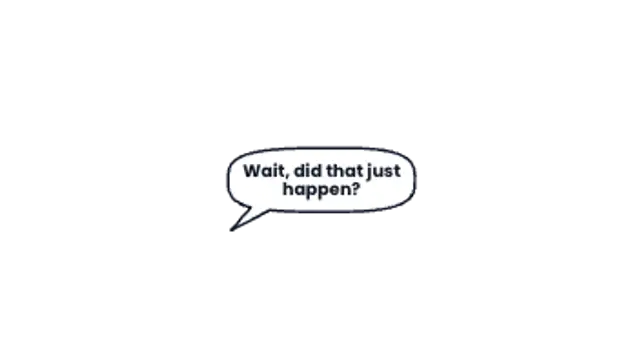
A hand-drawn speech bubble pops from the speaker, sizes itself to your line and types the words in.

A marker-drawn arrow sketches itself toward your subject and keeps boiling like hand-drawn animation.
A loose marker-style loop circles the key detail like a presenter sketching on screen.

Stars, sparkles, hearts, spirals and exclamation marks pop around your subject in a jittery hand-drawn cluster.

Hand-drawn shock lines burst out around your subject in a staggered, boiling ring that keeps pulsing.
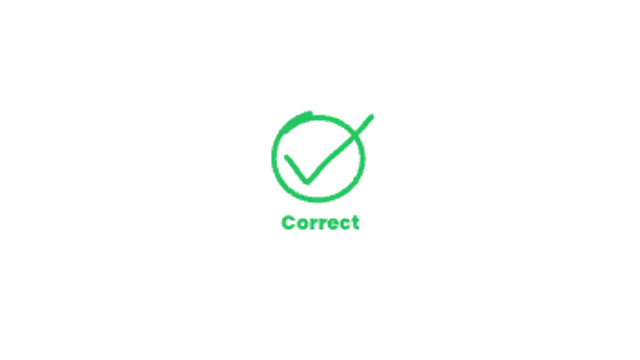
A marker ring circles the right answer, then a bold hand-drawn tick swipes through it and keeps a gentle boil.
Two quick marker slashes cross out the wrong choice with a hand-drawn boil and a verdict underneath.