

A curved arrow draws itself from your label straight to the detail you want viewers to notice.
Arrows, circles and labels that point attention where it matters.
A curved arrow draws itself from your label straight to the detail you want viewers to notice.
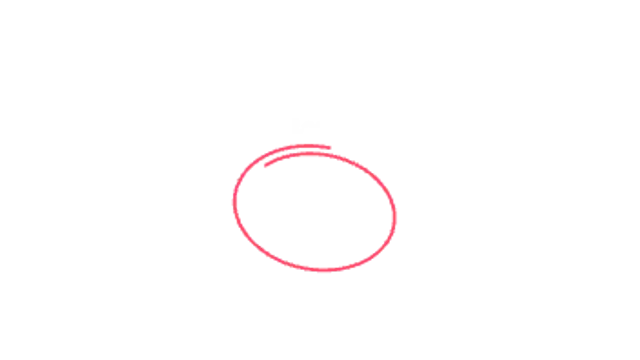
A loose marker-style loop circles the key detail like a presenter sketching on screen.
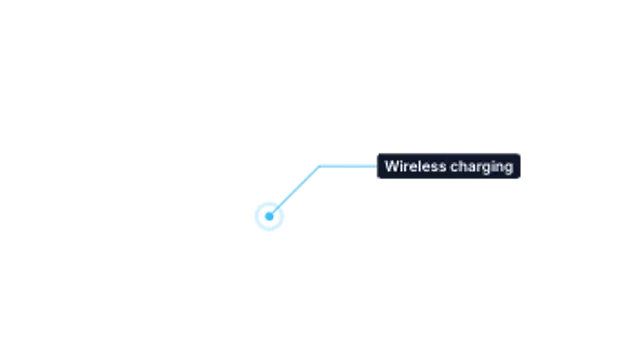
A pulsing hotspot sends a crisp leader line to a clean label box. Perfect for product features.
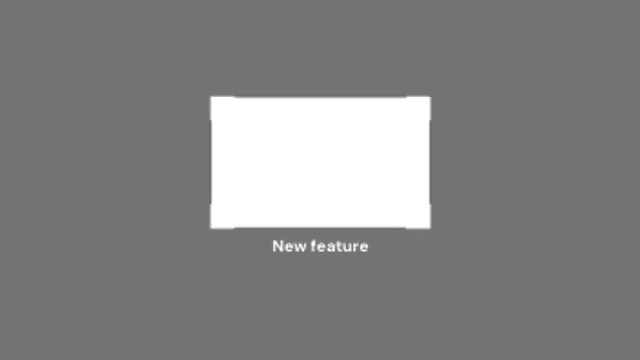
Corner brackets snap onto a region while the rest of the frame dims, pulling attention exactly where it belongs.
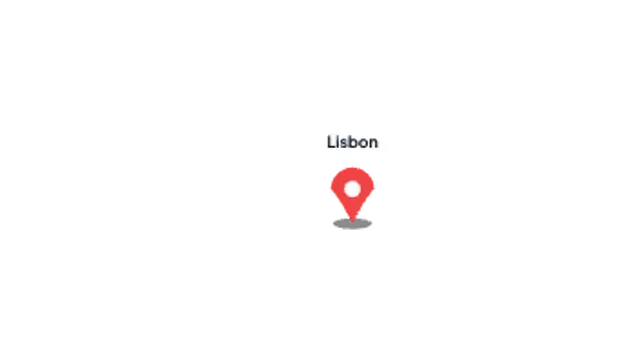
A location pin bounces onto the map and a label card pops above it. Built for travel and real estate.
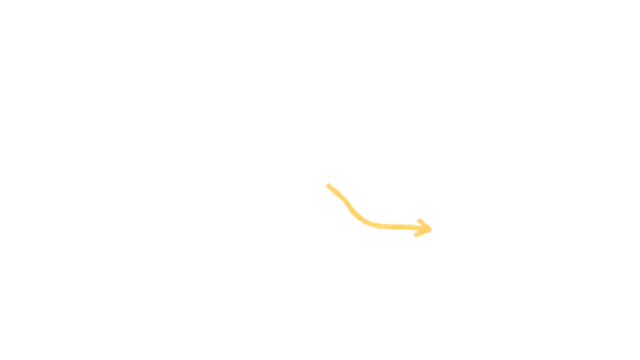
A marker-drawn arrow sketches itself toward your subject and keeps boiling like hand-drawn animation.
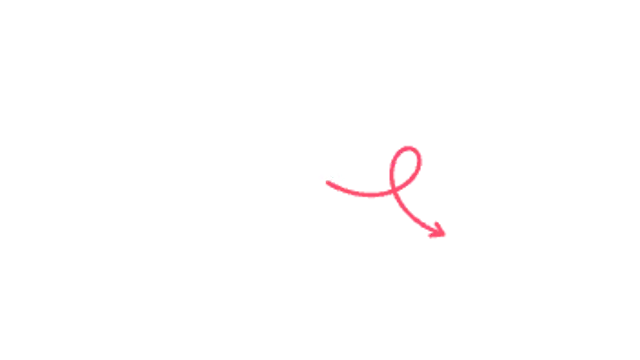
A doodle arrow swoops through a playful loop-de-loop before landing on your subject.
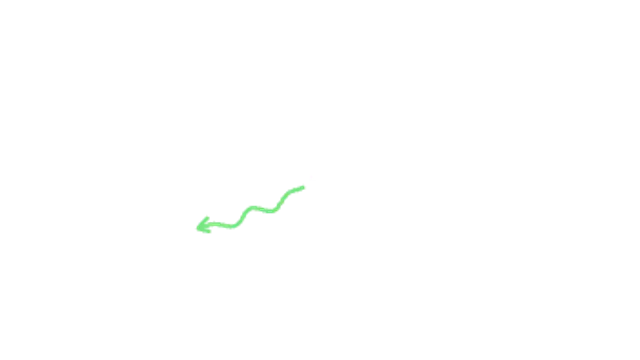
A wavy marker arrow wiggles its way across the frame and boils in place once it lands.
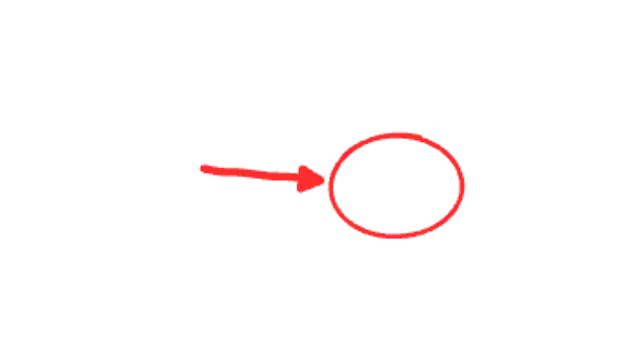
A bold marker circle rings the subject, then a chunky arrow slams in and the circle punches for emphasis.
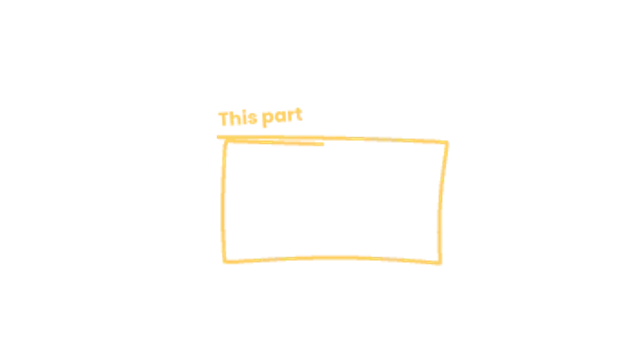
A loose marker rectangle sketches around a region with overshooting corners and a scrawled note on top.
Your words appear, then a marker swoosh underlines them, sized to the text and boiling like hand-drawn animation.
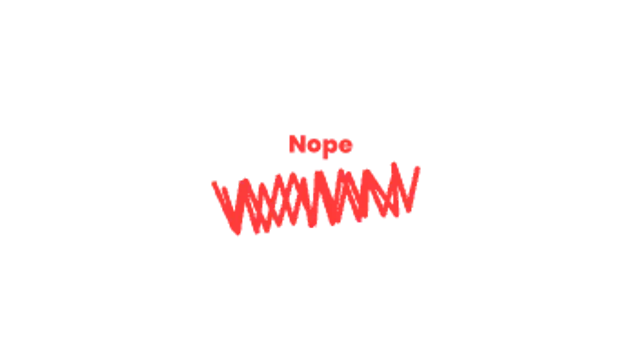
An angry pen scribble scratches out a word or area in quick zigzags, then a verdict stamps in above it.
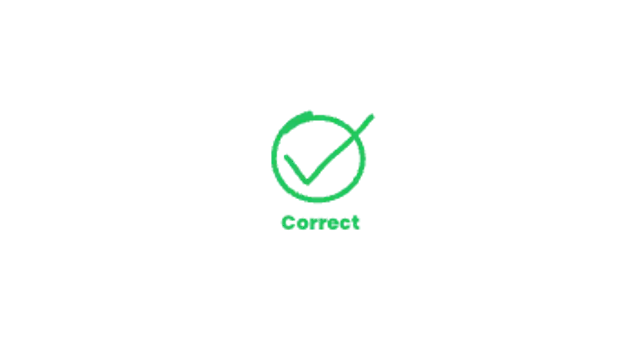
A marker ring circles the right answer, then a bold hand-drawn tick swipes through it and keeps a gentle boil.
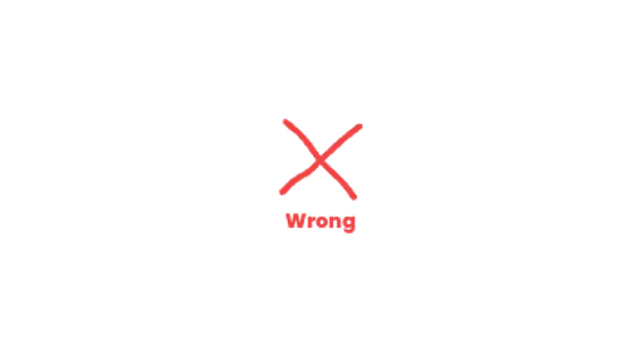
Two quick marker slashes cross out the wrong choice with a hand-drawn boil and a verdict underneath.

Hand-drawn shock lines burst out around your subject in a staggered, boiling ring that keeps pulsing.
Stars, sparkles, hearts, spirals and exclamation marks pop around your subject in a jittery hand-drawn cluster.
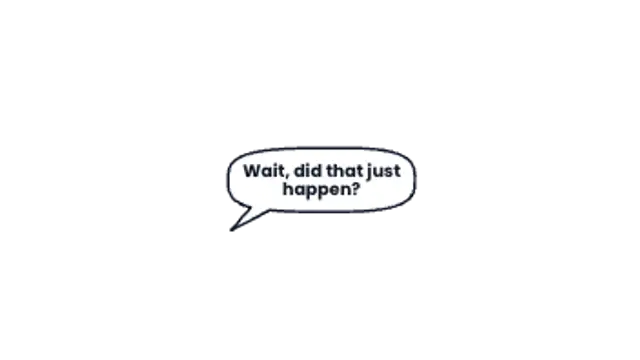
A hand-drawn speech bubble pops from the speaker, sizes itself to your line and types the words in.
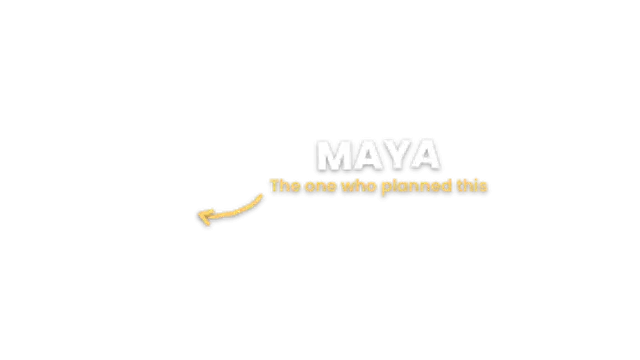
A bold name bounces in letter by letter, the role slides underneath and a hand-drawn arrow points at the person.
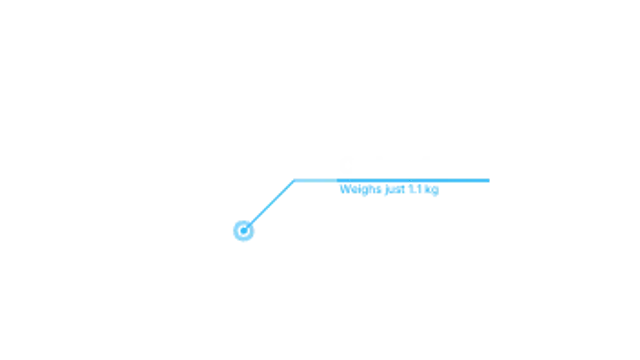
A pulsing dot draws an elbow line to a bar sized to your text, then the title and subtitle slide out of the bar.
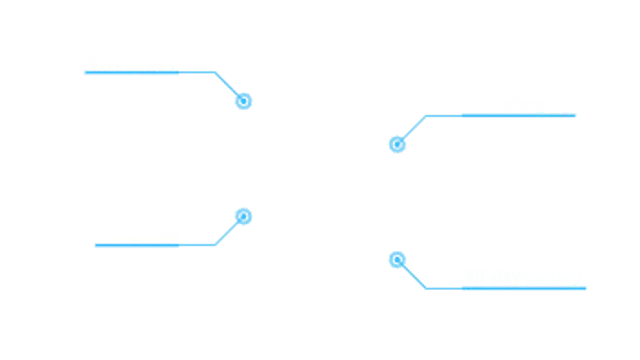
Up to eight feature callouts draw out one after another, each with a pulsing dot, an elbow line and a label that fits its text.
Numbered badges pop onto each spot in order, linked by a line that draws from step to step, each with its own label.
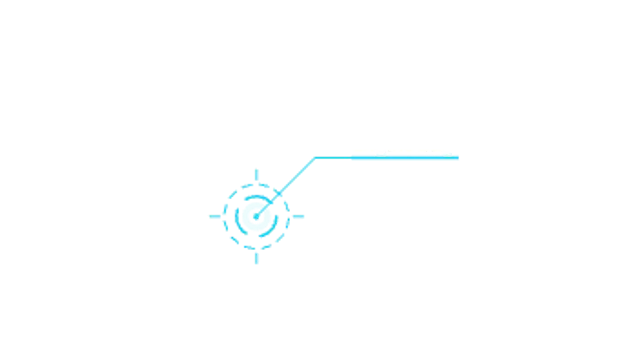
Counter-rotating dashed rings lock onto a spot, then a leader line runs out to a label that fits its text.
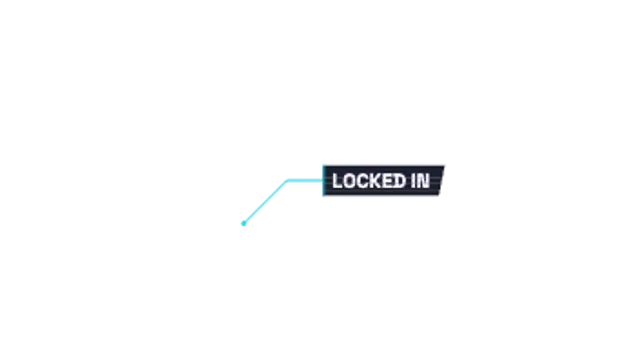
A leader line draws to a slanted label plate that tears in through shifting slices and RGB fringing, then glitches now and then.
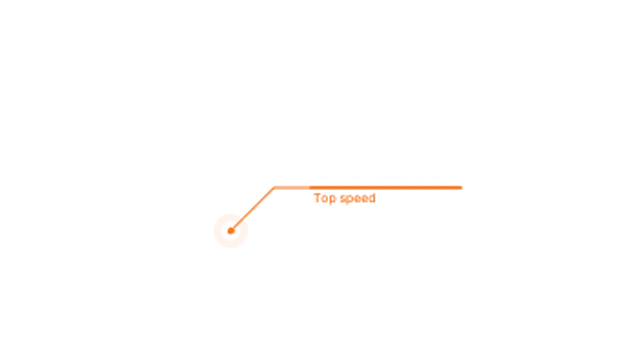
A line callout whose number counts up to your value as it lands, with a short label underneath the bar.
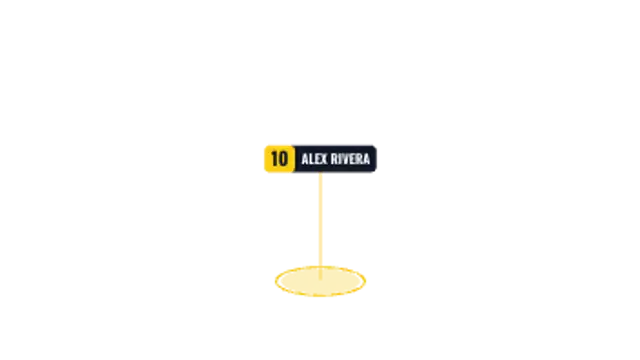
A glowing ground ring spins under a player's feet while a number and name tag rises above them on a thin stick.
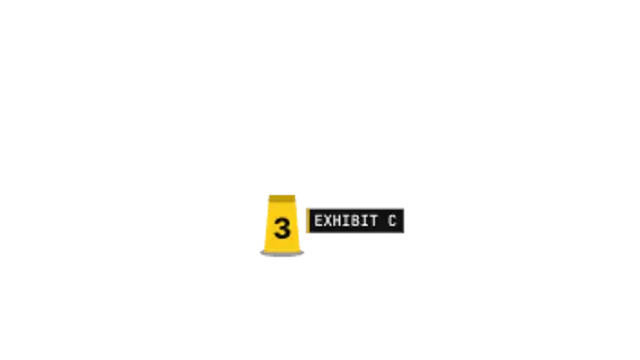
A numbered evidence tent drops onto the spot, a camera flash pops and an exhibit tag types itself out beside it.
A measurement line grows out from the middle between two points, with end caps, arrows and a value that counts as it stretches.
A vertical ruler rises beside your subject, ticking off its scale as the height readout counts up to the final value.
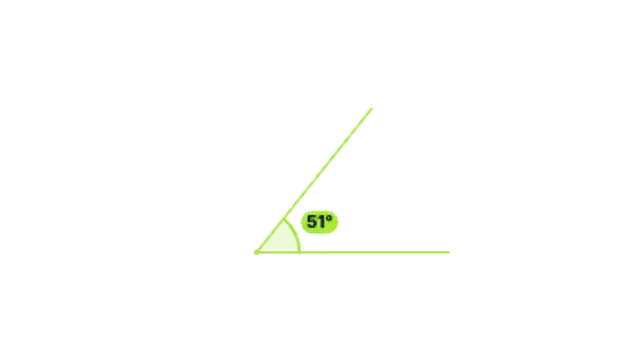
Two rays draw out from a vertex, an arc sweeps between them and the real angle counts up in degrees.

A curly brace draws out from its tip to span any range you set, with a label that lands just beyond the point.

A dashed arrow draws itself from A to B along a curve, then its dashes keep marching toward the target.
A dashed selection box snaps around a region with marching ants, resize handles pop onto its edges and a label chip names it.
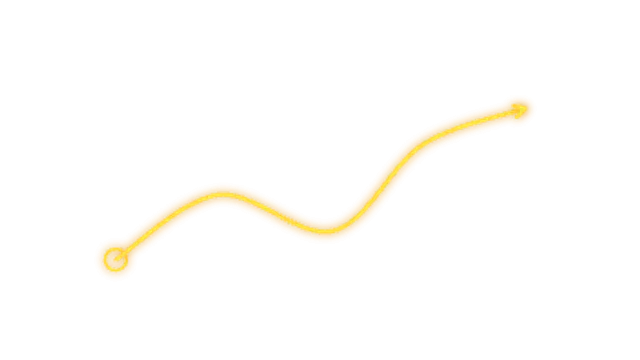
A glowing broadcast-style pen stroke draws a smooth run through your points, from a start ring to an arrow tip.
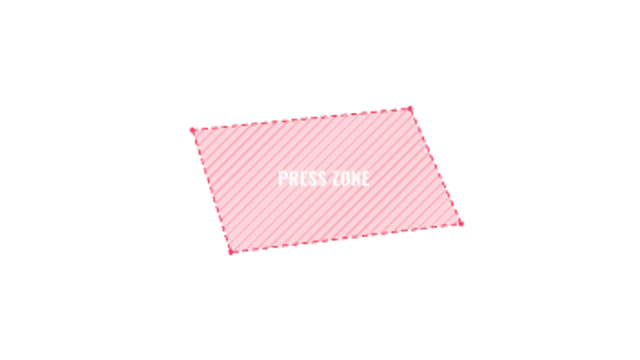
Corner markers pop onto the pitch, a marching dashed outline traces the area and a hatched fill marks the zone with a label.
A pulsing dot sends a line to an info card that springs open with an icon, a title and a short description typed in word by word.
Choose a callout preset, type the label, and set where the arrow or circle lands using the target controls. Export a transparent WebM, place it above your screen recording or footage, and trim it to the moment you are talking about.
Tutorials live or die on whether the viewer looks where you are looking. These presets draw an arrow, scribble a circle, run a leader line or drop a pin, all with your own label text.
Read the full guide: How to Add Arrows and Callouts to a Video35 editable presets, including Arrow Draw, Circle Scribble, Leader Line Label, Focus Frame, Pin Drop and Boil Arrow. Every one opens in the browser editor, where you change colors, timing and any text before you download.
None of them loop. Every preset in Callouts & Arrows plays once, which suits cuts, openers and one-off moments.
MP4 for any editor or platform, WebM with a transparent background for the web, and a PNG sequence with alpha for Premiere Pro, After Effects, DaVinci Resolve and Figma. Every preset exports in 16:9, 9:16, 1:1 and 4:5 from 720p up to 8K, with a commercial license in your name.
Editing and previewing are free. You only spend a credit when the finished file lands on your machine.
5 free HD downloads on a new account · No card required