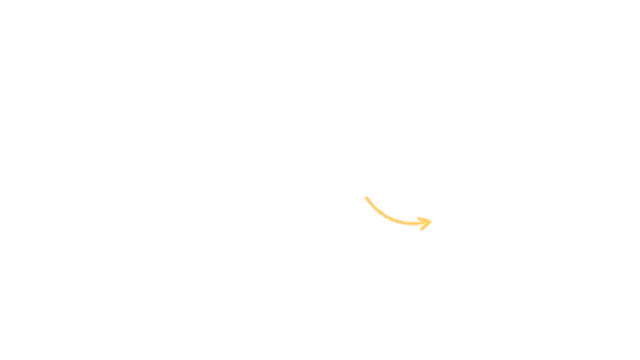
A curved arrow draws itself from your label straight to the detail you want viewers to notice.
Scribble Box
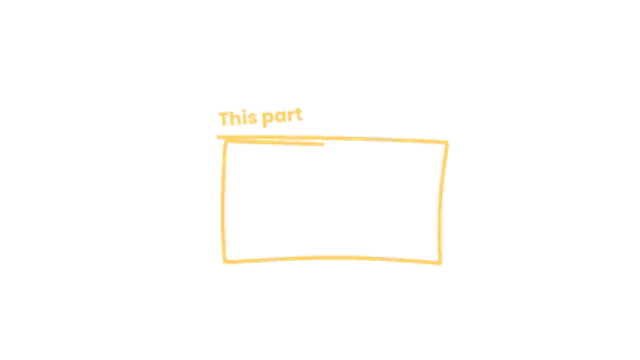
A loose marker rectangle sketches around a region with overshooting corners and a scrawled note on top.
Frame any area with a hand-drawn marker box that boils like frame-by-frame animation. Ideal for screen recordings, tutorials and explainers.
Part of Callouts & Arrows. New to this kind of graphic? Read How to Add Arrows and Callouts to a Video.
Transparent exports and editor imports are explained in the transparent video guide, and every download is free under the commercial license.
Content: label. Typography: font, weight and size. Style: background, text color, primary and thickness. Layout: aspect ratio, target x and target y. Motion: duration, easing and variation.
Scribble Box runs 3 seconds by default, and you can set any length up to 15 seconds before you export. It plays once.
Scribble Box frames a rectangular region in a screen recording or document: a paragraph in a contract, a panel in an interface, a row in a table. The scrawled note on top lets you comment on the area without a separate caption.
A curved arrow draws itself from your label straight to the detail you want viewers to notice.

A curly brace draws out from its tip to span any range you set, with a label that lands just beyond the point.
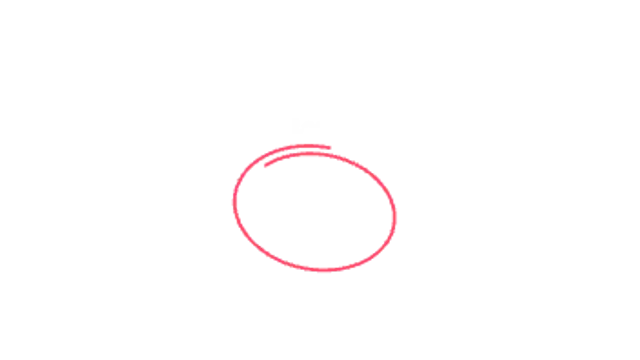
A loose marker-style loop circles the key detail like a presenter sketching on screen.
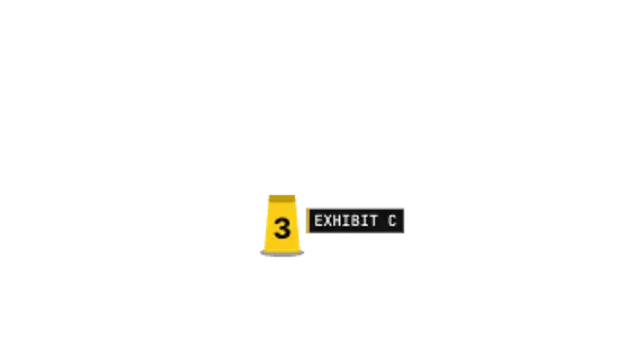
A numbered evidence tent drops onto the spot, a camera flash pops and an exhibit tag types itself out beside it.
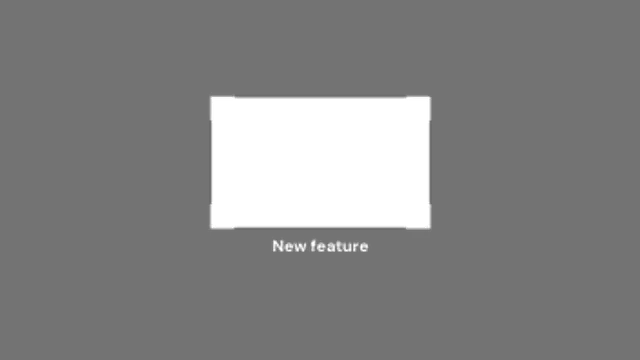
Corner brackets snap onto a region while the rest of the frame dims, pulling attention exactly where it belongs.
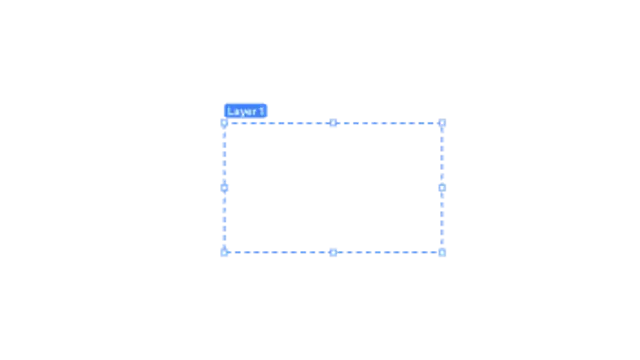
A dashed selection box snaps around a region with marching ants, resize handles pop onto its edges and a label chip names it.
Your words appear, then a marker swoosh underlines them, sized to the text and boiling like hand-drawn animation.
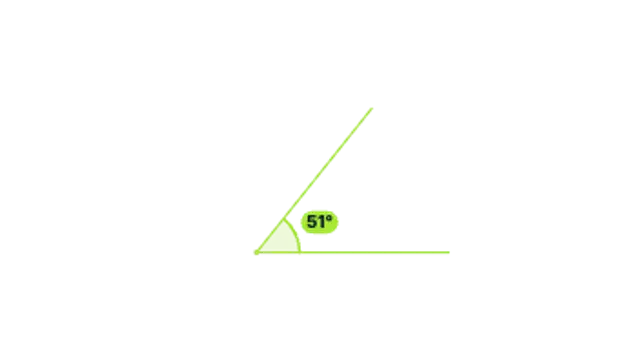
Two rays draw out from a vertex, an arc sweeps between them and the real angle counts up in degrees.