
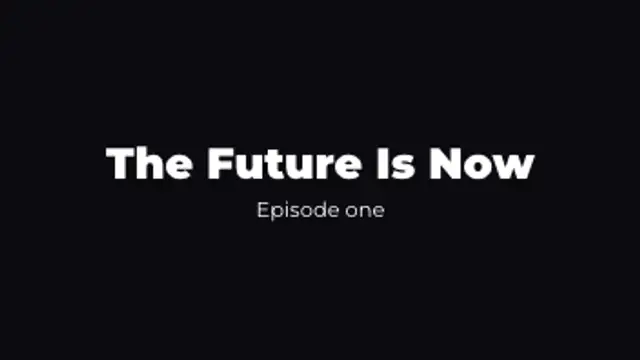
The headline builds word by word with a confident rise while the subtitle settles in underneath.
Headline and subtitle cards for intros, chapters and openers.
The headline builds word by word with a confident rise while the subtitle settles in underneath.

Two halves of the title fly in from opposite sides and lock together with a springy impact.

A clean outline frame draws around your title before the text gently scales into focus.

Cinematic black bars close in while the title gathers from wide spacing. Instant film look.
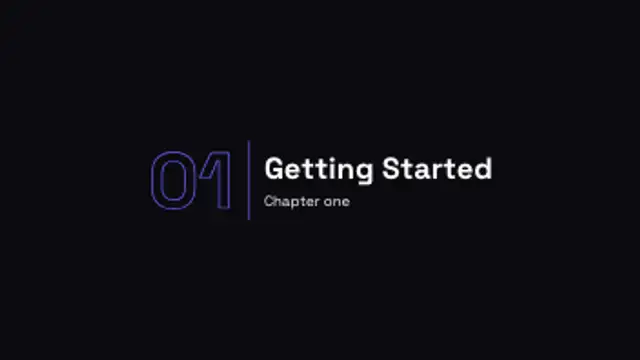
A big outlined chapter number lands next to your section title with a crisp divider line.
A good title card holds one idea, sets it in a readable weight, and clears the frame before the viewer loses patience. Two to three seconds is usually enough. Animate the headline and subtitle on separate beats so the eye lands on the main line first.
Titles frame everything that follows. These presets stagger headlines, split them across a line, letterbox them or stamp them into a box, and every word, font and beat is yours to set.
Read the full guide: How to Make a Title Card for a Video5 editable presets, including Headline Stagger, Split Cross, Boxed Title, Letterbox Title and Chapter Title. Every one opens in the browser editor, where you change colors, timing and any text before you download.
None of them loop. Every preset in Title Animations plays once, which suits cuts, openers and one-off moments.
MP4 for any editor or platform, WebM with a transparent background for the web, and a PNG sequence with alpha for Premiere Pro, After Effects, DaVinci Resolve and Figma. Every preset exports in 16:9, 9:16, 1:1 and 4:5 from 720p up to 8K, with a commercial license in your name.
Editing and previewing are free. You only spend a credit when the finished file lands on your machine.
5 free HD downloads on a new account · No card required