
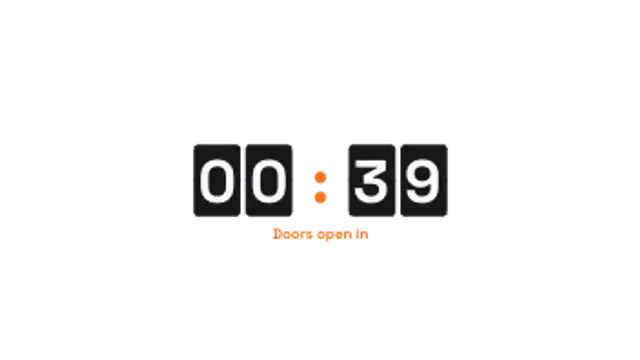
Flip Clock
15sSplit-flap style cards tick down the minutes and seconds. Retro hardware feel for launches and events.
Ticking timers that build urgency for sales, streams and intros.
Split-flap style cards tick down the minutes and seconds. Retro hardware feel for launches and events.
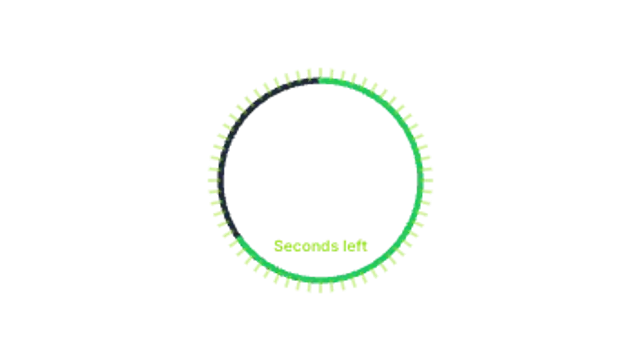
A ticked ring drains around the clock while the time pulses each second. Clean for quizzes and challenges.
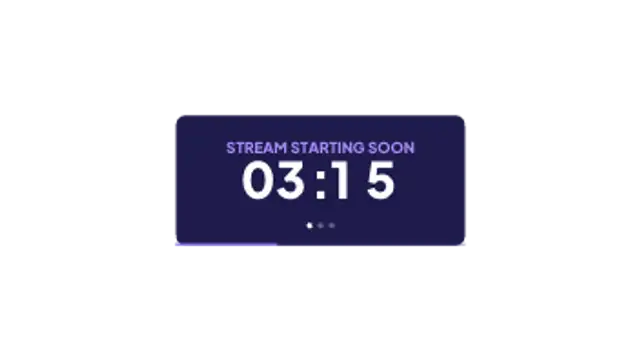
A stream-ready panel with headline, live countdown, blinking dots and a progress bar along the bottom.
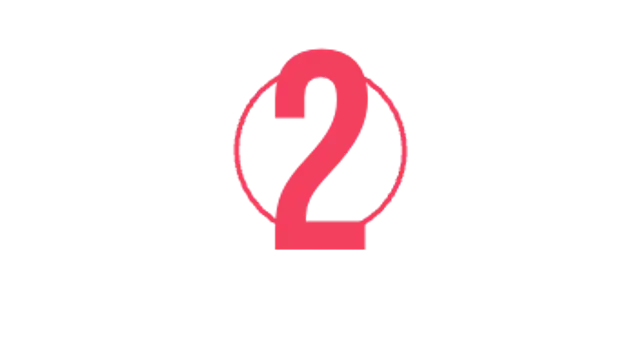
Giant numbers slam in with a shockwave for a 3-2-1 intro that lands on every beat.
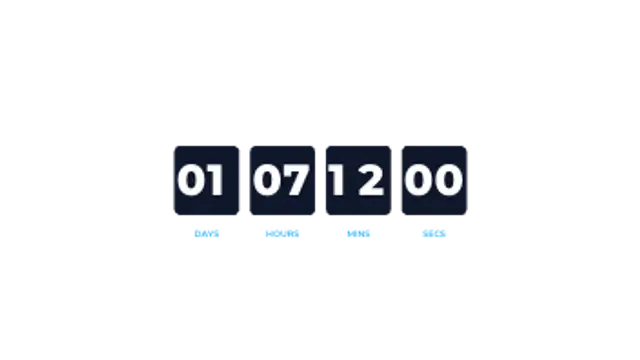
Days, hours, minutes and seconds in labelled boxes, the standard urgency block for sales and launches.
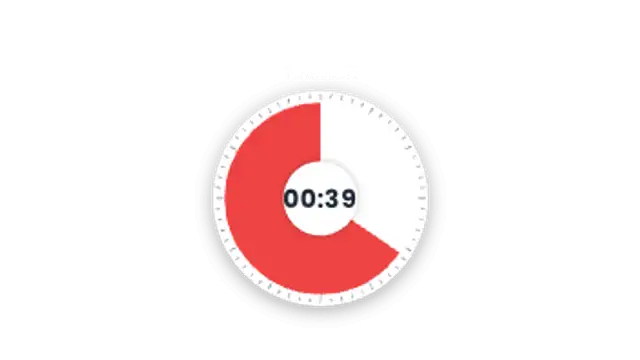
A classroom-style visual timer: a coloured wedge shrinks around the dial as the real clip time runs out, with the time left in the centre.
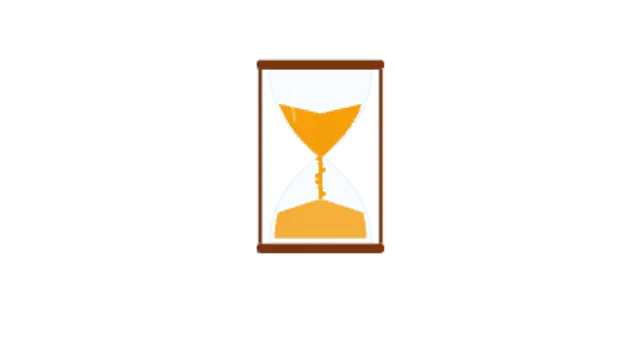
Sand drains from the top bulb of an hourglass into a growing pile below, timed to the real clip length, with the time left underneath.
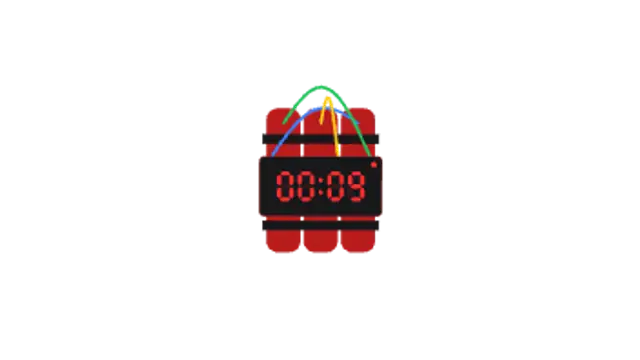
A cartoon dynamite bundle with a red LED countdown and tangled wires. It shakes through the last ten seconds and goes off in a comic BOOM at zero.
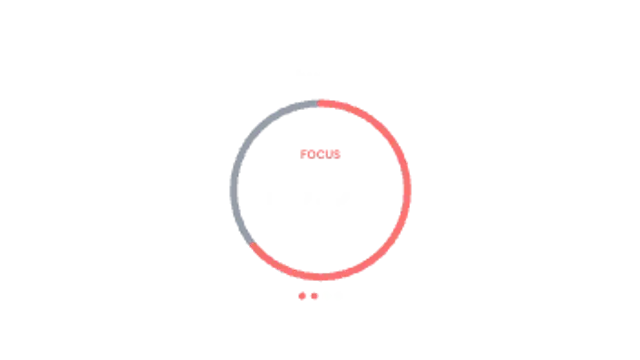
A study-with-me Pomodoro ring: a 25-minute focus countdown that flips into a 5-minute break palette, with session dots tracking the round.
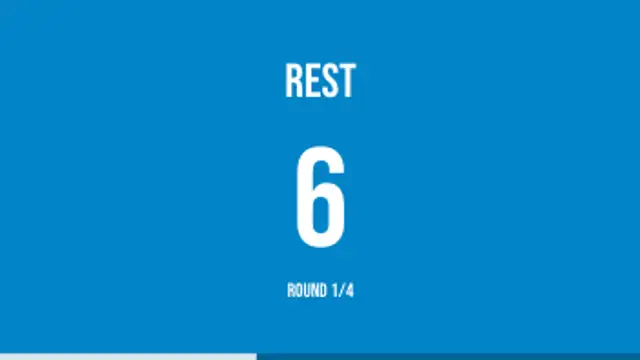
Full-screen WORK and REST phases for workout videos: the colour field switches each interval, the last three seconds pulse and a round counter keeps score.
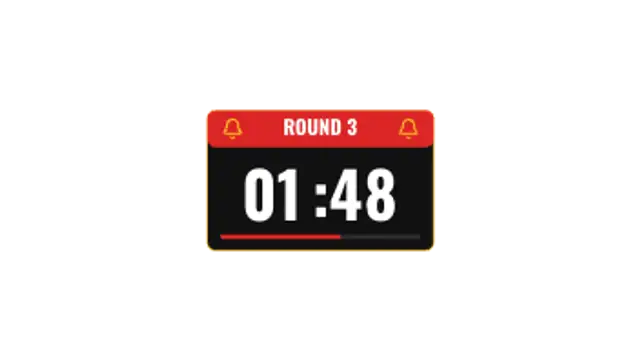
A fight-night round clock: ROUND 3 over a real 3:00 countdown, a rest period after, and the bell swinging with a gold flash as each phase begins.
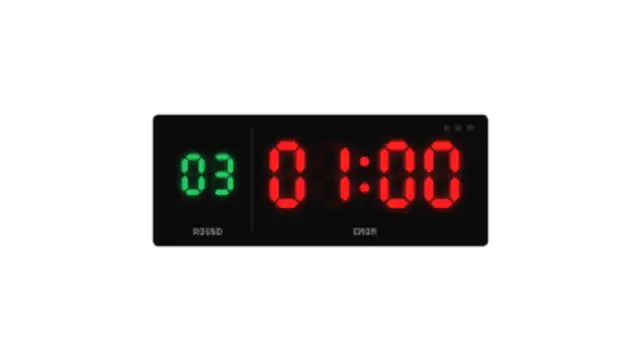
A CrossFit-style wall clock with glowing red seven-segment digits that reset every minute for EMOM sets, a green round counter and 3-2-1 beep lights.
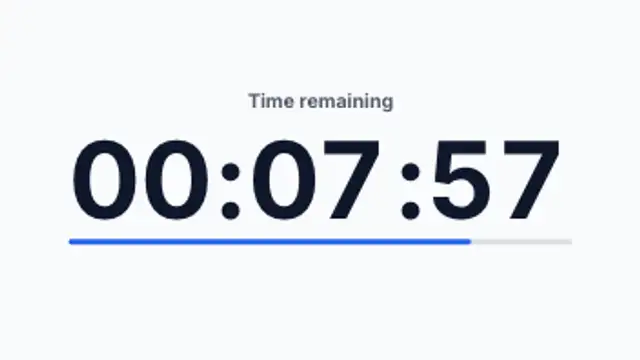
A large, calm time-remaining clock for exams and classrooms that flashes a banner at the 5-minute and 1-minute warnings and ends on TIME'S UP.
A draining progress bar paired with a traffic light that shifts from green to amber to red as the real time runs down, pulsing in the final stretch.
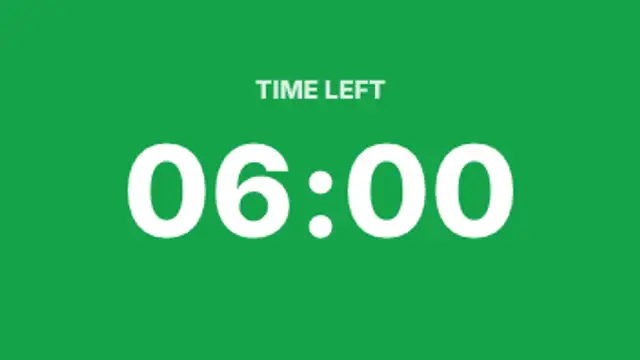
A confidence-monitor timer for talks and panels: a full-screen colour field turns green, amber, then red, and counts overtime up once the slot runs out.
A vertical-first quiz countdown: the question sits above a ticking ring that turns red for the last three seconds, then flashes and pops the answer.
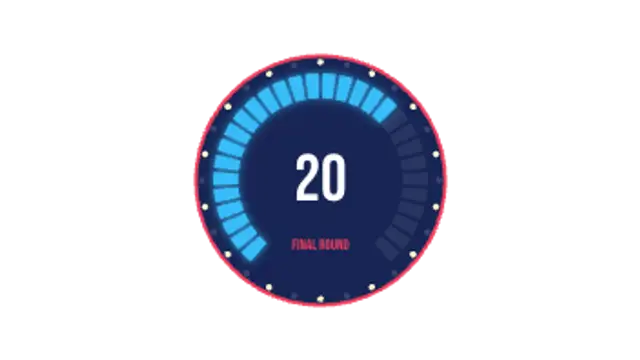
A studio game-show clock: a glowing segmented arc goes dark one light at a time, chaser bulbs race around the rim and a buzzer flash lands at zero.
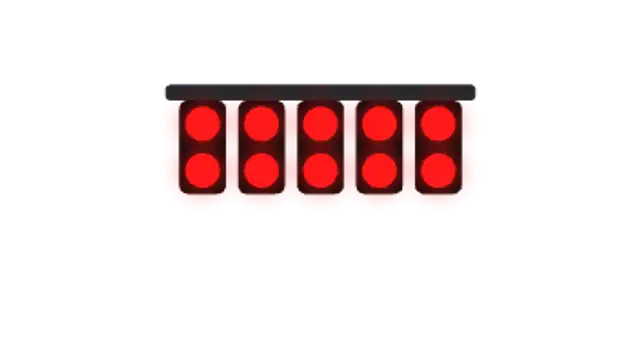
A motorsport start gantry: five pairs of red lights come on one by one, hold, then all go out together and LIGHTS OUT punches in for the launch.
A glittering ball slides down its pole through the final seconds, then fireworks burst across the frame and HAPPY NEW YEAR pops in with the year.
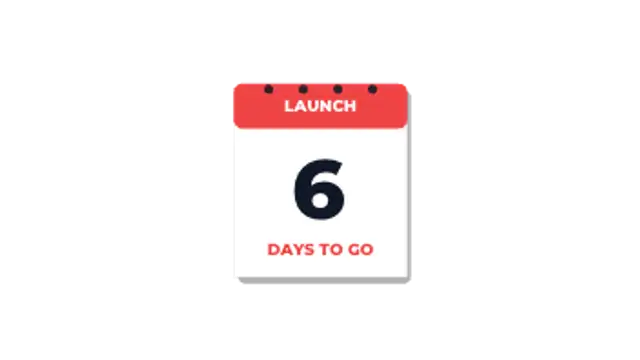
A desk calendar counts down to launch day: pages tear off the pad one by one and flutter away until the last page lands on 3 days to go.
A party balloon inflates and strains as the real time runs down, then pops at zero into a spray of confetti with a big POP.
A flickering candle burns down over the real clip time, its wax shrinking to a stub before the flame goes out in a curl of smoke.
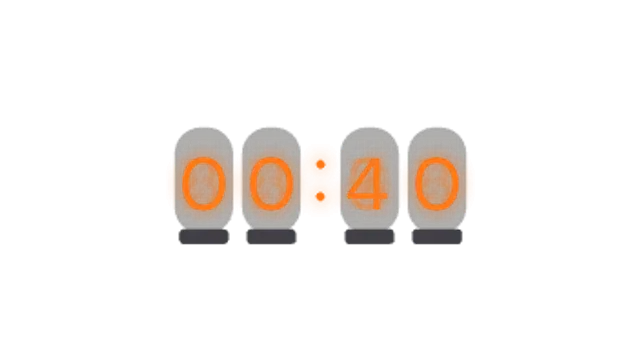
A retro Nixie tube clock: glowing orange cathode digits cross-fade inside glass tubes with mesh grids and faint stacked numerals behind.
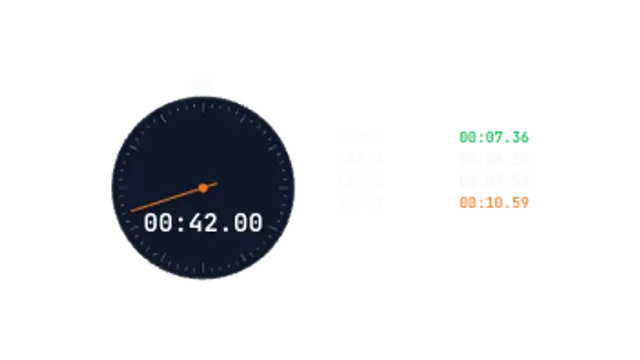
A stopwatch that counts up in real time to the hundredth, with a sweeping second hand and lap splits sliding into a list, best lap and worst lap highlighted.
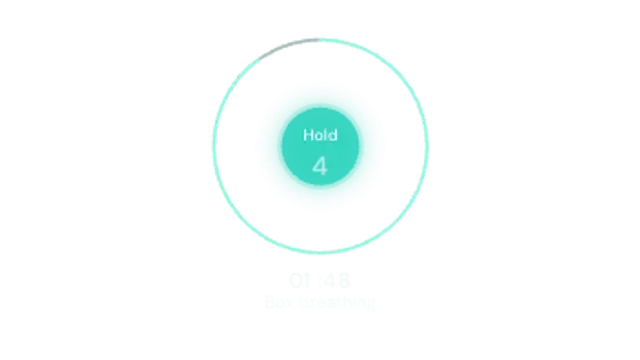
A guided breathing timer: a soft circle inhales, holds and exhales on a box-breathing rhythm while an outer ring and clock track the total session time.
Pick a countdown preset, set the starting time and format, choose the colors, and export at the exact duration you need. Flip clocks, ring timers and deadline boxes all count down in real time, so the clip length matches the countdown itself.
A visible clock changes how people watch. These presets flip digits, drain rings, blast numbers and hold a starting soon card, with your own timing and colors.
Read the full guide: How to Add a Countdown Timer to a Video25 editable presets, including Flip Clock, Ring Timer, Starting Soon, Number Blast, Deadline Boxes and Visual Pie Timer. Every one opens in the browser editor, where you change colors, timing and any text before you download.
None of them loop. Every preset in Countdowns & Timers plays once, which suits cuts, openers and one-off moments.
MP4 for any editor or platform, WebM with a transparent background for the web, and a PNG sequence with alpha for Premiere Pro, After Effects, DaVinci Resolve and Figma. Every preset exports in 16:9, 9:16, 1:1 and 4:5 from 720p up to 8K, with a commercial license in your name.
Editing and previewing are free. You only spend a credit when the finished file lands on your machine.
5 free HD downloads on a new account · No card required