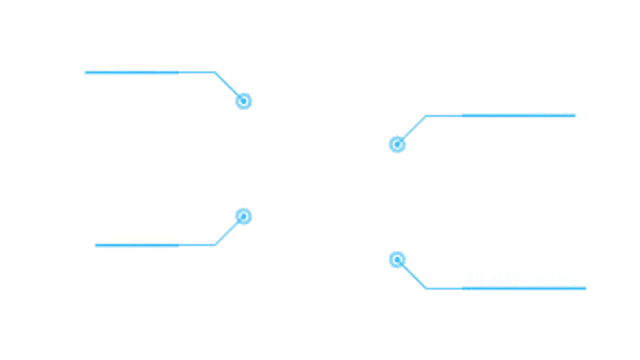
Up to eight feature callouts draw out one after another, each with a pulsing dot, an elbow line and a label that fits its text.
Counter Callout
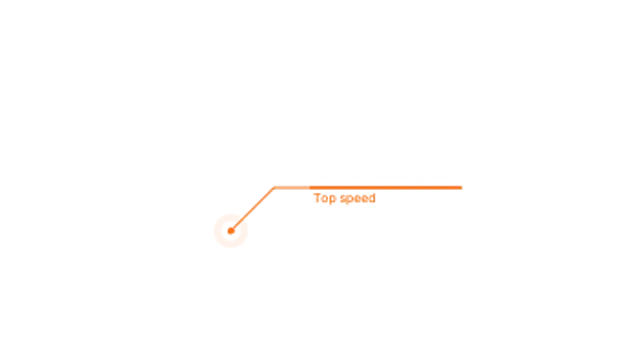
A line callout whose number counts up to your value as it lands, with a short label underneath the bar.
A line callout with a number that counts up to any value, plus prefix, suffix and label. Transparent overlay for specs, prices and stats.
Part of Callouts & Arrows. New to this kind of graphic? Read How to Add Arrows and Callouts to a Video.
Transparent exports and editor imports are explained in the transparent video guide, and every download is free under the commercial license.
Content: label, from, to, decimals, prefix and suffix. Typography: font, weight and size. Style: background, text color, primary and thickness. Layout: aspect ratio, target x and target y. Motion: duration and easing.
Counter Callout runs 4 seconds by default, and you can set any length up to 15 seconds before you export. It plays once.
Counter Callout attaches a figure to a thing: top speed on a car, battery hours on a laptop, a price on a menu item. The count-up gives the number a moment of anticipation, which helps the one statistic you want remembered.
Up to eight feature callouts draw out one after another, each with a pulsing dot, an elbow line and a label that fits its text.
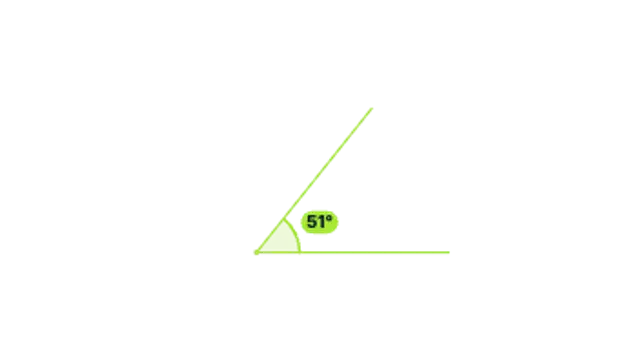
Two rays draw out from a vertex, an arc sweeps between them and the real angle counts up in degrees.

A curved arrow draws itself from your label straight to the detail you want viewers to notice.

A marker-drawn arrow sketches itself toward your subject and keeps boiling like hand-drawn animation.

A curly brace draws out from its tip to span any range you set, with a label that lands just beyond the point.
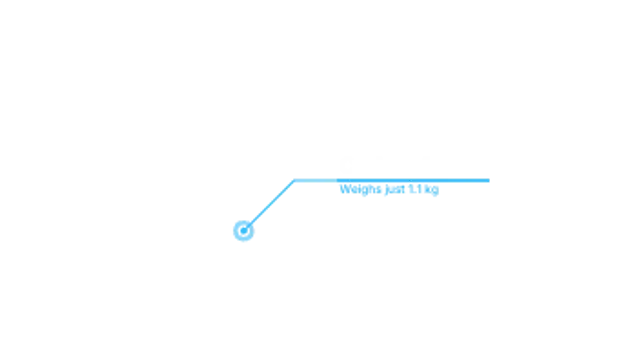
A pulsing dot draws an elbow line to a bar sized to your text, then the title and subtitle slide out of the bar.
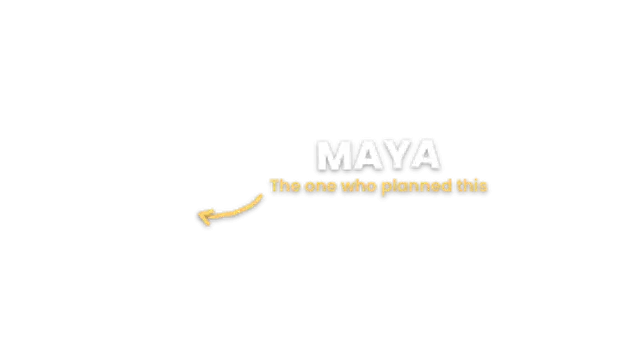
A bold name bounces in letter by letter, the role slides underneath and a hand-drawn arrow points at the person.
A bold marker circle rings the subject, then a chunky arrow slams in and the circle punches for emphasis.