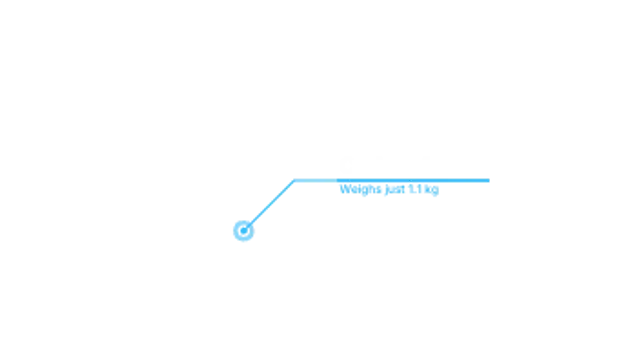
A pulsing dot draws an elbow line to a bar sized to your text, then the title and subtitle slide out of the bar.
Glitch Callout
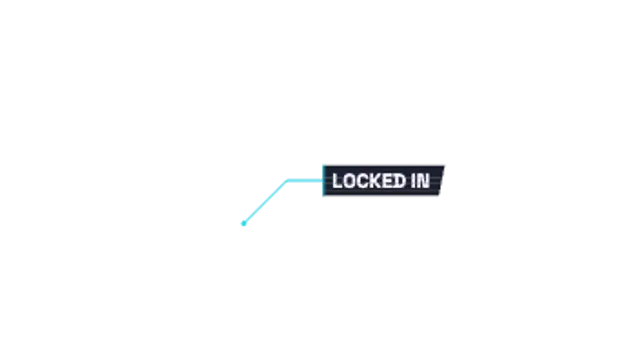
A leader line draws to a slanted label plate that tears in through shifting slices and RGB fringing, then glitches now and then.
A line callout whose label plate glitches in with sliced offsets and RGB split. Transparent overlay for gaming, esports and tech edits.
Part of Callouts & Arrows. New to this kind of graphic? Read How to Add Arrows and Callouts to a Video.
Transparent exports and editor imports are explained in the transparent video guide, and every download is free under the commercial license.
Content: label. Typography: font, weight and size. Style: background, text color, primary, thickness, secondary and accent. Layout: aspect ratio, target x and target y. Motion: duration, easing and variation.
Glitch Callout runs 4 seconds by default, and you can set any length up to 15 seconds before you export. It plays once.
Glitch Callout labels items in gaming and esports edits: a weapon in a loadout breakdown, a player in a clutch replay, a setting in a tweak guide. The torn slices and color fringing match the style of montage videos.
A pulsing dot draws an elbow line to a bar sized to your text, then the title and subtitle slide out of the bar.

Counter-rotating dashed rings lock onto a spot, then a leader line runs out to a label that fits its text.

Horizontal strips stagger across the frame like digital glitch artifacts, then clear to reveal the next shot.

A game kill feed where rows slide in from the right with killer name, a kill symbol and victim, stacking up with a glow highlight on arrival.

Text breaks apart along a stepped edge into square pixels that scatter away. A crisp digital delete effect.
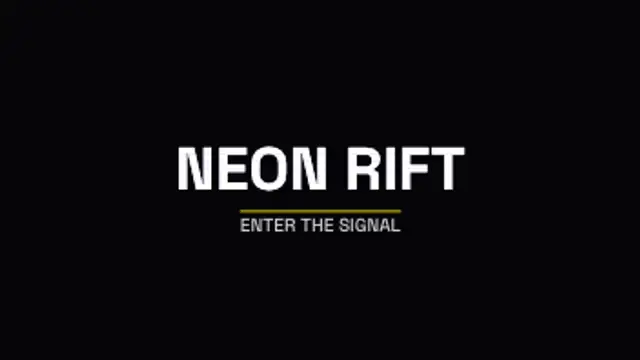
Your logo or wordmark builds from jumping slices with magenta and cyan ghosts, locks clean with small hits, then tears away.

A honeycomb grid glows as waves of light sweep across its cells, a sleek looping backdrop for tech, gaming and esports content.
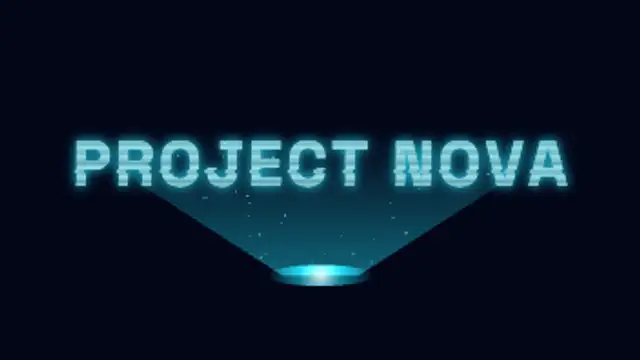
A projector beam builds your title band by band from the bottom up, with rolling scanlines, glitching slices, flicker and motes drifting through the light.