
The frame burns through from an off-centre hot spot, its ragged edge boiling outward behind an amber rim before bleaching out.
Sparkle Wipe Transition

A travelling front ignites cross-star sparkles that flare and decay behind it, sweeping the frame clean. Export transparent.
Sweep a front of igniting star sparkles across the frame for beauty, jewellery and short-form transitions. Transparent export.
Part of Light Leaks & Flares. New to this kind of graphic? Read How to Add Light Leaks to a Video.
Transparent exports and editor imports are explained in the transparent video guide, and every download is free under the commercial license.
Style: background, primary, secondary and accent. Layout: aspect ratio and direction. Motion: duration, intensity, variation and density.
Sparkle Wipe Transition runs 2 seconds by default, and you can set any length up to 60 seconds before you export. It plays once.
Use Sparkle Wipe Transition between before and after shots in a makeup tutorial, a cleaning reveal or a jewellery showcase. The front of sparkles crosses the frame as the new shot arrives, so the change feels like a magic touch instead of a plain cut.
The frame burns through from an off-centre hot spot, its ragged edge boiling outward behind an amber rim before bleaching out.

A punchy white flash peaks exactly at the cut point with a soft bloom. The simplest transition that always works.

A specular highlight sweeps across your headline with a soft beam, turning flat type into polished metal or glass.

Warm film-style light leaks wash across the frame and fade. Set your editor to Screen blend for an organic cinematic transition.
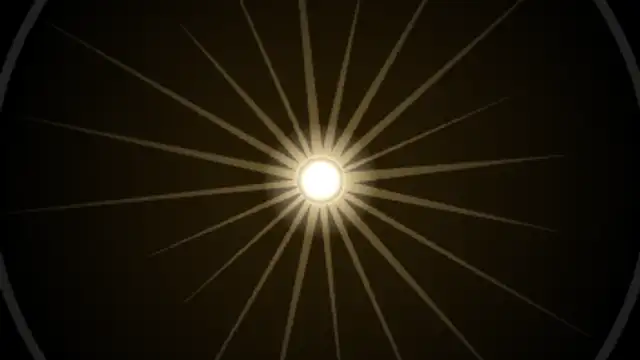
A radiant burst blooms from behind the subject with turning rays, a hot core and a shockwave ring, then settles.
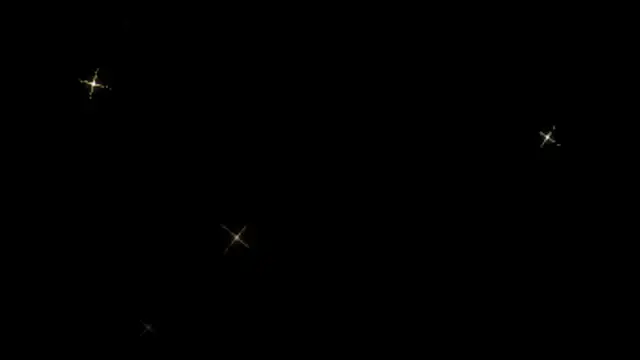
Cross-filter glints ignite on highlights, flare out with spikes and a hot core, then fade. Seamless loop.
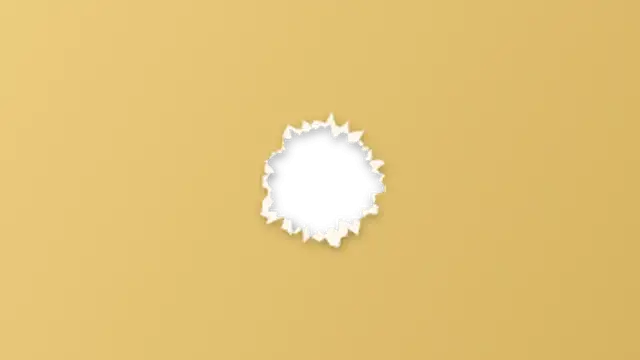
A sheet of paper slides over the frame, then tears open from the middle with a fibrous white rim to reveal your title and the shot behind.

Layered construction paper sheets with ripped edges slide over the frame, then tear away one by one in choppy stop-motion.