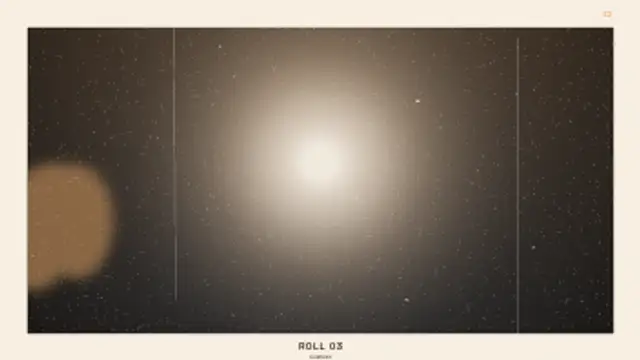
The wind wheel clicks the counter down, the flash fires and blows out the middle of the frame, leaving hard falloff, heavy grain and a thumb over the corner.
Photo Booth Strip
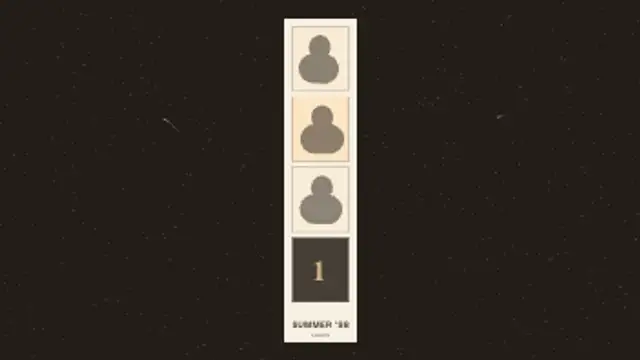
A four-frame booth strip fills one window at a time, each shot counted in and blown out by the flash, then the finished strip feeds out at a tilt.
Animate a retro photo booth strip: each frame counts in, the flash fires and the finished strip feeds out. Edit the caption and colours.
Part of Film & Retro Textures. New to this kind of graphic? Read How to Add a VHS or Film Look to Digital Footage.
Transparent exports and editor imports are explained in the transparent video guide, and every download is free under the commercial license.
Content: title and subtitle. Typography: font and weight. Style: background, text color, primary, secondary and accent. Layout: aspect ratio. Motion: duration, intensity, density and variation.
Photo Booth Strip runs 8 seconds by default, and you can set any length up to 30 seconds before you export. It plays once.
Open a party recap, a wedding reception reel or a friendship anniversary post with Photo Booth Strip to set a playful tone before the real photos arrive. The count-in and flash on every frame build small moments of anticipation that suit an upbeat track.
The wind wheel clicks the counter down, the flash fires and blows out the middle of the frame, leaving hard falloff, heavy grain and a thumb over the corner.
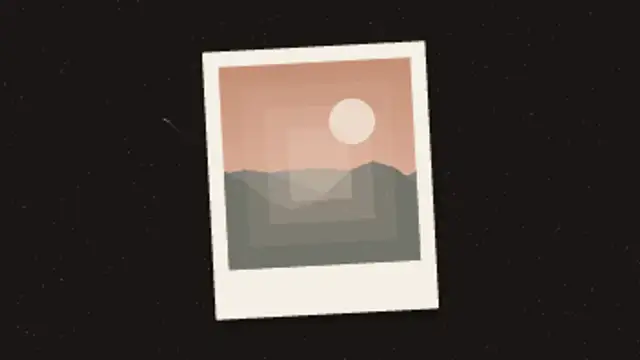
An instant print ejects and shakes, then the image surfaces out of the milky emulsion from the edges inward as the colour cast clears.
A paused tape screen with a pause icon and label, a jittering noise band, a slight picture shake and a held tape counter.
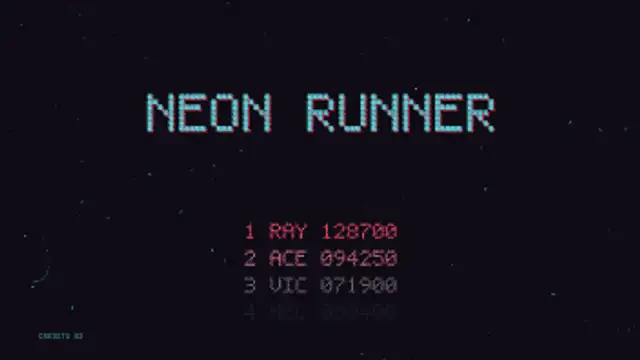
A cabinet left in attract mode: the pixel title drops in with its offset shadow, the high score table counts on line by line and PRESS START blinks over a scrolling starfield.
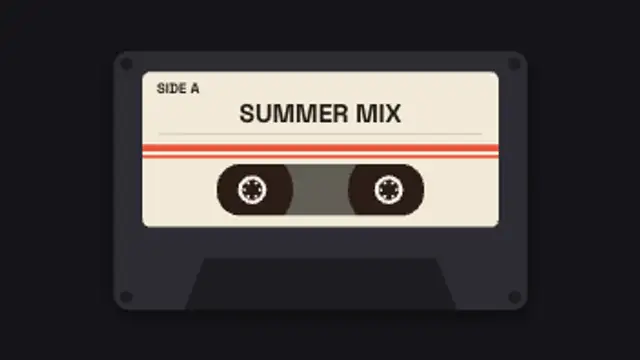
A mixtape cassette with your handwritten-style label spins its reels while the tape winds from one spool to the other.
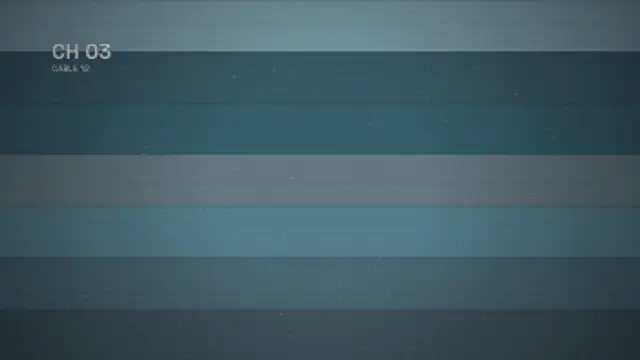
The picture loses vertical hold, rolls up through the blanking bar with the frame tearing sideways, then locks onto the next channel.
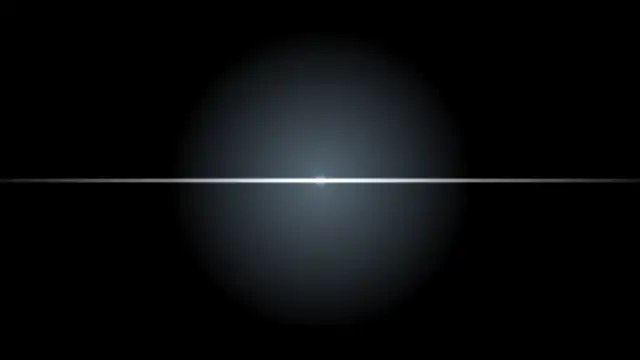
A glowing phosphor screen squeezes into a bright scan line, shrinks to a dot and leaves a fading afterglow.
Hot orange light eats in from the frame edge, flares to white at the cut and cools away like burning celluloid.