
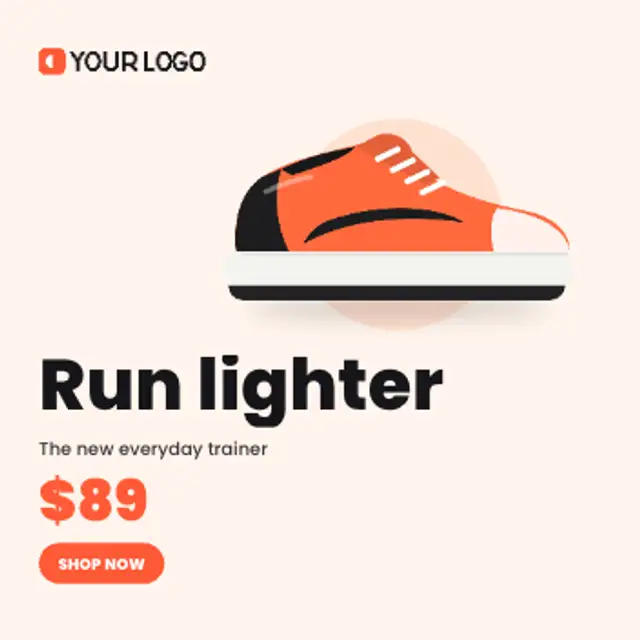
Your product springs onto a colour disc and floats while the headline, price and button stack in beside your logo.
Animated product ads: upload your product photo and logo, retype the offer and export for social, web and display.
Your product springs onto a colour disc and floats while the headline, price and button stack in beside your logo.
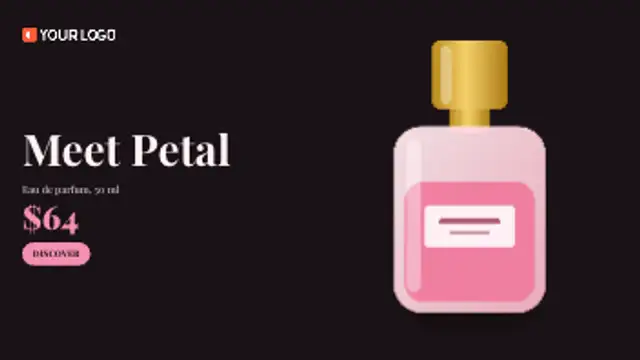
A beam of light sweeps across the frame and uncovers your product as it passes, then the copy settles in the dark.
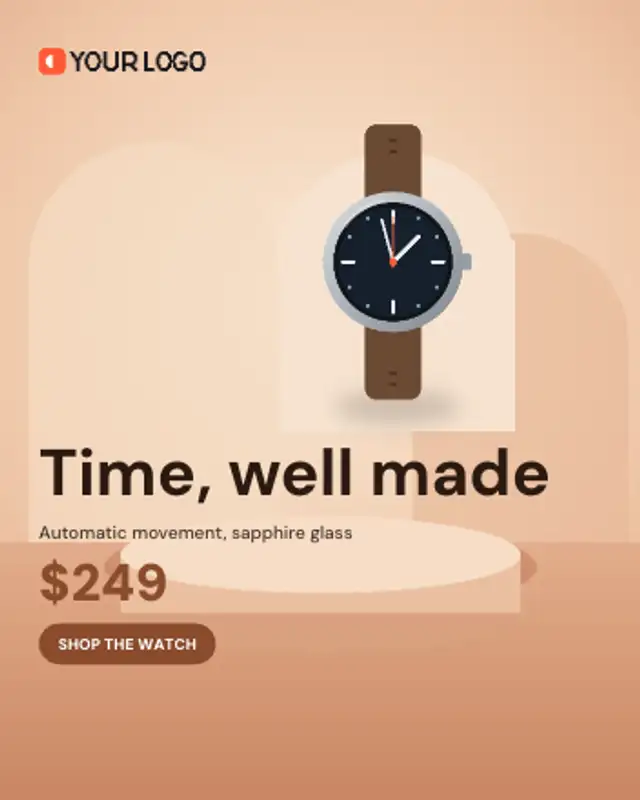
Your product rises onto a studio arch over the background photo and hovers there while the offer and button land.
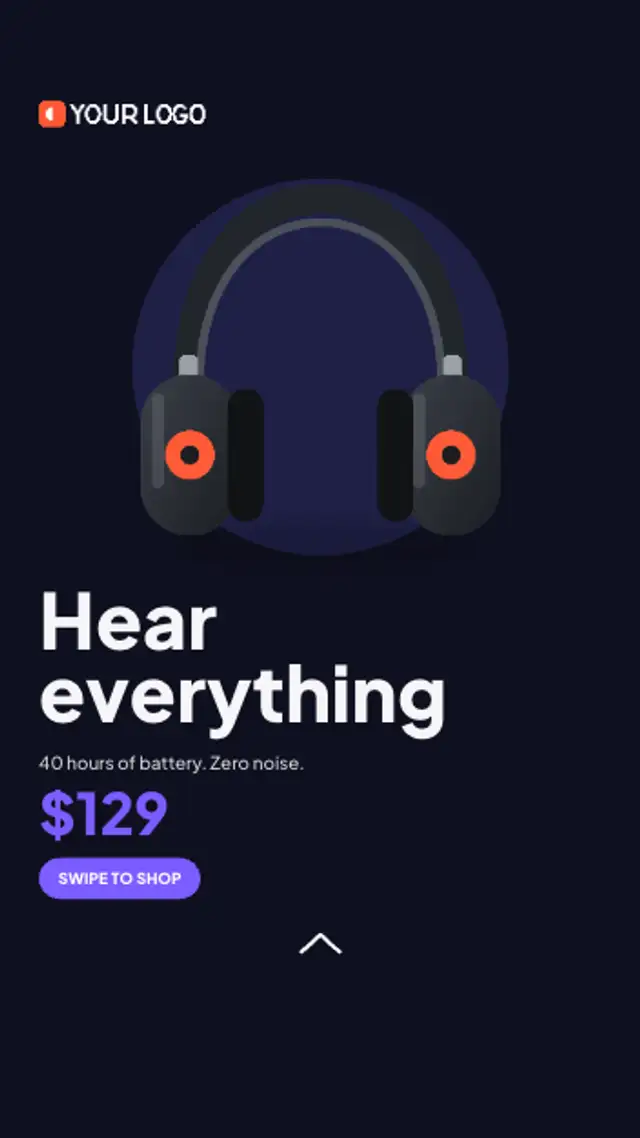
A vertical story ad inside the safe zones: product pops onto a disc, the offer stacks underneath and a swipe arrow keeps nudging.
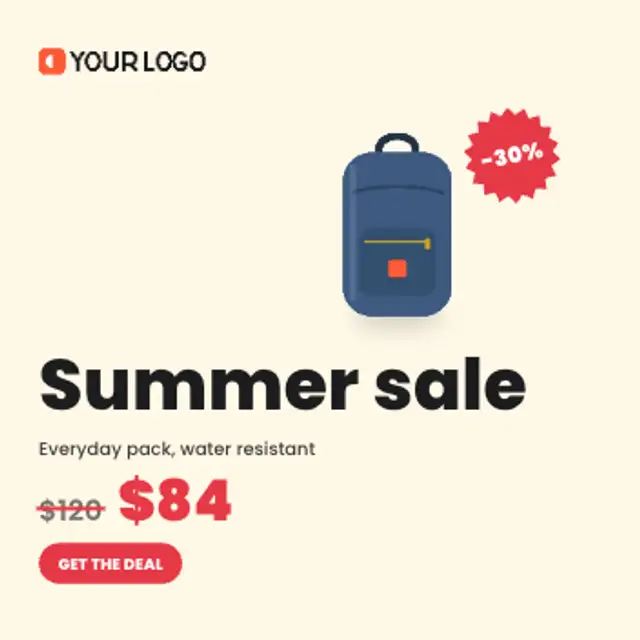
The old price is struck through, the new price slams in and a spinning discount burst lands on your product.
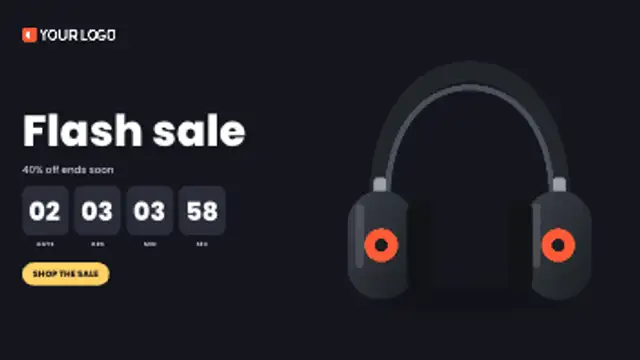
Four timer boxes flip down in real seconds toward your deadline while the product pops in and the offer and button land.
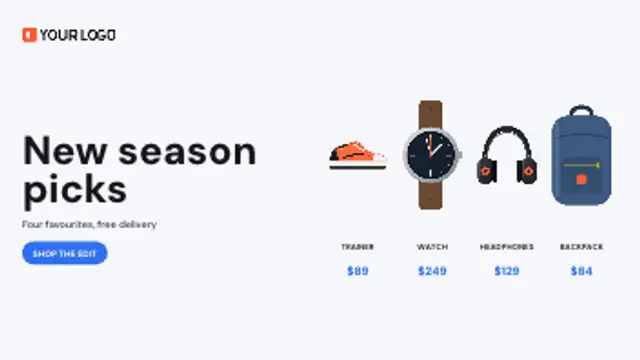
Up to four products slide through one by one with name and price, then line up together on a shelf beside your offer.
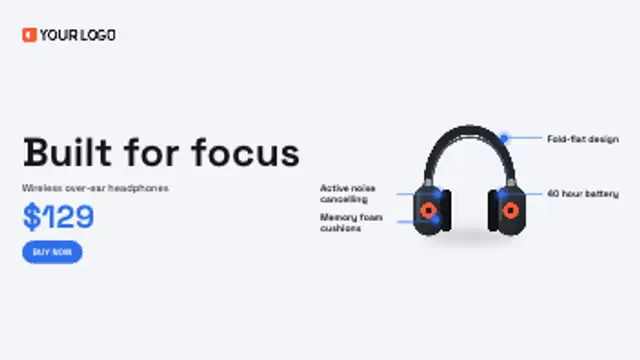
Leader lines draw out from points on your product to short benefit labels, one after another, before the offer lands.
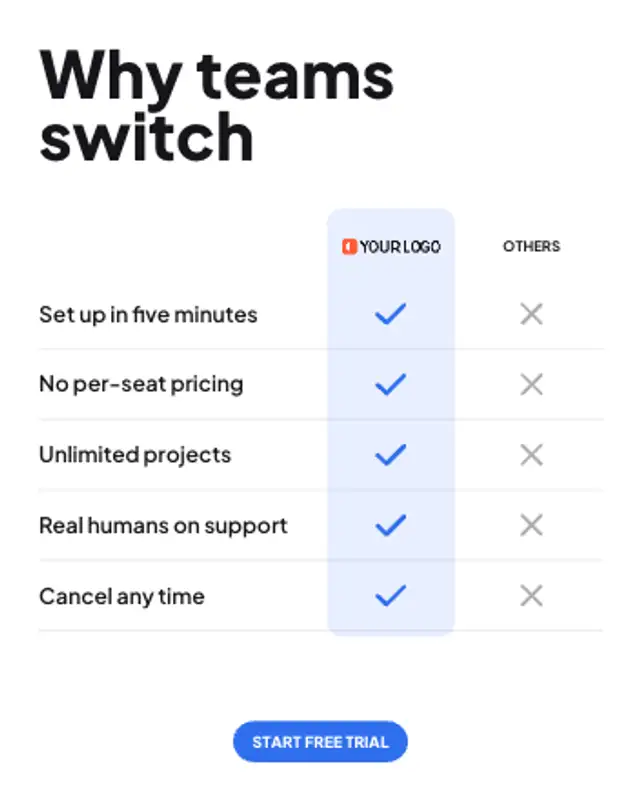
Your logo heads a highlighted column and every feature row ticks in for you and crosses out for everyone else.

A review card grows beside your product, the stars fill to your rating as the score counts up and the quote rises in.
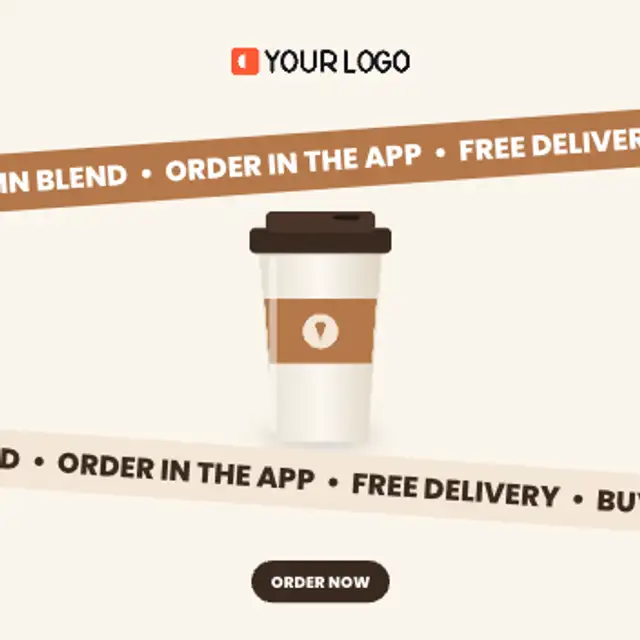
Two tilted bands scroll your offers in opposite directions around a floating product, looping seamlessly for as long as you need.
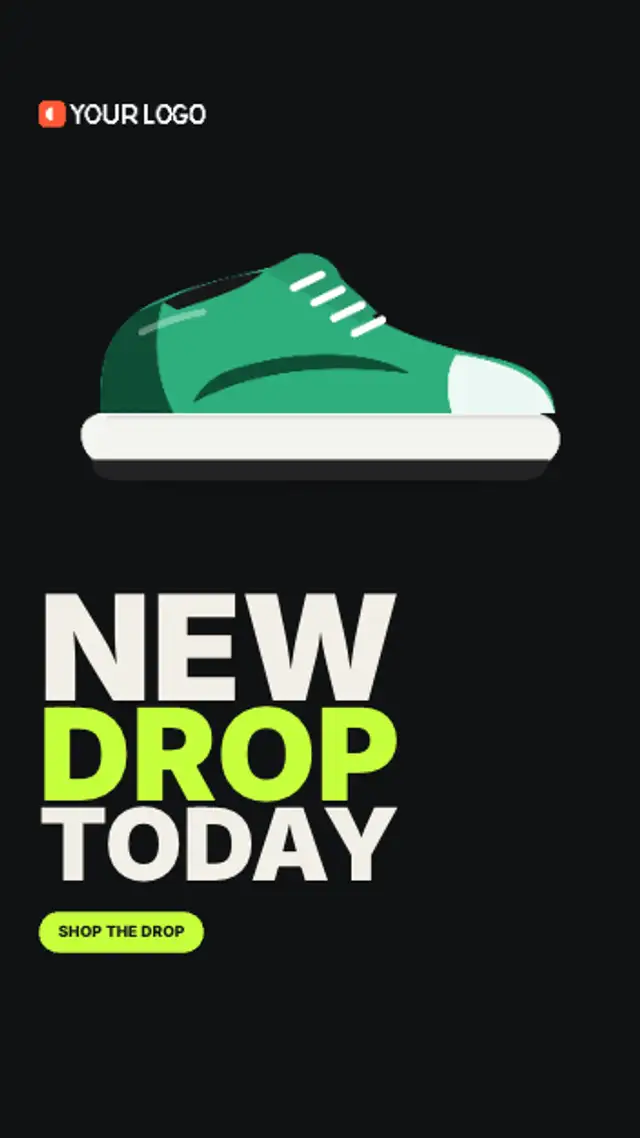
Your launch line slams in word by word, each word sized to the full column, then the product drops in with a bounce.
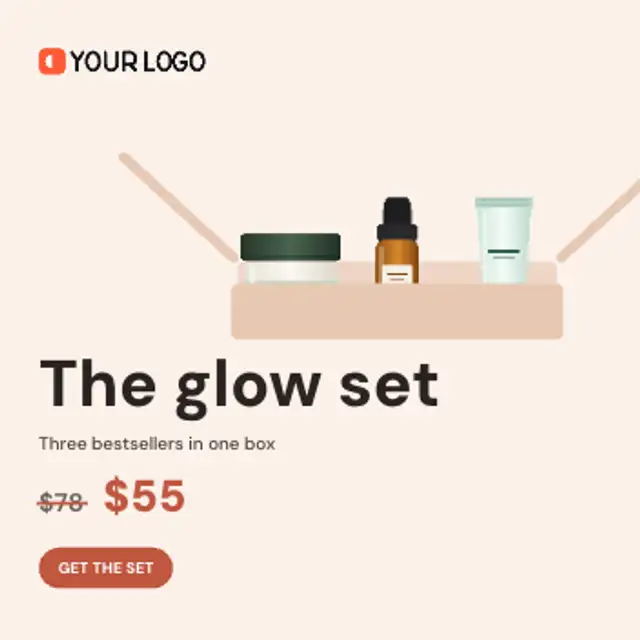
Products drop one by one into a gift box while the total value counts up, then the box closes and the bundle price lands.
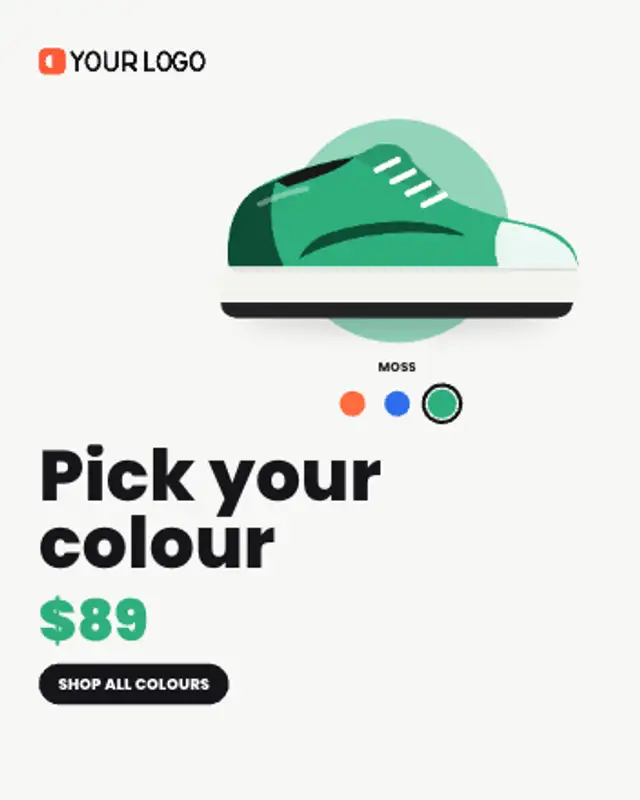
Your product swaps through its colourways while the matching swatch lights up and the backdrop tints to each colour.
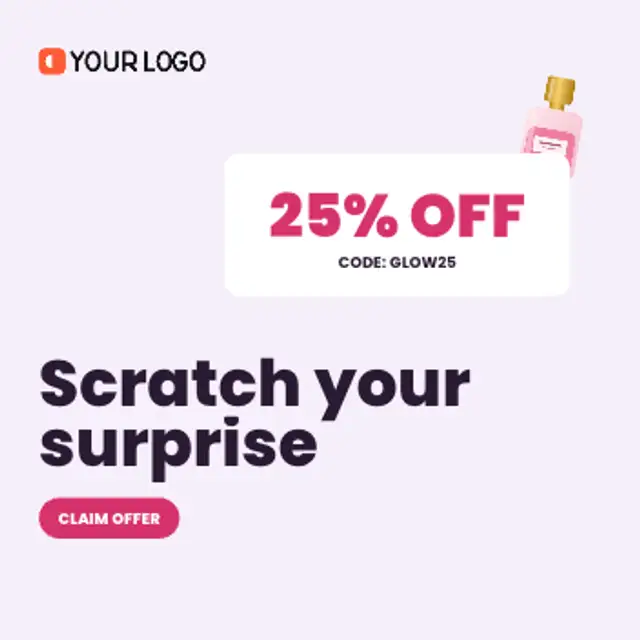
A coin scratches a zigzag across a foil card and uncovers your discount and code underneath, stroke by stroke.
A plate spins in, the dish lands on it with a bounce, steam curls up and a price badge swings onto the rim.
Your event photo slides in as a ticket, the perforation appears and the date rolls up on the stub beside your headline.
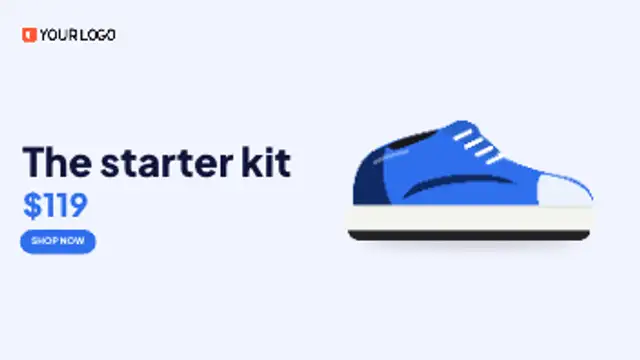
Three scenes push through like a classic display ad: your logo, then the message, then the product with price and button.
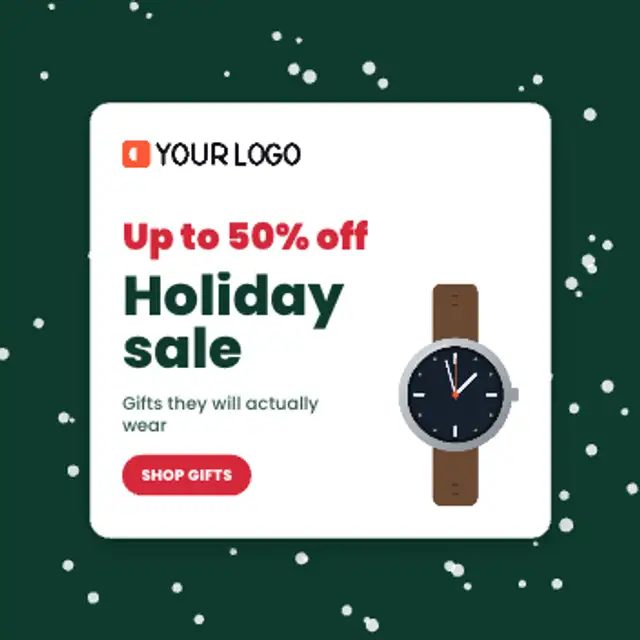
Seeded snow drifts behind an offer card that pops in with your logo, discount, product and button. Swap the theme to confetti or sparkles.
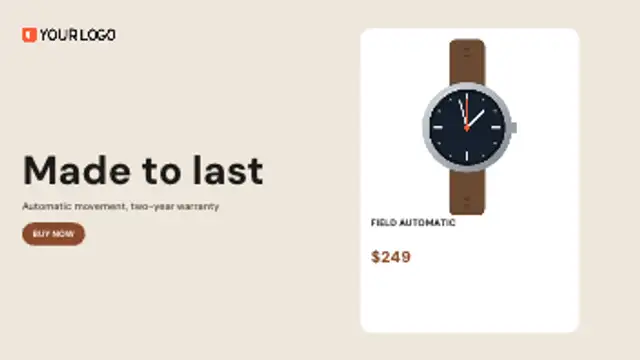
Your product card tilts in, turns over to show the specs on its back and flips home again for the price and button.
Start from your product cutout and logo, and let the layout come from the frame. The product, copy block, price and button are placed from the aspect ratio and the length of your text, so the same settings give a square feed ad, a vertical story and a widescreen hero without re-keying anything.
Banner ads are simple to plan and slow to produce. Every size needs its own layout, every copy change means re-timing, and the product has to be masked, shadowed and animated again each time. That is the part editors ask us to take away.
Read the full guide: How to Make an Animated Banner Ad From a Product PhotoTransparent exports and editor imports are explained in the transparent video guide, and every download is free under the commercial license.
20 editable presets, including Product Hero Pop, Spotlight Sweep Reveal, Arch Rise Showcase, Story Offer Vertical, Price Slash Reveal and Flash Sale Countdown.
1 of the 20 loop seamlessly, including Offer Ticker Band. The rest play once from start to finish.
The 20 banner ads run from 5 to 9 seconds by default, and each can be retimed before export.
Editing, previewing and downloading are free. No account, no watermark, every format and resolution.