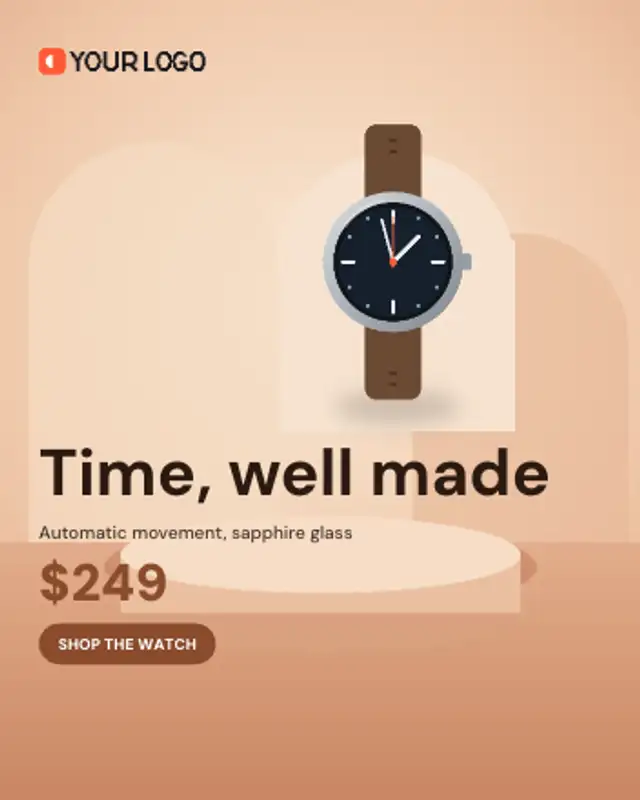
Your product rises onto a studio arch over the background photo and hovers there while the offer and button land.
Us vs Them Checklist
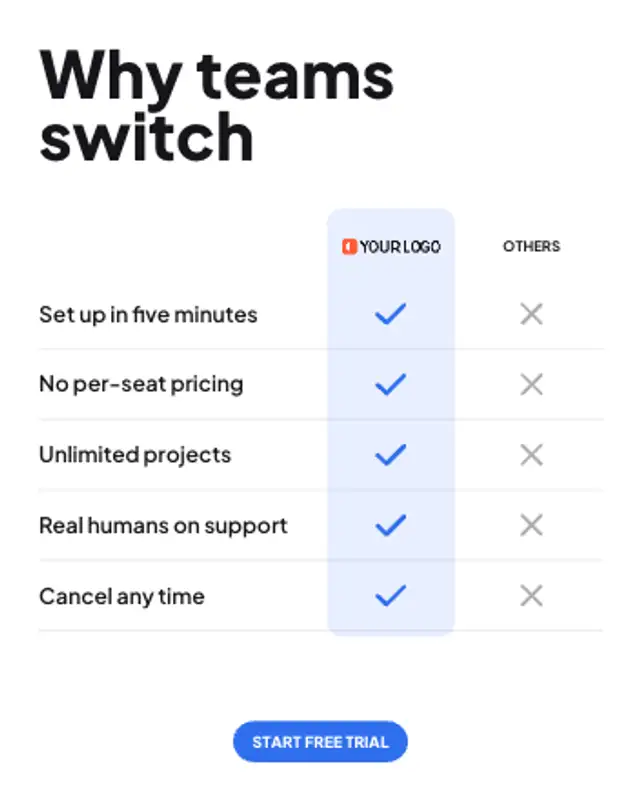
Your logo heads a highlighted column and every feature row ticks in for you and crosses out for everyone else.
Compare your product with the rest: your logo column ticks every feature while the others get crossed out. Retype features and export.
Part of Banner Ads. New to this kind of graphic? Read How to Make an Animated Banner Ad From a Product Photo.
Transparent exports and editor imports are explained in the transparent video guide, and every download is free under the commercial license.
Content: logo image, text, headlines, label and button. Typography: font, weight and size. Style: background, text color, primary, secondary and accent. Layout: aspect ratio. Motion: duration and easing.
Us vs Them Checklist runs 7 seconds by default, and you can set any length up to 30 seconds before you export. It plays once.
Us vs Them Checklist works for software, subscriptions and services that compete on features instead of looks. It fits a retargeting ad aimed at people already comparing options, summarising your case in a single glance.
Your product rises onto a studio arch over the background photo and hovers there while the offer and button land.
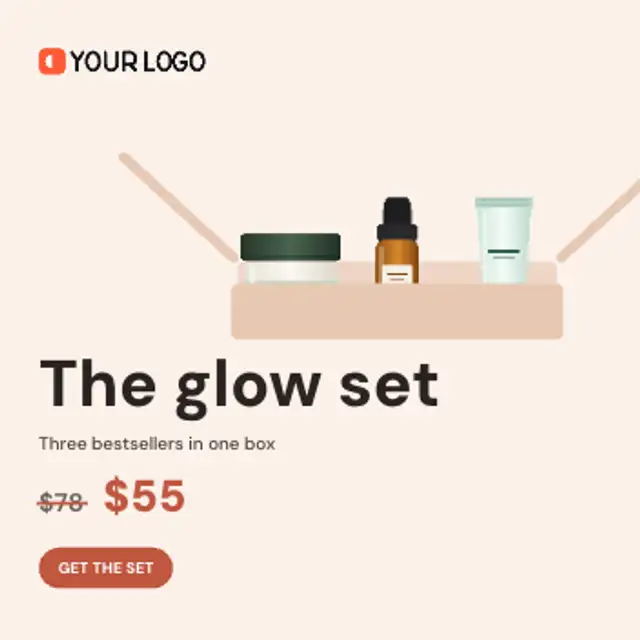
Products drop one by one into a gift box while the total value counts up, then the box closes and the bundle price lands.
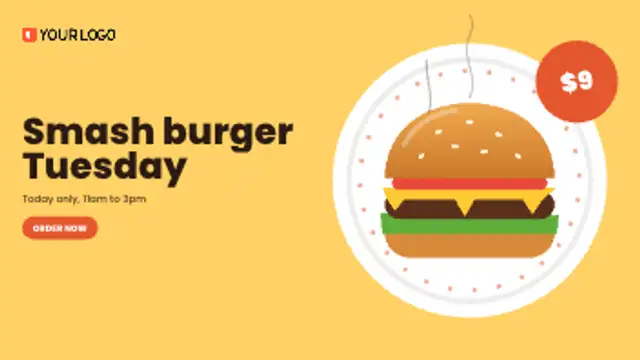
A plate spins in, the dish lands on it with a bounce, steam curls up and a price badge swings onto the rim.
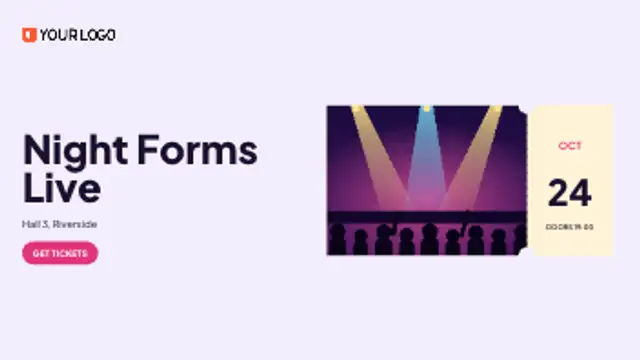
Your event photo slides in as a ticket, the perforation appears and the date rolls up on the stub beside your headline.
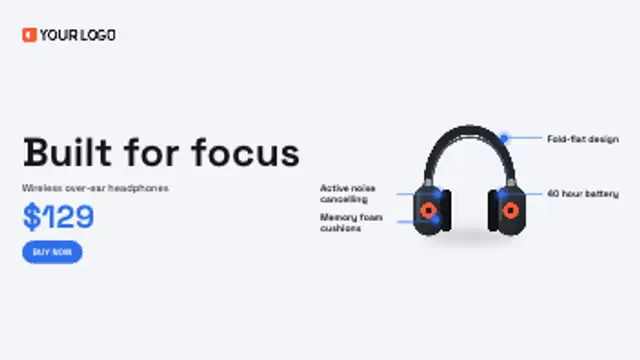
Leader lines draw out from points on your product to short benefit labels, one after another, before the offer lands.

Four timer boxes flip down in real seconds toward your deadline while the product pops in and the offer and button land.

Your launch line slams in word by word, each word sized to the full column, then the product drops in with a bounce.
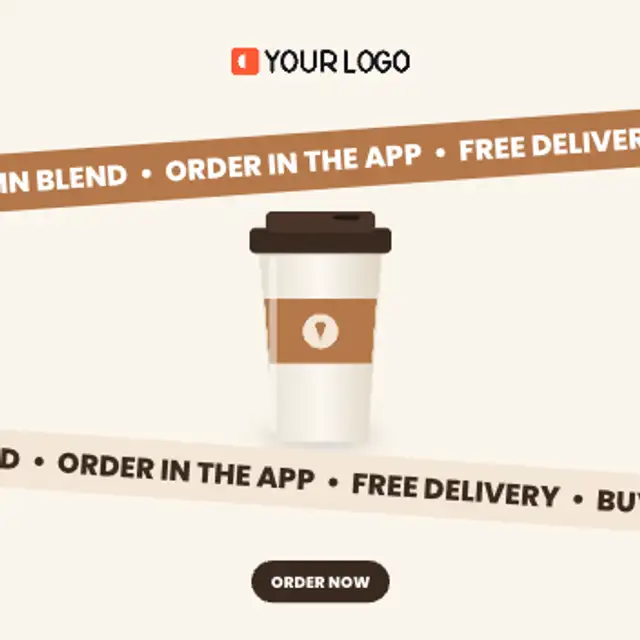
Two tilted bands scroll your offers in opposite directions around a floating product, looping seamlessly for as long as you need.