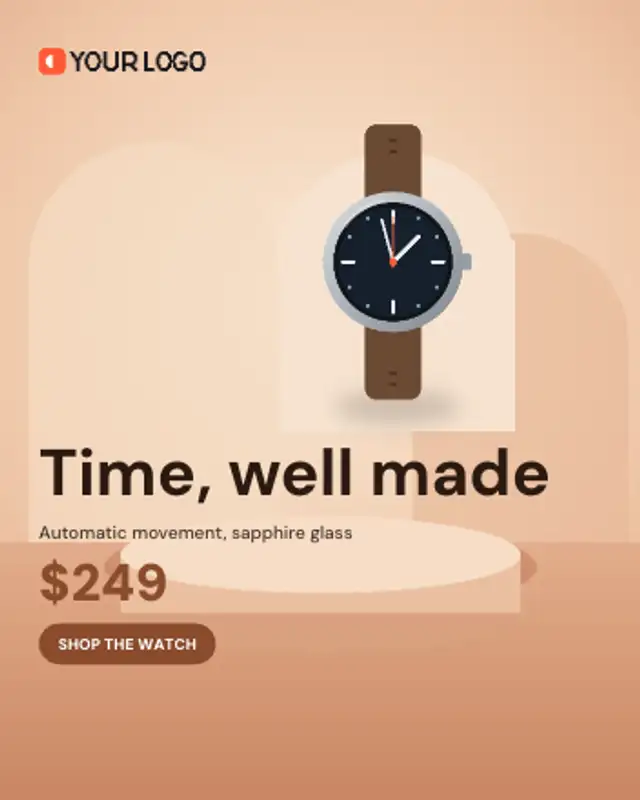
Your product rises onto a studio arch over the background photo and hovers there while the offer and button land.
Dish Special
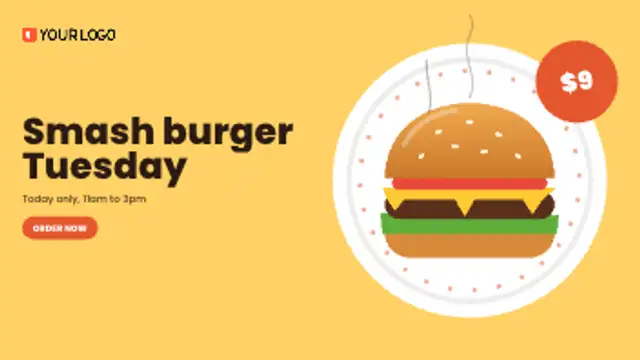
A plate spins in, the dish lands on it with a bounce, steam curls up and a price badge swings onto the rim.
Promote a menu special: the plate spins in, your dish lands, steam rises and the price badge swings on. For socials and menu screens.
Part of Banner Ads. New to this kind of graphic? Read How to Make an Animated Banner Ad From a Product Photo.
Transparent exports and editor imports are explained in the transparent video guide, and every download is free under the commercial license.
Content: product image, logo image, text, subtitle, price and button. Typography: font, weight and size. Style: background, text color, primary, secondary and accent. Layout: aspect ratio. Motion: duration and easing.
Dish Special runs 7 seconds by default, and you can set any length up to 30 seconds before you export. It plays once.
Use Dish Special for a restaurant's daily deal, a new menu item or a delivery promotion on social feeds and counter screens. The spinning plate, bounce and steam suggest a dish served fresh from the kitchen.
Your product rises onto a studio arch over the background photo and hovers there while the offer and button land.

Products drop one by one into a gift box while the total value counts up, then the box closes and the bundle price lands.
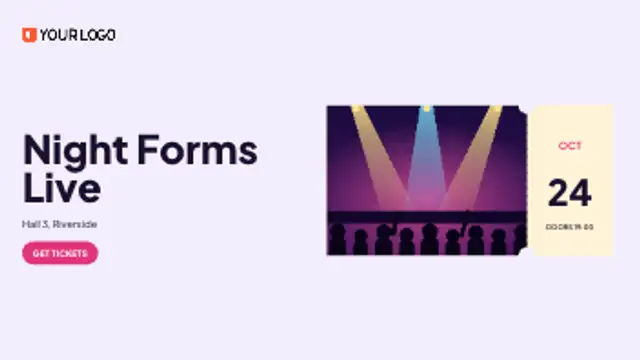
Your event photo slides in as a ticket, the perforation appears and the date rolls up on the stub beside your headline.
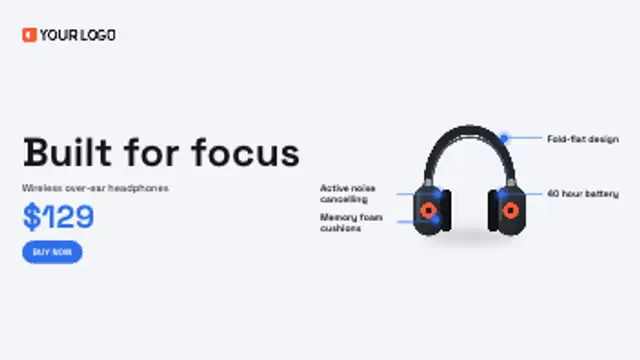
Leader lines draw out from points on your product to short benefit labels, one after another, before the offer lands.

Four timer boxes flip down in real seconds toward your deadline while the product pops in and the offer and button land.

Your launch line slams in word by word, each word sized to the full column, then the product drops in with a bounce.
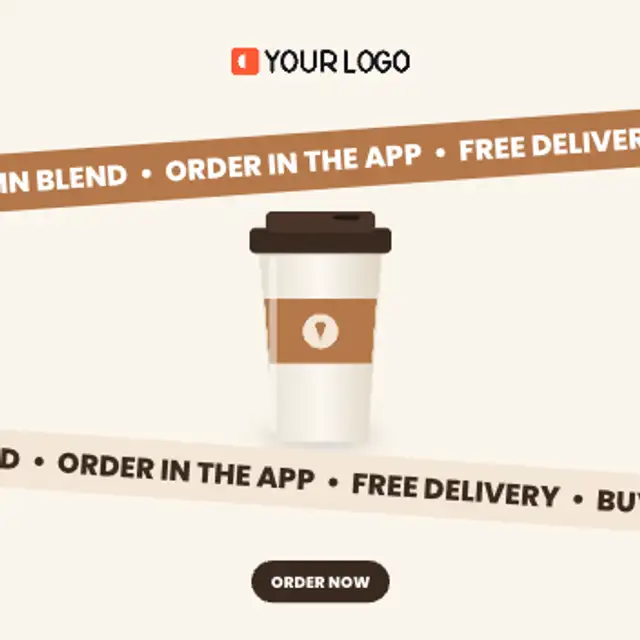
Two tilted bands scroll your offers in opposite directions around a floating product, looping seamlessly for as long as you need.

The old price is struck through, the new price slams in and a spinning discount burst lands on your product.