
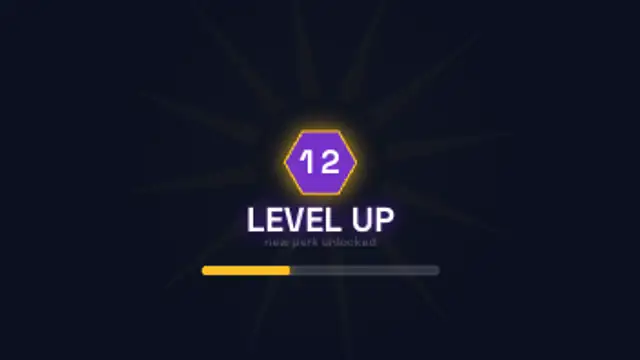
A hex level badge pops with a ray burst and flying sparks while the XP bar fills past the threshold under the headline.
Level up bursts, achievement plaques, health bars, combo counters and retro game over cards.
A hex level badge pops with a ray burst and flying sparks while the XP bar fills past the threshold under the headline.
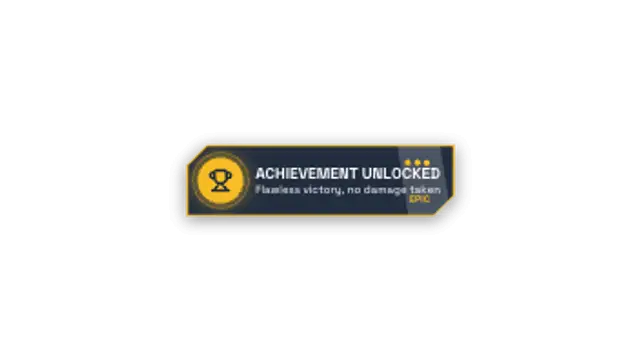
A chamfered plaque slides in with an icon disc, title, rarity label and pips while a shine sweeps across it.
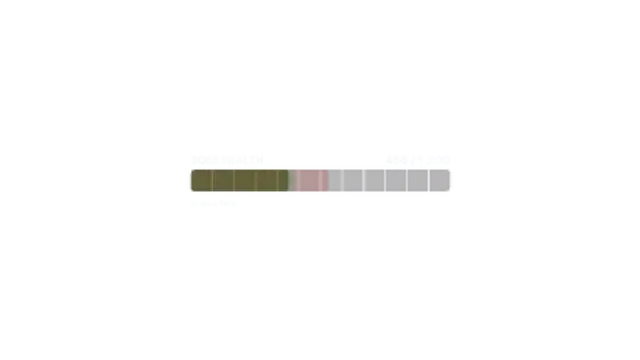
A segmented health bar takes hits in chunks with a white flash and shake, then pulses red once it drops into the danger zone.
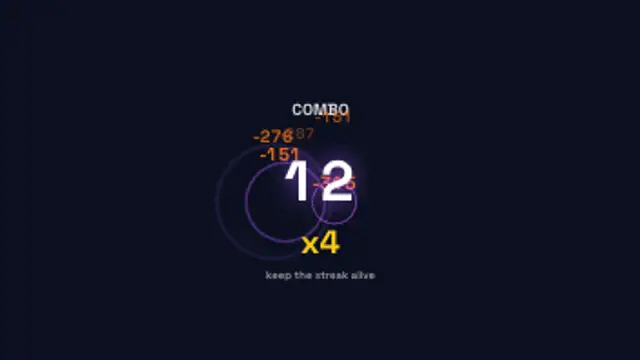
The combo counter punches up hit by hit, the multiplier climbs and damage numbers float off with impact rings.
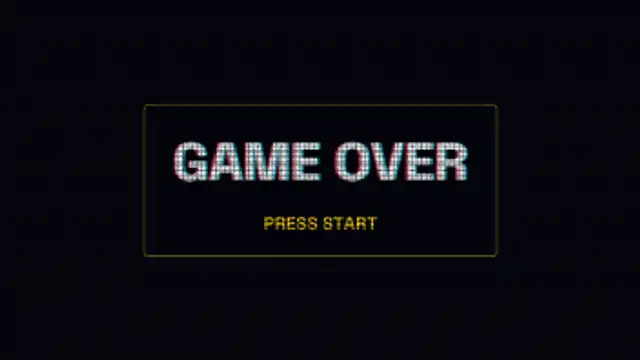
A retro title card flickers in with a colour split, a pixel grid and scanlines over the type and a blinking prompt underneath.
Use gaming presets as overlays: a level-up burst on a win, an achievement plaque for a milestone, a health bar for tension, a combo counter for a streak. Export transparent WebM and place them over gameplay footage on the beat of the action.
Game UI is a shared language, which makes it useful far outside gameplay. These presets burst level ups, slam achievement plaques, drain health bars, count combos and drop retro game over cards.
Read the full guide: How to Add a Level Up Effect to Gaming Videos5 editable presets, including Level Up Burst, Achievement Unlocked, Health Bar Damage, Combo Multiplier and Retro Game Over. Every one opens in the browser editor, where you change colors, timing and any text before you download.
None of them loop. Every preset in Gaming FX plays once, which suits cuts, openers and one-off moments.
MP4 for any editor or platform, WebM with a transparent background for the web, and a PNG sequence with alpha for Premiere Pro, After Effects, DaVinci Resolve and Figma. Every preset exports in 16:9, 9:16, 1:1 and 4:5 from 720p up to 8K, with a commercial license in your name.
Editing and previewing are free. You only spend a credit when the finished file lands on your machine.
5 free HD downloads on a new account · No card required