
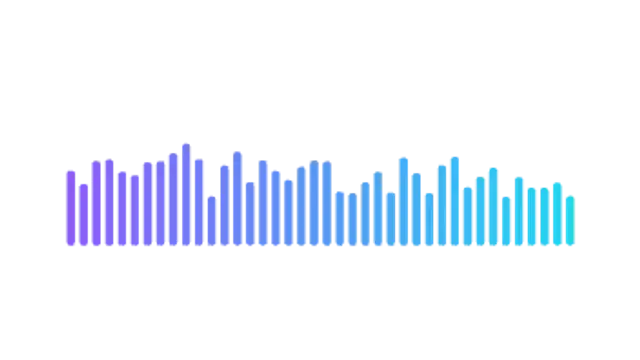
Classic equalizer bars that pump on every beat, with a color gradient from bass to treble.
Spectrum bars, waveforms and orbs that move like the music.
Classic equalizer bars that pump on every beat, with a color gradient from bass to treble.
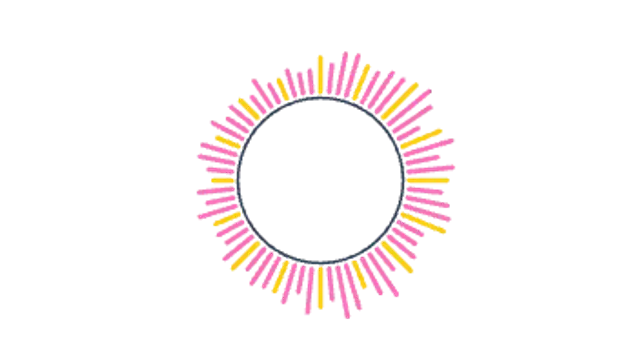
Bars radiate from a pulsing ring, the circular visualizer used on album art and release posts.
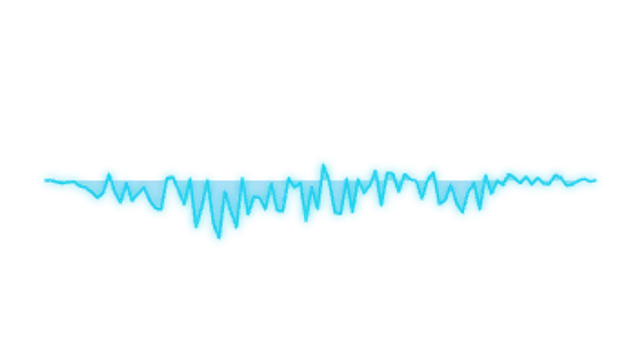
A glowing oscilloscope line that tapers at both ends, ideal over podcast audiograms and quotes.
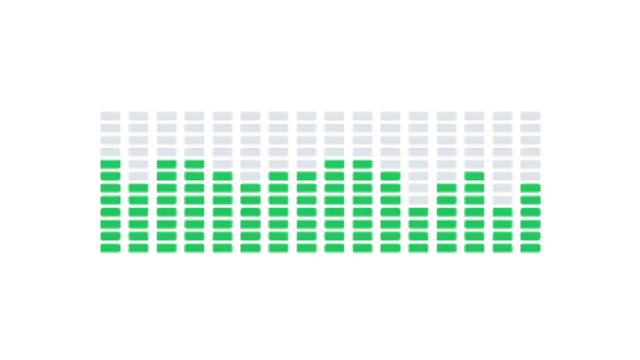
Segmented LED meters light up column by column with hot peaks on top. Studio hardware energy.
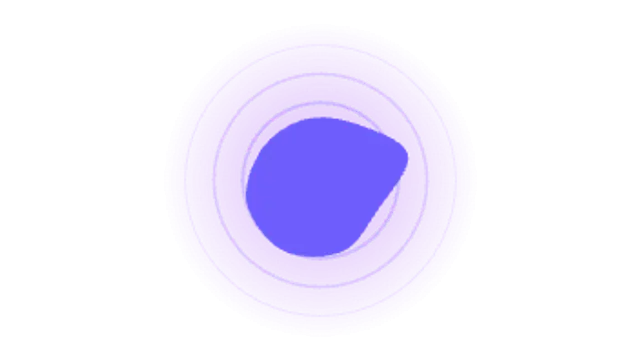
A liquid orb breathes with the beat inside expanding rings and a soft glow. Great for voice and AI assistants.
Export an audio visualizer preset, place it over your artwork or video, and lay your audio underneath in your editor. Spectrum bars, waveforms and pulsing orbs give a static episode clip the movement social platforms reward.
Audio is invisible, which is a problem on a feed. These visualizers give a clip a pulse, in your colors, at a speed that suits the track rather than a generic preset look.
Read the full guide: How to Make an Audio Visualizer for a Podcast Clip5 editable presets, including Spectrum Bars, Radial Spectrum, Waveform Line, Level Blocks and Pulse Orb. Every one opens in the browser editor, where you change colors, timing and any text before you download.
None of them loop. Every preset in Audio Visualizers plays once, which suits cuts, openers and one-off moments.
MP4 for any editor or platform, WebM with a transparent background for the web, and a PNG sequence with alpha for Premiere Pro, After Effects, DaVinci Resolve and Figma. Every preset exports in 16:9, 9:16, 1:1 and 4:5 from 720p up to 8K, with a commercial license in your name.
Editing and previewing are free. You only spend a credit when the finished file lands on your machine.
5 free HD downloads on a new account · No card required