
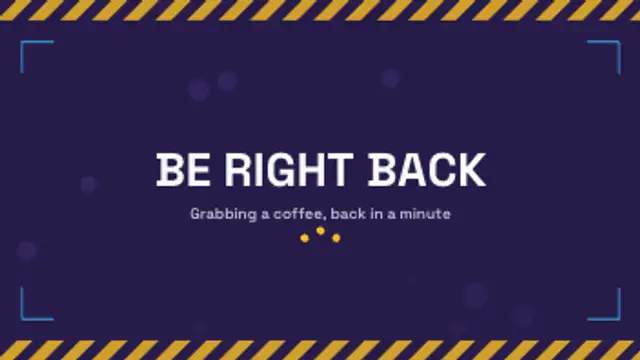
A looping break screen: hazard bands scroll along the edges, ambient bubbles drift up and bouncing dots keep the wait alive.
Be right back screens, stream alerts, webcam frames, goal bars and ending outros for live streams.
A looping break screen: hazard bands scroll along the edges, ambient bubbles drift up and bouncing dots keep the wait alive.
A follower alert slams in: rings burst behind the avatar disc, the name slides in and the tier line fades up under a shine sweep.
A looping cam border with corner brackets that chase around the edge, a name tag and a blinking live badge.
A goal bar fills to the current total, counts up beside the target and pops a pip at every milestone it passes.
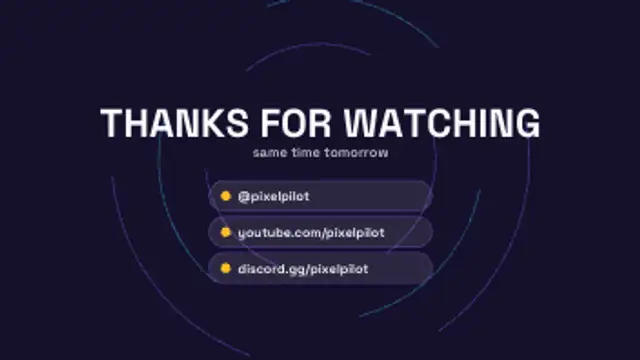
A thanks-for-watching outro: the headline drops in over slowly turning dashed rings and handle rows slide up one by one.
Four cover most streams: a be-right-back screen, a webcam frame, an alert for new followers, and a goal bar. Export the alert and frame as transparent WebM so they sit over gameplay, and keep the BRB screen as a looping full-frame MP4.
A stream looks produced when its furniture matches. These presets build a BRB card, frame a webcam, fire alerts, fill goal bars and close with an outro, all in your channel colors.
Read the full guide: How to Make Stream Overlays and a BRB Screen5 editable presets, including Be Right Back Screen, Stream Alert Card, Webcam Frame, Sub Goal Bar and Stream Ending Outro. Every one opens in the browser editor, where you change colors, timing and any text before you download.
None of them loop. Every preset in Live Stream Overlays plays once, which suits cuts, openers and one-off moments.
MP4 for any editor or platform, WebM with a transparent background for the web, and a PNG sequence with alpha for Premiere Pro, After Effects, DaVinci Resolve and Figma. Every preset exports in 16:9, 9:16, 1:1 and 4:5 from 720p up to 8K, with a commercial license in your name.
Editing and previewing are free. You only spend a credit when the finished file lands on your machine.
5 free HD downloads on a new account · No card required