

A cursor glides in and clicks a subscribe button, which flips to subscribed as the bell rings.
Subscribe, like and follow prompts that grow engagement.
A cursor glides in and clicks a subscribe button, which flips to subscribed as the bell rings.

A thumbs up pops with a colorful burst and a floating +1 that makes every like feel rewarding.
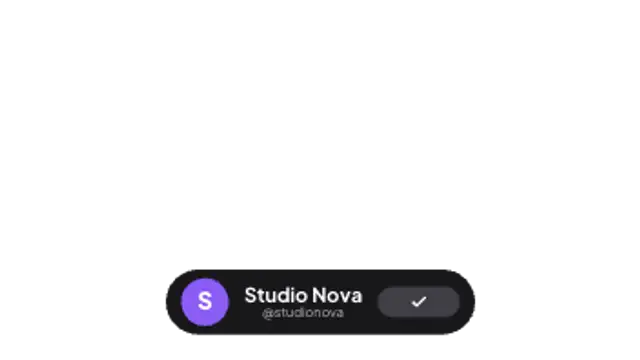
A sleek profile pill slides in and its follow button taps into a confirmed checkmark.
The bell rings with sound waves and a count badge pops on, reminding viewers to turn on notifications.
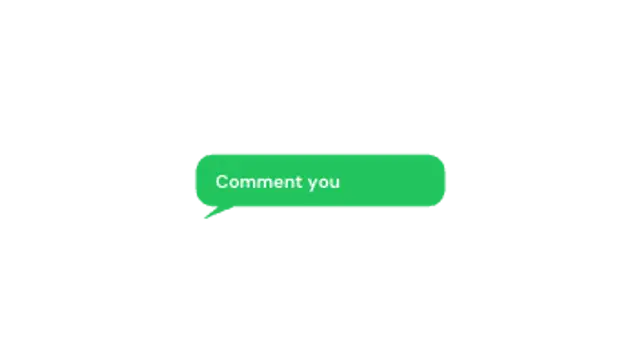
A chat bubble pops up, shows typing dots, then reveals your message. Great for questions and CTAs.
Put the prompt where the viewer has already got value, usually after the first payoff rather than in the opening seconds. Keep it under three seconds, use a transparent export so it sits in a corner, and pair it with a spoken line for the biggest lift.
Subscribe, like and follow prompts work when they feel like a beat in the edit rather than a banner. These presets click a button, burst a heart, ring a bell and stack a follow card, all in your own colors.
Read the full guide: How to Add a Subscribe Button Animation to a Video5 editable presets, including Subscribe Click, Like Burst, Follow Card, Notification Bell and Comment Bubble. Every one opens in the browser editor, where you change colors, timing and any text before you download.
None of them loop. Every preset in Social Media Animations plays once, which suits cuts, openers and one-off moments.
MP4 for any editor or platform, WebM with a transparent background for the web, and a PNG sequence with alpha for Premiere Pro, After Effects, DaVinci Resolve and Figma. Every preset exports in 16:9, 9:16, 1:1 and 4:5 from 720p up to 8K, with a commercial license in your name.
Editing and previewing are free. You only spend a credit when the finished file lands on your machine.
5 free HD downloads on a new account · No card required