
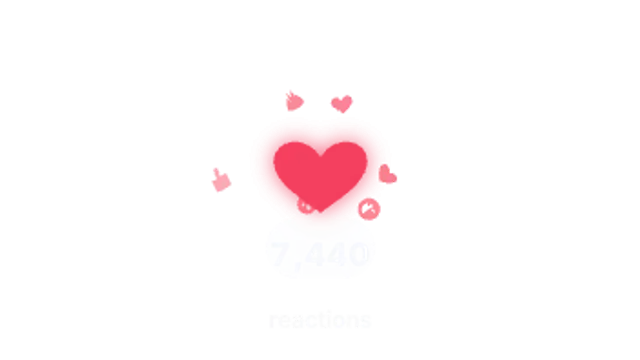
A reaction glyph springs in with a spoke burst and expanding ring while smaller reactions fly out and the count ticks up below.
Emoji reaction pops, meme captions, censor bars, REC viewfinders and impact reaction stamps.
A reaction glyph springs in with a spoke burst and expanding ring while smaller reactions fly out and the count ticks up below.
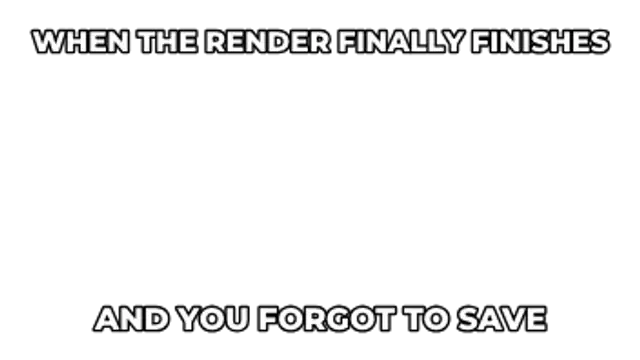
Heavy outlined caption lines slam into the top and bottom of the frame with a short shake and optional dark bars behind them.
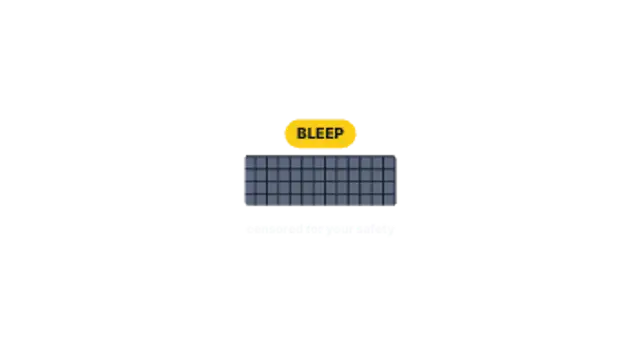
A mosaic censor bar slides over the spot, its tiles jitter frame by frame and a bleep tag pops above it.
A camcorder viewfinder with corner brackets, a blinking REC dot, running timecode, focus box and a battery meter.

A tilted reaction word stamps in hard with speed lines and a ring blast, then settles with a quick shake.
Use a caption block preset, type the line, and place it at the top or bottom of the frame. Pair it with an emoji reaction pop or an impact stamp on the punchline, and export transparent WebM so the joke lands over your own footage.
Reaction graphics are comic timing made visible. These presets pop emoji, block meme captions, slide censor bars, frame a REC viewfinder and stamp impact reactions.
Read the full guide: How to Add Meme Captions and Censor Bars to a Video5 editable presets, including Emoji Reaction Pop, Meme Caption Block, Censor Bar, REC Viewfinder and Impact Reaction Stamp. Every one opens in the browser editor, where you change colors, timing and any text before you download.
None of them loop. Every preset in Reactions & Memes plays once, which suits cuts, openers and one-off moments.
MP4 for any editor or platform, WebM with a transparent background for the web, and a PNG sequence with alpha for Premiere Pro, After Effects, DaVinci Resolve and Figma. Every preset exports in 16:9, 9:16, 1:1 and 4:5 from 720p up to 8K, with a commercial license in your name.
Editing and previewing are free. You only spend a credit when the finished file lands on your machine.
5 free HD downloads on a new account · No card required