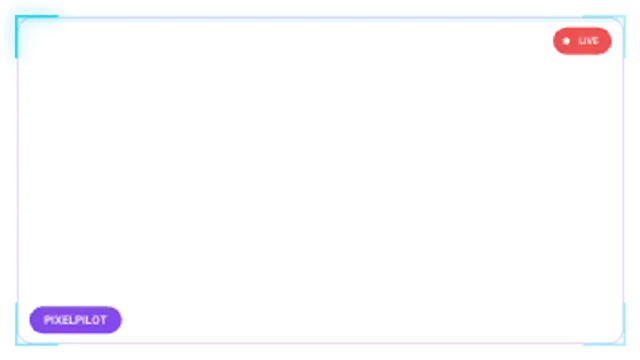
Webcam Frame
10sA looping cam border with corner brackets that chase around the edge, a name tag and a blinking live badge.
Be Right Back Screen
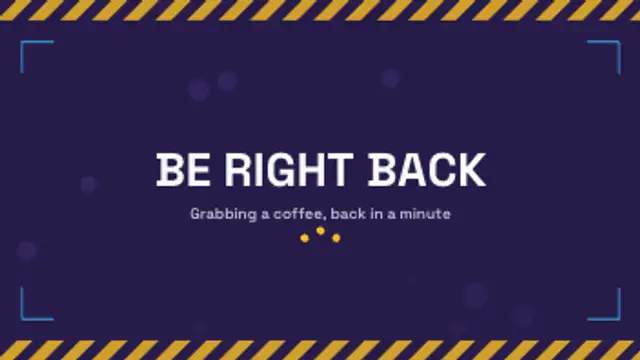
A looping break screen: hazard bands scroll along the edges, ambient bubbles drift up and bouncing dots keep the wait alive.
Part of Live Stream Overlays. New to this kind of graphic? Read How to Make Stream Overlays and a BRB Screen.
A looping break screen: hazard bands scroll along the edges, ambient bubbles drift up and bouncing dots keep the wait alive. It belongs to the Live Stream Overlays category on velements, where you edit it in the browser and download it as a finished video file.
Every control in the editor, grouped the same way there. Content: title and subtitle. Typography: font. Style: background, text color, primary, secondary, accent and thickness. Layout: aspect ratio and scale. Motion: duration, speed and variation. Each change appears in the live preview straight away, and editing is free.
Be Right Back Screen runs 10 seconds by default, and you can set any length up to 60 seconds before you export. It plays once from start to finish, so it drops straight onto a cut or an opening.
Yes. Set the background to Transparent, then export a PNG sequence for Premiere Pro, After Effects, DaVinci Resolve, Final Cut Pro or Figma: import the first frame as an image sequence and it drops onto a track above your footage with a straight alpha channel. Export WebM with a VP9 alpha channel for the web and for CapCut. MP4 has no alpha channel, so it keeps a solid color or image behind the animation.
Yes. Each download comes with a perpetual commercial license in your name for client work, ads and products, and you may sell the edited clip on stock footage sites. Reselling the preset itself as an editable template is not allowed.
A looping cam border with corner brackets that chase around the edge, a name tag and a blinking live badge.
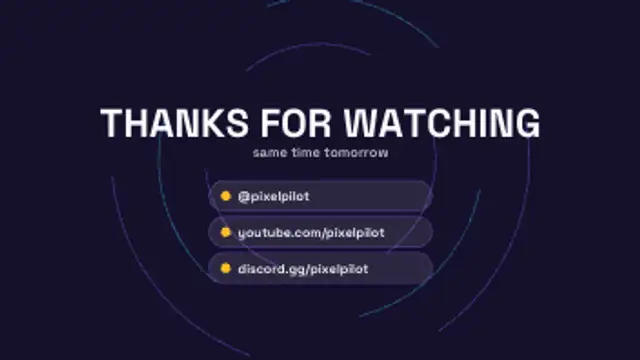
A thanks-for-watching outro: the headline drops in over slowly turning dashed rings and handle rows slide up one by one.
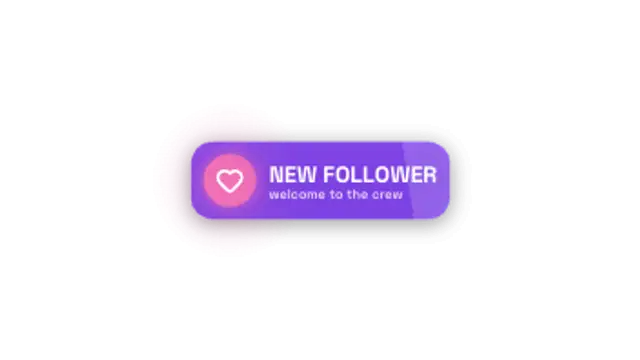
A follower alert slams in: rings burst behind the avatar disc, the name slides in and the tier line fades up under a shine sweep.
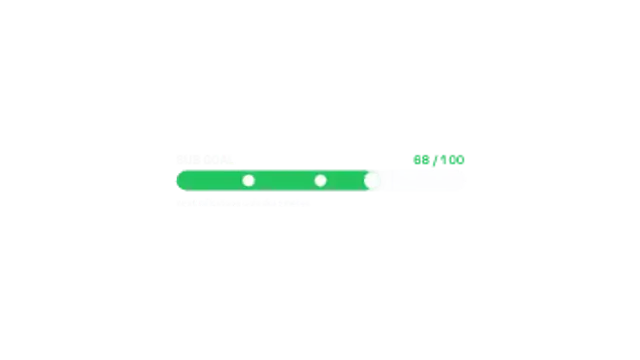
A goal bar fills to the current total, counts up beside the target and pops a pip at every milestone it passes.
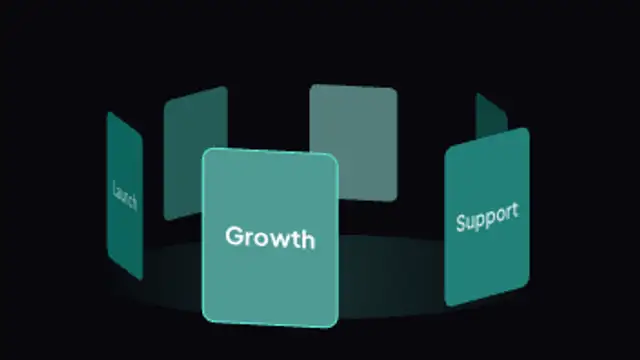
Drop your own images onto cards that orbit a tilted 3D ring with depth shading, a glowing front card and a soft floor light, in a seamless loop.
Two intertwined helices with connecting rungs rotate in 3D with depth-shaded strands and glowing nodes, a seamless science and biology loop.
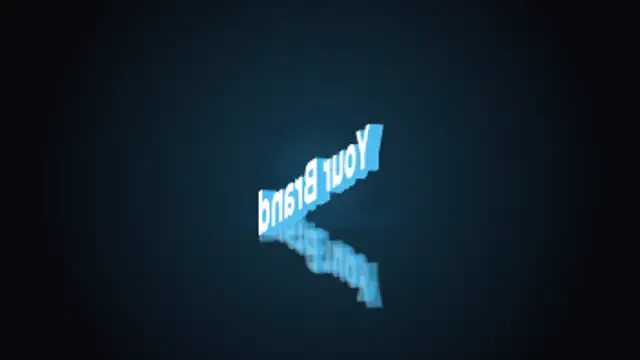
Upload a logo and it turns like a thick 3D badge on a turntable with a glossy floor reflection and glow, in a perfect loop.
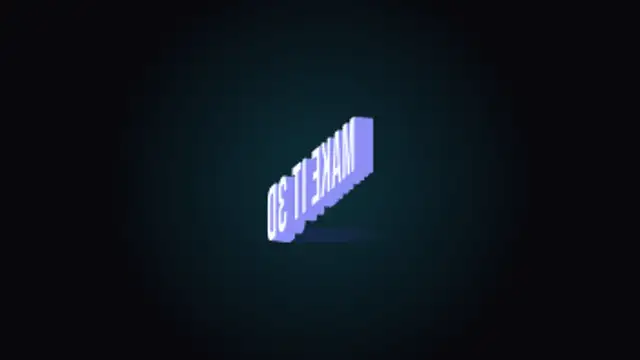
Your words as thick extruded 3D letters that turn a full circle with shaded sides, a soft glow and a floor shadow, looping seamlessly.