velements

Audio Visualizers

Audio visualizers: turn a podcast clip into something watchable

Updated September 18, 20263 min read

How do you make an audiogram for a podcast?

Export an audio visualizer preset, place it over your artwork or video, and lay your audio underneath in your editor. Spectrum bars, waveforms and pulsing orbs give a static episode clip the movement social platforms reward.

Audio is invisible, which is a problem on a feed. These visualizers give a clip a pulse, in your colors, at a speed that suits the track rather than a generic preset look.

Five audio visualizers presets to start from

Hover any card to play it. Opening one loads it in the editor with every control unlocked.

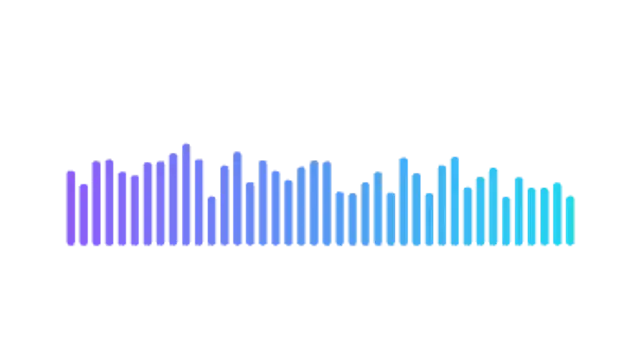
  • Classic equalizer bars that pump on every beat, with a color gradient from bass to treble.

  • Bars radiate from a pulsing ring, the circular visualizer used on album art and release posts.

  • A glowing oscilloscope line that tapers at both ends, ideal over podcast audiograms and quotes.

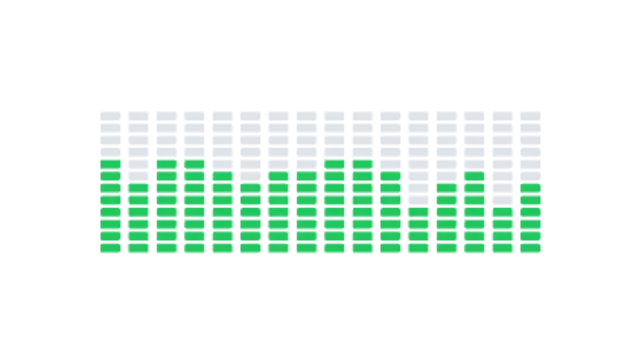
  • Segmented LED meters light up column by column with hot peaks on top. Studio hardware energy.

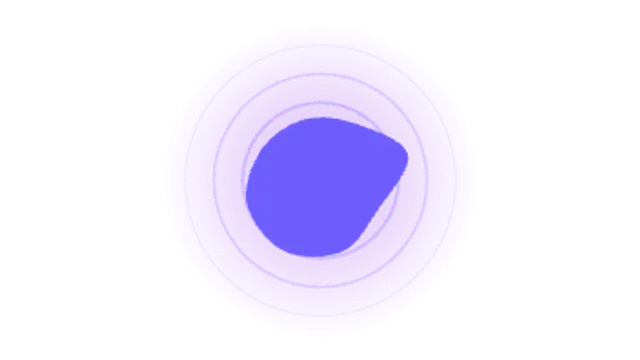
  • A liquid orb breathes with the beat inside expanding rings and a soft glow. Great for voice and AI assistants.

All audio visualizers

How to make one in the browser

  1. 01Open a audio visualizers presetBrowse the Audio Visualizers category and open the preset closest to what you need. It loads in the editor with every control unlocked.
  2. 02Make it yoursRewrite the text, set your brand colors and font, adjust easing and duration, and switch the aspect ratio for the platform you are posting to.
  3. 03Export the clipChoose MP4 for a normal track or transparent WebM for an overlay, pick a resolution up to 8K, and the file renders on your own machine.

Which format should you export?

Use MP4 when the clip sits on its own track or fills the frame. Use transparent WebM whenever it has to float over your own footage: the alpha channel is real, so no keying or blend mode is needed.

Format
MP4 H.264 · WebM VP9
Alpha
Transparent WebM
Resolution
720p to 8K
Aspect
16:9 · 9:16 · 1:1 · 4:5
License
Commercial use included

Three tips that make it look intentional

  • Match the visualizer color to your cover art so clips look like your show.
  • Vertical framing plus a caption block is the format that travels furthest.
  • Keep the visualizer at the bottom third and leave room for the title.

Frequently asked

Does it react to my actual audio?
The motion is rendered to a rhythm you set, not analysed from a file, so it stays deterministic and exports identically every time.
What resolution should I export?
1080×1920 covers every social platform; go to 4K only if the clip will be reframed later.
  • Countdowns & Timers

    Countdown timers: build urgency without a stopwatch

    Pick a countdown preset, set the starting time and format, choose the colors, and export at the exact duration you need. Flip clocks, ring timers and deadline boxes all count down in real time, so the clip length matches the countdown itself.

    Read the guide
  • News & Broadcast

    News graphics: tickers, breaking banners and headline bars

    Use a ticker preset, enter your headlines, set the scroll speed and colors, and export. A breaking news banner and a headline bar cover the rest of a bulletin look, and transparent exports let them sit over your own footage or a studio plate.

    Read the guide
  • Scoreboards & Stats

    Scoreboard graphics: score bugs, leaderboards and stats

    Use a score bug preset, enter the team names and scores, set the colors, and export a transparent WebM. Pin it to a top corner for the length of the clip, and cut to a full-frame leaderboard or final score card between plays.

    Read the guide