velements

Shop & Ecommerce

Product promos: carts, price drops and ratings that sell

Updated September 18, 20263 min read

What motion graphics help a product video convert?

Three beats do most of the work: the price drop, the social proof, and the call to action. An add-to-cart animation, a star rating and a promo code give a viewer the reason, the reassurance and the next step in under ten seconds.

A product ad has seconds to answer why now. These presets drop prices, add items to a cart, fill in star ratings, track shipping and reveal promo codes, with your own numbers and colors.
Five shop & ecommerce presets to start from

Hover any card to play it. Opening one loads it in the editor with every control unlocked.

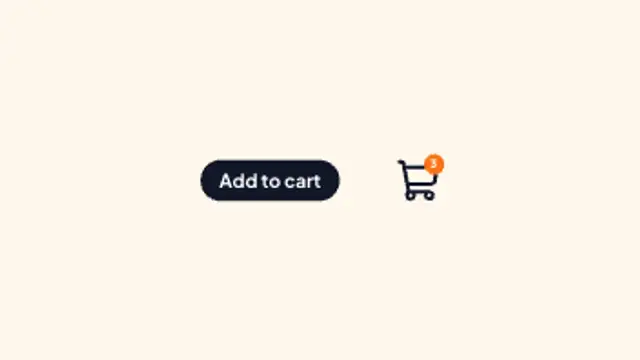
  • A cursor taps the buy button, the item arcs into the cart and the counter badge bumps up. Made for shop ads.

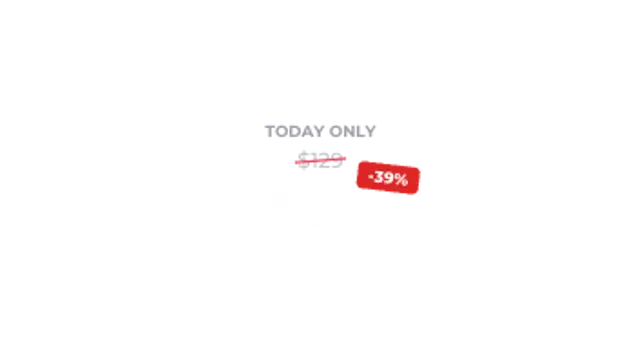
  • The old price gets slashed, the new price counts down to the deal and a percent-off chip pops beside it.

  • Stars pop in and fill to the exact score while the rating counts up above the review total.

  • A delivery truck drives along the order timeline, ticking each step from ordered to delivered.

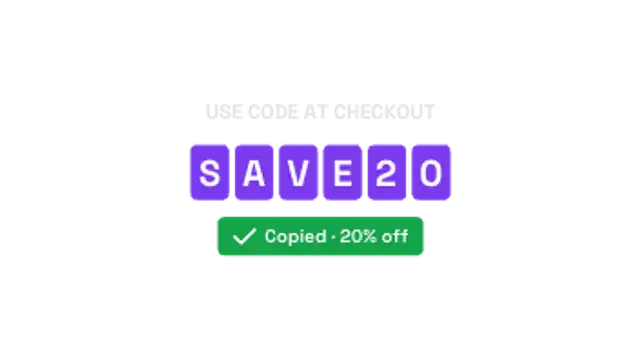
  • Code tiles flip in letter by letter and a copied confirmation slides up beneath. Drop it into any sale promo.

All shop & ecommerce

How to make one in the browser

  1. 01Open a shop & ecommerce presetBrowse the Shop & Ecommerce category and open the preset closest to what you need. It loads in the editor with every control unlocked.
  2. 02Make it yoursRewrite the text, set your brand colors and font, adjust easing and duration, and switch the aspect ratio for the platform you are posting to.
  3. 03Export the clipChoose MP4 for a normal track or transparent WebM for an overlay, pick a resolution up to 8K, and the file renders on your own machine.

Which format should you export?

Use MP4 when the clip sits on its own track or fills the frame. Use transparent WebM whenever it has to float over your own footage: the alpha channel is real, so no keying or blend mode is needed.

Format
MP4 H.264 · WebM VP9
Alpha
Transparent WebM
Resolution
720p to 8K
Aspect
16:9 · 9:16 · 1:1 · 4:5
License
Commercial use included

Three tips that make it look intentional

  • Show the old price only long enough to make the new one land.
  • Put the promo code on screen for at least three seconds so it can be read.
  • Keep the cart animation in the corner; the product stays the hero.

Frequently asked

Can I set my own prices and codes?
Yes, prices, labels and codes are all editable text and number fields.
Are the shapes safe for marketplaces?
Icons and shapes are generic and open-licensed, with no store branding, so exports pass platform checks.
  • Education & Explainers

    Explainer graphics: quizzes, steps and definitions

    Structure beats decoration. A step sequence shows where the viewer is, a definition card fixes a term, a quiz creates a pause, and a flashcard flip rewards attention. Each one gives the narration something to land on.

    Read the guide
  • 3D Animations

    3D loops: spinning text, logos and isometric scenes

    Yes, for the kind of 3D that video work actually uses: extruded text, spinning logos, rotating coins, cube grids and isometric stacks. These render on a 2D canvas as clean geometry, loop seamlessly and export as MP4 or transparent WebM.

    Read the guide
  • Live Stream Overlays

    Stream overlays: BRB screens, alerts and goal bars

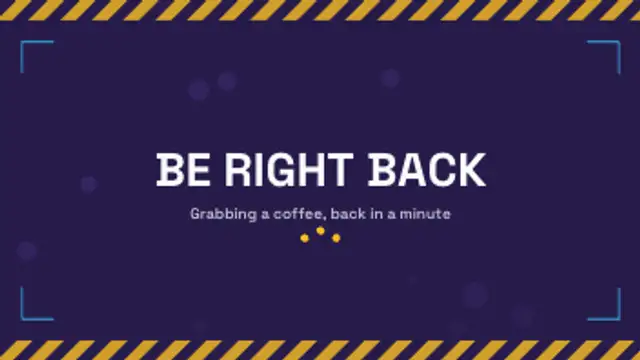
    Four cover most streams: a be-right-back screen, a webcam frame, an alert for new followers, and a goal bar. Export the alert and frame as transparent WebM so they sit over gameplay, and keep the BRB screen as a looping full-frame MP4.

    Read the guide