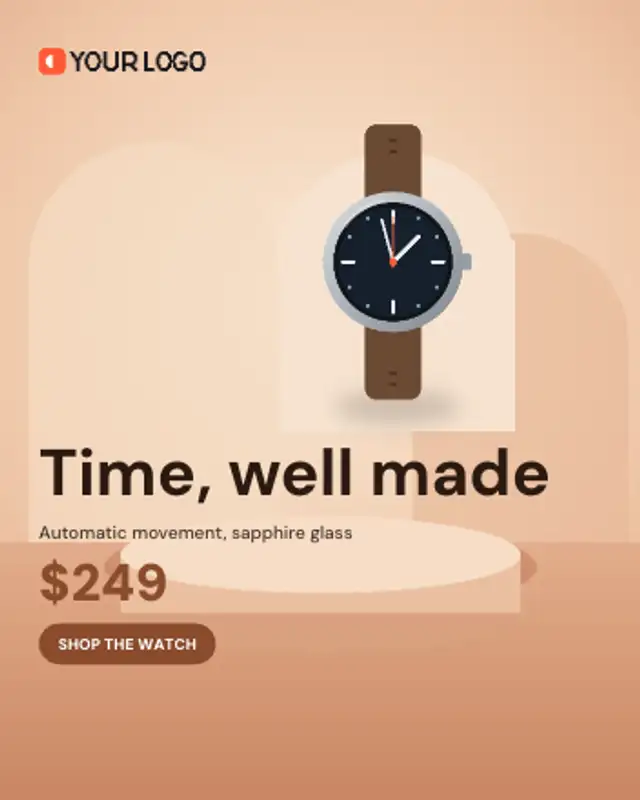
Your product rises onto a studio arch over the background photo and hovers there while the offer and button land.
Variant Swatch Cycle
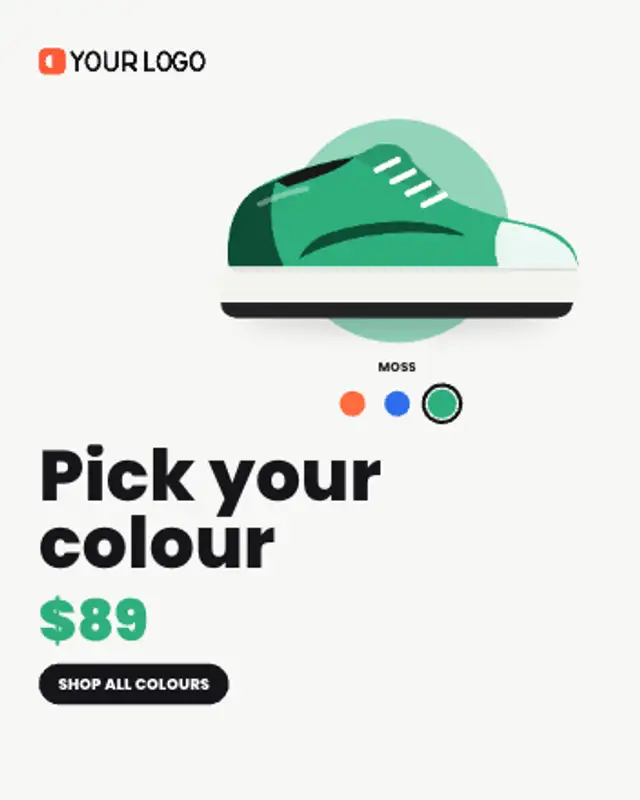
Your product swaps through its colourways while the matching swatch lights up and the backdrop tints to each colour.
Show every colourway: the product swaps variants as swatches highlight and the backdrop tints. Upload up to three variant photos.
Part of Banner Ads. New to this kind of graphic? Read How to Make an Animated Banner Ad From a Product Photo.
Transparent exports and editor imports are explained in the transparent video guide, and every download is free under the commercial license.
Content: product image, product 2, product 3, labels, logo image, text, price and button. Typography: font, weight and size. Style: background, text color, primary, secondary and accent. Layout: aspect ratio. Motion: duration and easing.
Variant Swatch Cycle runs 7 seconds by default, and you can set any length up to 30 seconds before you export. It plays once.
Use Variant Swatch Cycle when one product comes in several colours, such as trainers, phone cases or bottles. It answers the common question of which colours are available without needing a separate ad for each.
Your product rises onto a studio arch over the background photo and hovers there while the offer and button land.
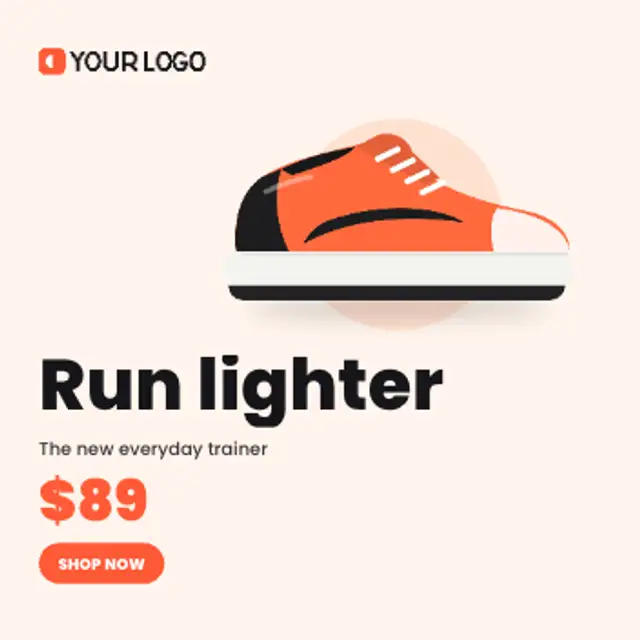
Your product springs onto a colour disc and floats while the headline, price and button stack in beside your logo.
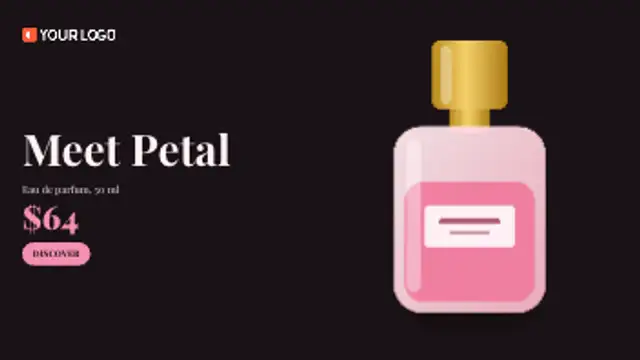
A beam of light sweeps across the frame and uncovers your product as it passes, then the copy settles in the dark.
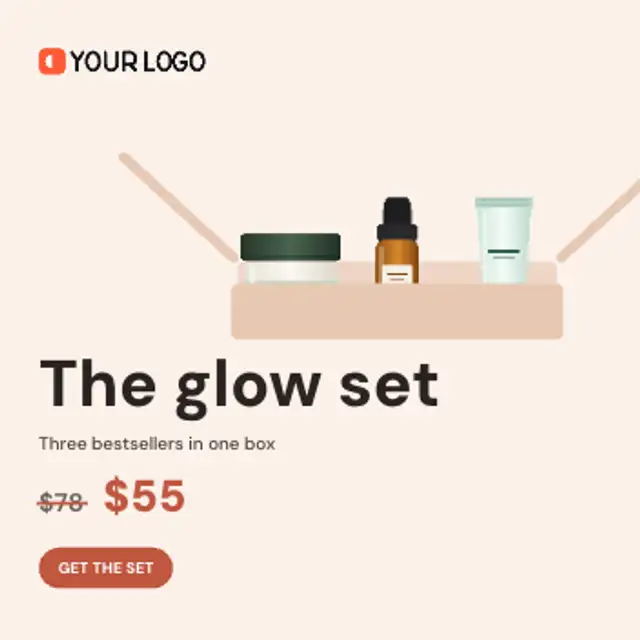
Products drop one by one into a gift box while the total value counts up, then the box closes and the bundle price lands.
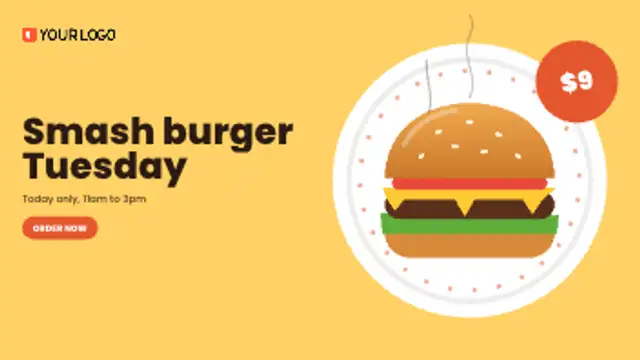
A plate spins in, the dish lands on it with a bounce, steam curls up and a price badge swings onto the rim.
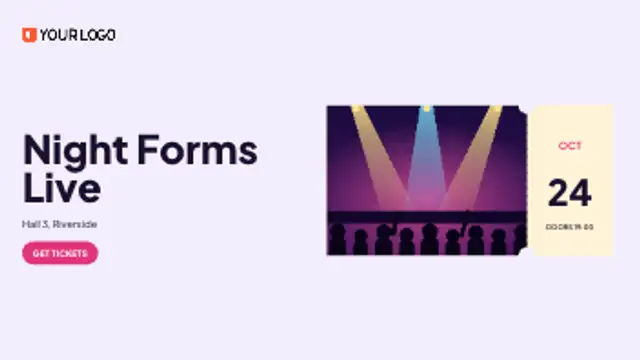
Your event photo slides in as a ticket, the perforation appears and the date rolls up on the stub beside your headline.
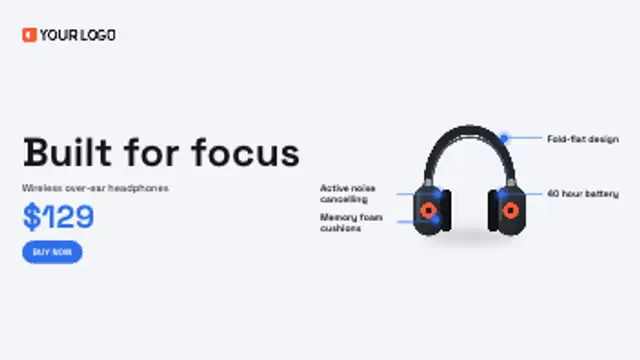
Leader lines draw out from points on your product to short benefit labels, one after another, before the offer lands.

Four timer boxes flip down in real seconds toward your deadline while the product pops in and the offer and button land.