
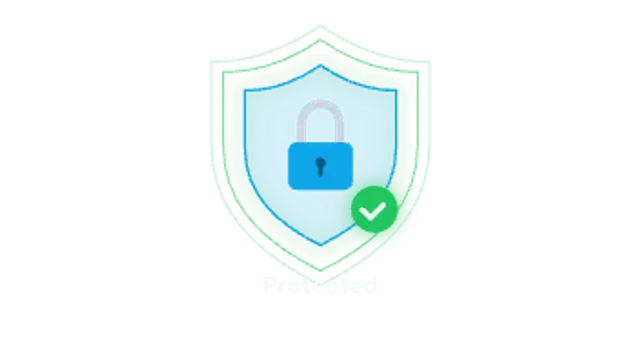
A shield outline draws on, a padlock drops in and snaps shut with a click, then glow rings pulse out and a check badge pops.
Shield locks, encryption scrambles, firewalls, malware scans, 2FA codes, phishing hooks, data breaches, VPN tunnels, attack maps and ransomware lockdowns.
A shield outline draws on, a padlock drops in and snaps shut with a click, then glow rings pulse out and a check badge pops.
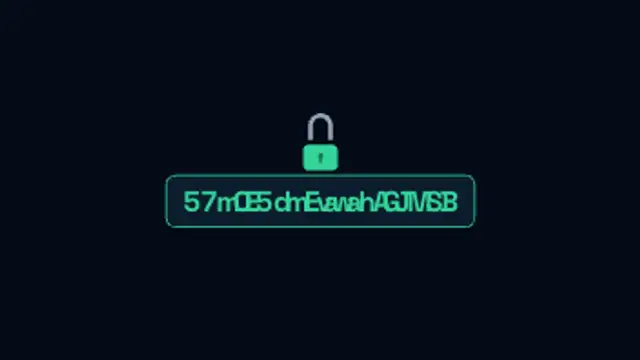
Plain text scrambles through random cipher glyphs into encrypted ciphertext before a padlock drops in and seals the message.
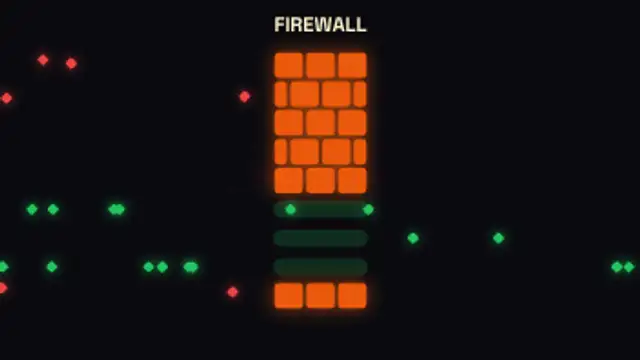
Data packets stream toward a brick firewall: safe packets slip through open gates while threats burst apart at the wall.
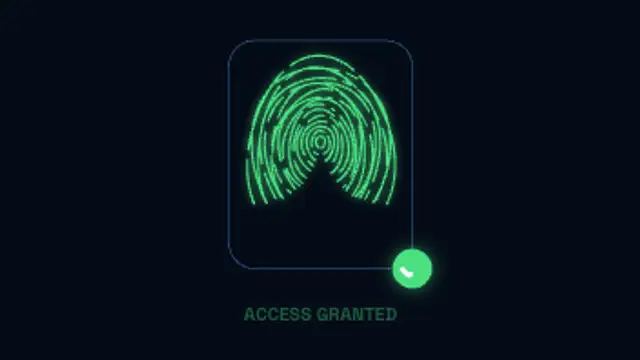
Generated fingerprint ridges draw in, a scan beam sweeps down lighting them up, then a check badge and access granted label appear.
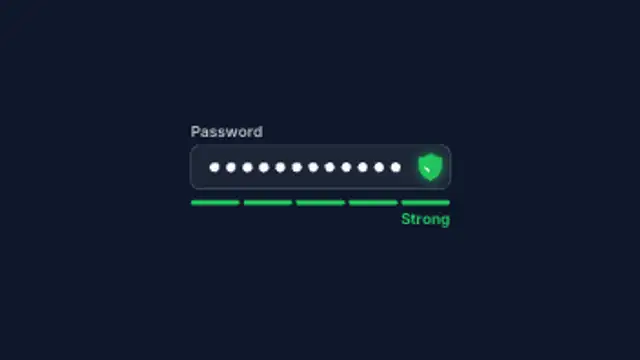
Masked password dots type into a field while a segmented meter fills from weak red through amber to strong green.
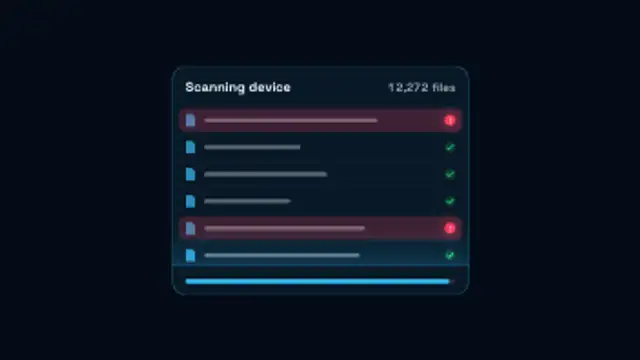
A scan beam sweeps a list of files while the scanned count climbs, infected rows flash red, then threats are cleaned and a check pops.
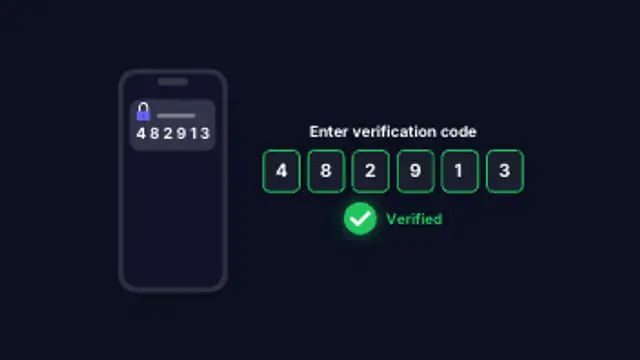
A phone buzzes with a one-time code, the digits type into verification boxes one by one, then the login is confirmed with a check.
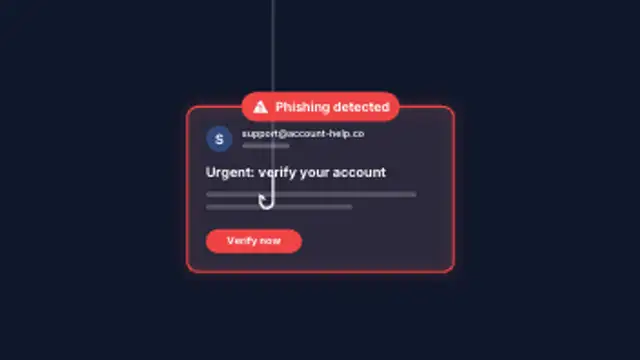
A suspicious email slides in, a fishing hook drops onto its link button and tugs it, then a phishing warning banner flags the message.
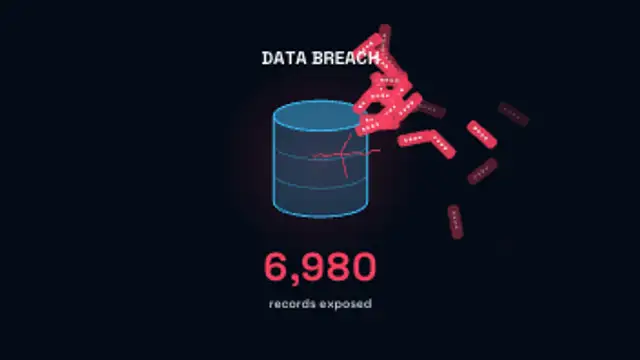
A database cracks open and masked records spill out in an arc while the exposed record count climbs under a red warning glow.
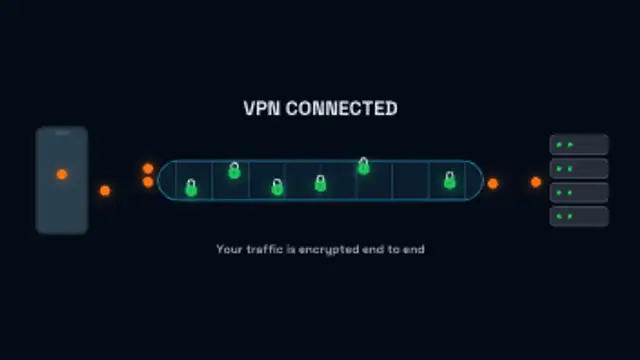
Data packets leave a phone, turn into locked packets inside an encrypted tunnel and arrive at the server on a continuous loop.
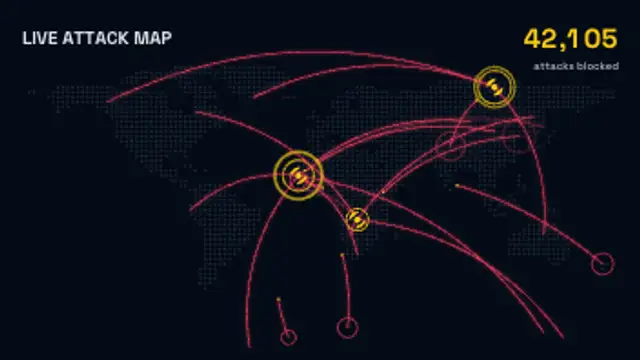
Attack arcs fly across a dotted world map into spinning target markers while the blocked attack count climbs, on a continuous loop.
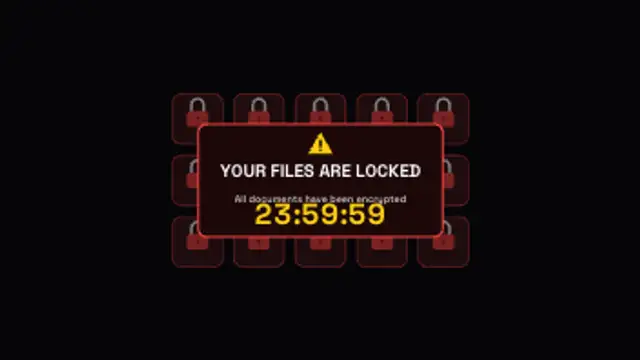
File tiles flip one by one into red padlocks, then a ransom panel takes over the screen with a warning and a ticking countdown.
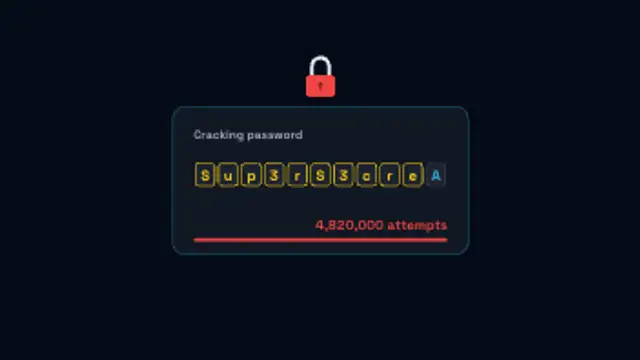
Password slots cycle through characters and lock in one by one while the attempt counter races, then the padlock springs open.
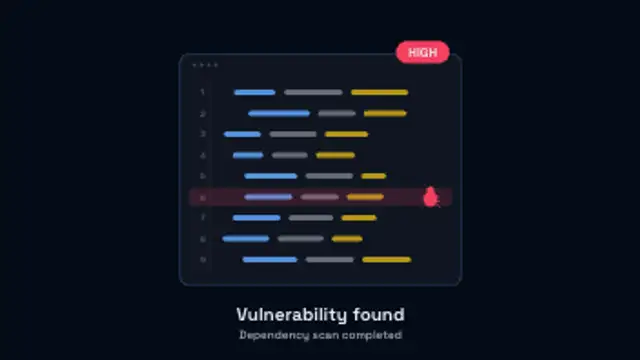
A magnifier sweeps down lines of code until a bug is caught, the line flashes red and a severity badge pops out of the panel.
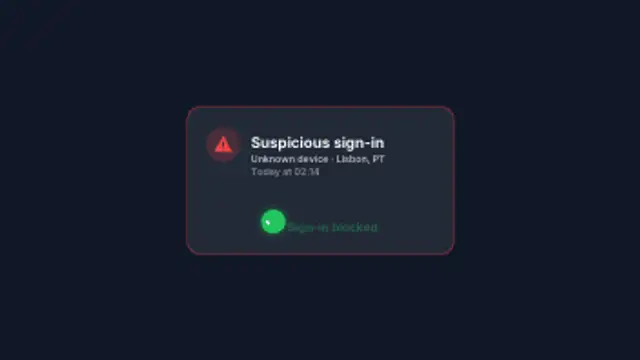
A security alert card drops in with the sign-in location and time, a pointer taps Deny and the attempt is blocked with a check.
Use the familiar vocabulary: a shield locking, text scrambling into ciphertext, a firewall blocking traffic, a fingerprint scanning, a 2FA code arriving, or an attack map lighting up. Each one gives a security claim something concrete on screen.
Security content has to show risk and reassurance in the same minute. These presets lock shields, scramble encryption, block firewalls, scan for malware, hook phishing, leak data and lock down ransomware, all in your palette.
Read the full guide: How to Make a Cybersecurity Animation for a Video15 editable presets, including Shield Lock Secure, Encryption Scramble, Firewall Blocking, Fingerprint Scan, Password Strength Meter and Malware Scan. Every one opens in the browser editor, where you change colors, timing and any text before you download.
None of them loop. Every preset in Cybersecurity plays once, which suits cuts, openers and one-off moments.
MP4 for any editor or platform, WebM with a transparent background for the web, and a PNG sequence with alpha for Premiere Pro, After Effects, DaVinci Resolve and Figma. Every preset exports in 16:9, 9:16, 1:1 and 4:5 from 720p up to 8K, with a commercial license in your name.
Editing and previewing are free. You only spend a credit when the finished file lands on your machine.
5 free HD downloads on a new account · No card required