
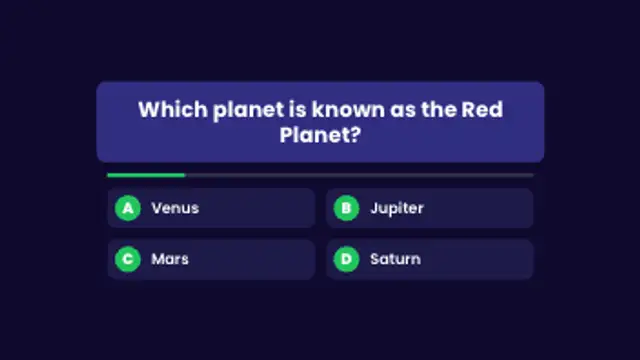
A question card pops in, answer options stagger below, a timer bar drains and the correct answer lights up with a tick.
Quizzes, steps, definitions and flashcards for lessons and explainer videos.
A question card pops in, answer options stagger below, a timer bar drains and the correct answer lights up with a tick.
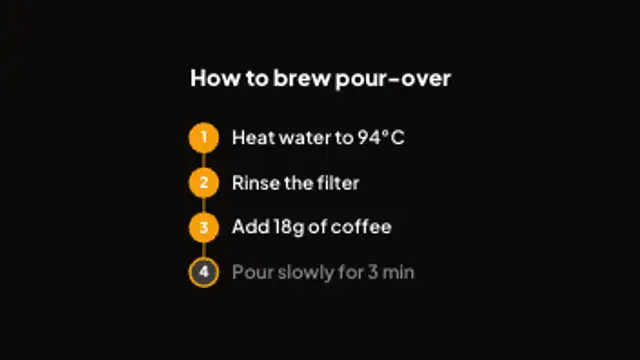
Numbered steps pop in along a connector line and the current step lights up in turn. Great for how-tos and recipes.
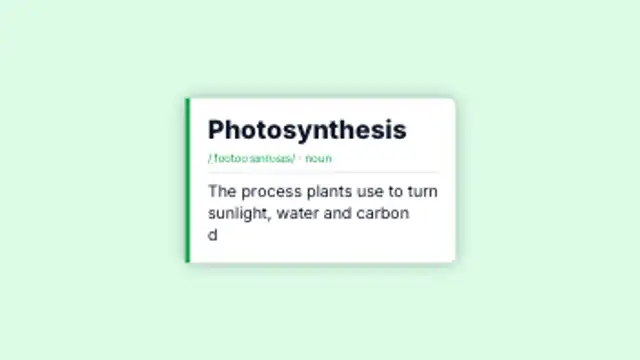
A dictionary-style card with term, pronunciation and a definition that types itself out. Perfect for explainers.
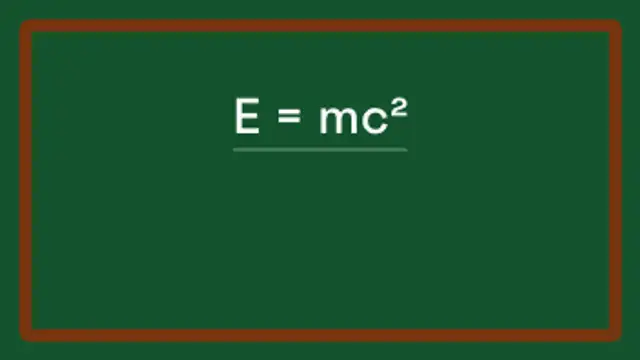
An equation writes itself across a chalkboard, gets underlined and the answer pops into a drawn box.
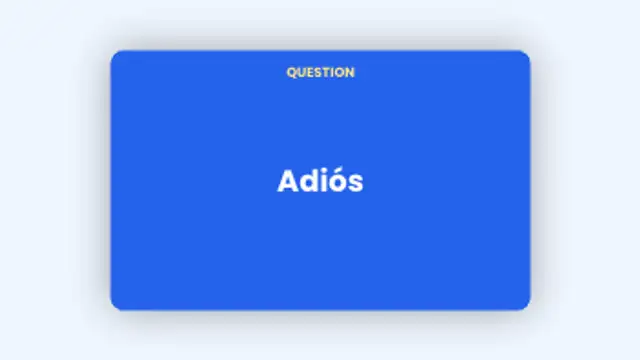
Flashcards flip from question to answer and slide away to the next card. Add as many pairs as you like.
Structure beats decoration. A step sequence shows where the viewer is, a definition card fixes a term, a quiz creates a pause, and a flashcard flip rewards attention. Each one gives the narration something to land on.
Teaching on video is mostly pacing. These presets give a lesson visible structure: numbered steps, term cards, chalkboard equations, quiz questions and flip cards, with your own content in every field.
Read the full guide: How to Add Quiz Questions to an Educational Video5 editable presets, including Quiz Question, Step by Step, Definition Card, Chalkboard Equation and Flashcard Flip. Every one opens in the browser editor, where you change colors, timing and any text before you download.
None of them loop. Every preset in Education & Explainers plays once, which suits cuts, openers and one-off moments.
MP4 for any editor or platform, WebM with a transparent background for the web, and a PNG sequence with alpha for Premiere Pro, After Effects, DaVinci Resolve and Figma. Every preset exports in 16:9, 9:16, 1:1 and 4:5 from 720p up to 8K, with a commercial license in your name.
Editing and previewing are free. You only spend a credit when the finished file lands on your machine.
5 free HD downloads on a new account · No card required