
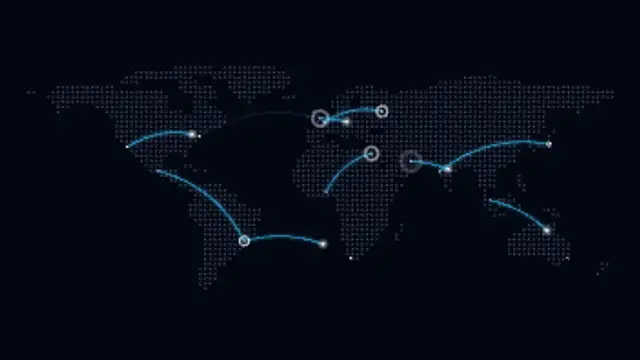
Glowing flight arcs launch between major cities across a dotted world map, with travelling planes and landing pulses on loop.
Dotted world maps, flight routes, travel pins, rotating globes and delivery routes.
Glowing flight arcs launch between major cities across a dotted world map, with travelling planes and landing pulses on loop.
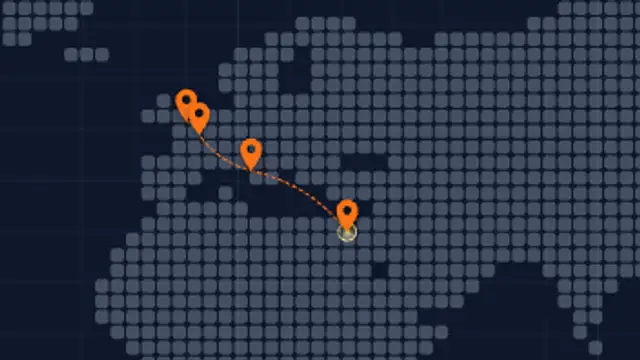
Map pins drop at each stop while a dashed travel route draws from city to city across a minimal grid map.
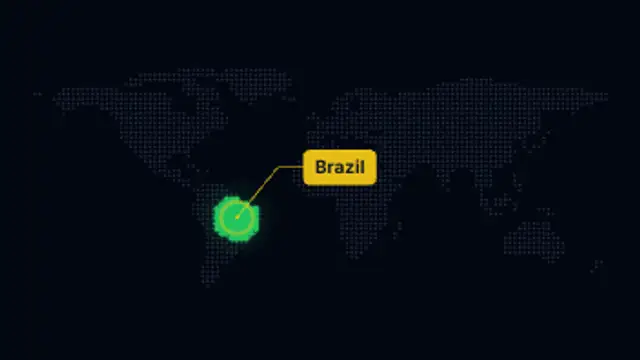
A region of the dotted world map lights up in a glowing wave, pulses and gets an editable label callout.
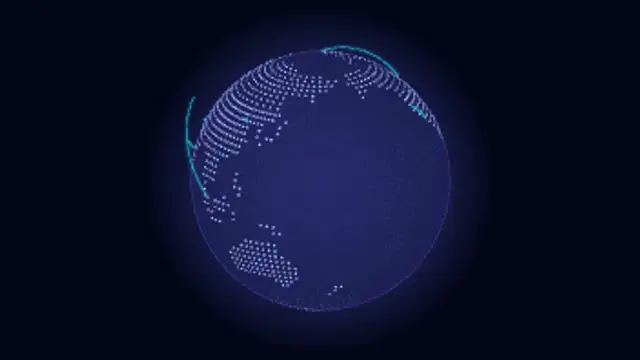
A dotted 3D globe spins seamlessly while glowing connection arcs link cities around the world.
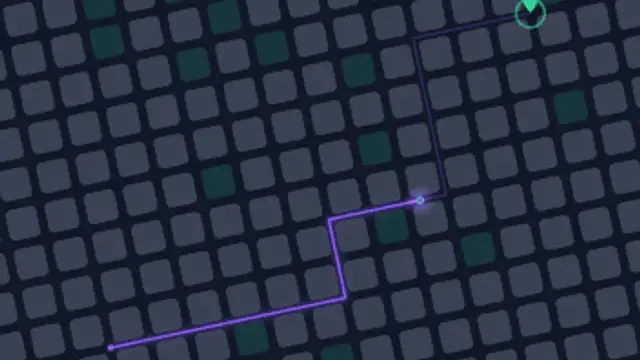
A delivery marker follows a glowing route through an abstract city street grid to a pulsing destination pin.
Use a map preset: pick the route style, choose the line colors and speed, and the route draws itself between pins. The routes and cities are built into each preset. Flight paths, delivery routes and rotating dot globes all export as MP4 or transparent WebM for use over any background.
A route on a map explains distance, reach and logistics faster than a sentence. These presets draw flight lines, drop travel pins, highlight countries, spin dot globes and run delivery grids.
Read the full guide: How to Animate a Travel Route on a Map5 editable presets, including World Flight Routes, Route Pin Travel, Country Highlight, Dot Globe Connections and City Grid Delivery. Every one opens in the browser editor, where you change colors, timing and any text before you download.
None of them loop. Every preset in Maps & Routes plays once, which suits cuts, openers and one-off moments.
MP4 for any editor or platform, WebM with a transparent background for the web, and a PNG sequence with alpha for Premiere Pro, After Effects, DaVinci Resolve and Figma. Every preset exports in 16:9, 9:16, 1:1 and 4:5 from 720p up to 8K, with a commercial license in your name.
Editing and previewing are free. You only spend a credit when the finished file lands on your machine.
5 free HD downloads on a new account · No card required