
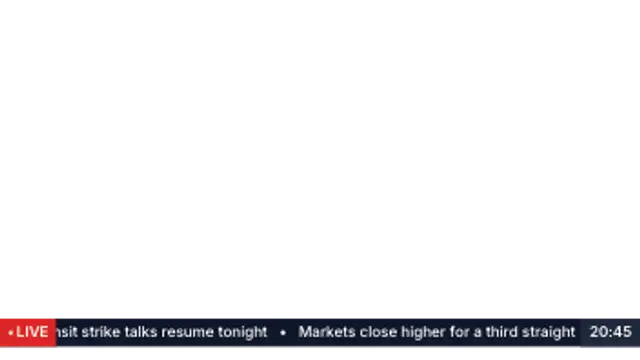
News Ticker
15sA lower-third news bar with live chip, endless headline crawl and a clock panel. The classic broadcast strip.
Tickers, lower thirds and breaking banners straight from the newsroom.
A lower-third news bar with live chip, endless headline crawl and a clock panel. The classic broadcast strip.
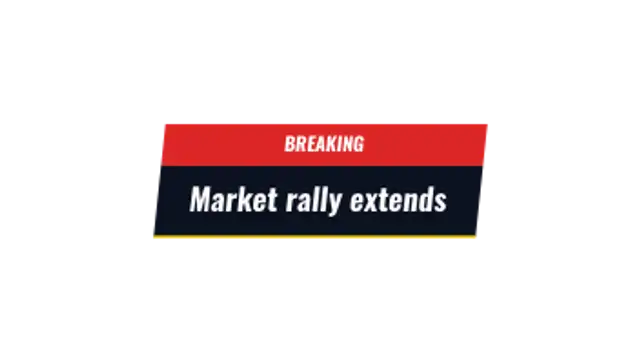
Stacked kicker and headline slabs slam in from opposite sides with a sweeping accent rule underneath.
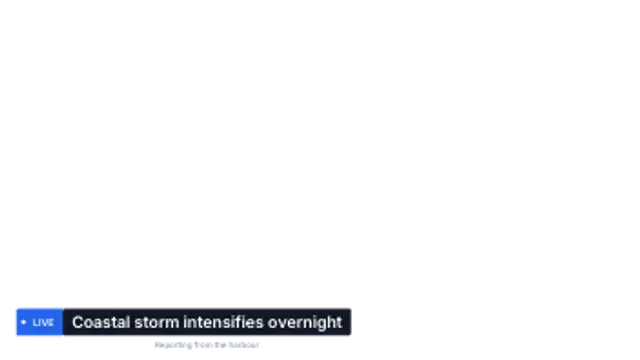
A tight two-part lower third: coloured label chip, headline bar and a timestamp line beneath.
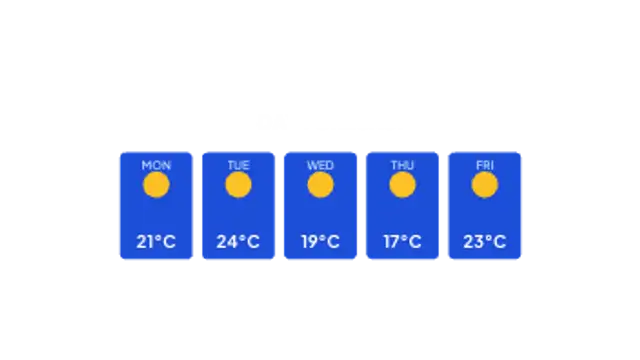
A forecast row of day cards that spring up one after another with temperatures and condition marks.
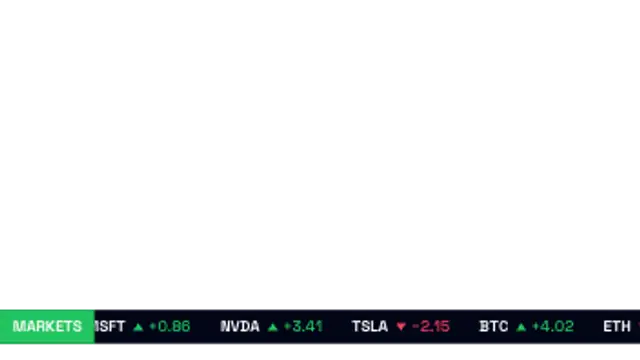
Symbols scroll across a market bar with up and down arrows coloured by direction. Finance-ready and seamless.
Use a ticker preset, enter your headlines, set the scroll speed and colors, and export. A breaking news banner and a headline bar cover the rest of a bulletin look, and transparent exports let them sit over your own footage or a studio plate.
Newsroom graphics are instantly legible because their conventions are decades old. These presets scroll tickers, break banners, bar headlines, strip weather and run stock lines, with your own copy.
Read the full guide: How to Make a News Ticker for a Video5 editable presets, including News Ticker, Breaking News, Headline Bar, Weather Strip and Stock Ticker. Every one opens in the browser editor, where you change colors, timing and any text before you download.
None of them loop. Every preset in News & Broadcast plays once, which suits cuts, openers and one-off moments.
MP4 for any editor or platform, WebM with a transparent background for the web, and a PNG sequence with alpha for Premiere Pro, After Effects, DaVinci Resolve and Figma. Every preset exports in 16:9, 9:16, 1:1 and 4:5 from 720p up to 8K, with a commercial license in your name.
Editing and previewing are free. You only spend a credit when the finished file lands on your machine.
5 free HD downloads on a new account · No card required