velements

News & Broadcast

News graphics: tickers, breaking banners and headline bars

Updated September 18, 20263 min read

How do you make a news ticker for a video?

Use a ticker preset, enter your headlines, set the scroll speed and colors, and export. A breaking news banner and a headline bar cover the rest of a bulletin look, and transparent exports let them sit over your own footage or a studio plate.

Newsroom graphics are instantly legible because their conventions are decades old. These presets scroll tickers, break banners, bar headlines, strip weather and run stock lines, with your own copy.
Five news & broadcast presets to start from

Hover any card to play it. Opening one loads it in the editor with every control unlocked.

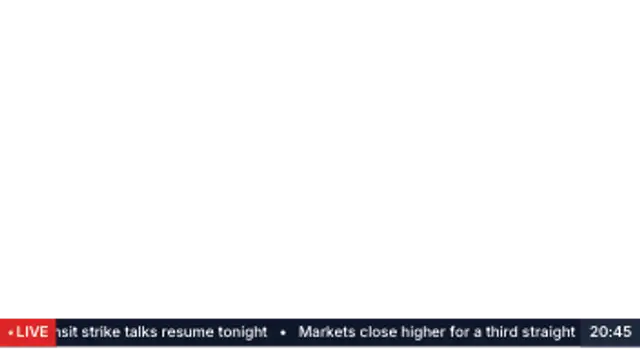
  • A lower-third news bar with live chip, endless headline crawl and a clock panel. The classic broadcast strip.

  • Stacked kicker and headline slabs slam in from opposite sides with a sweeping accent rule underneath.

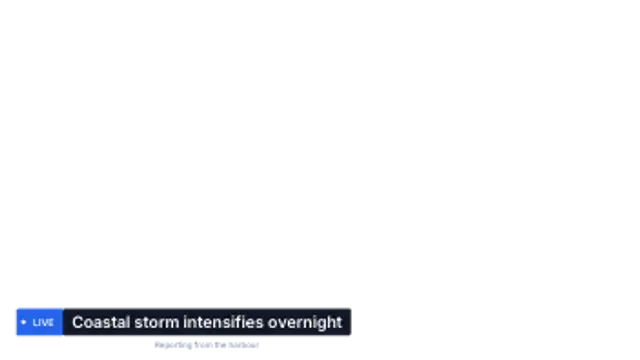
  • A tight two-part lower third: coloured label chip, headline bar and a timestamp line beneath.

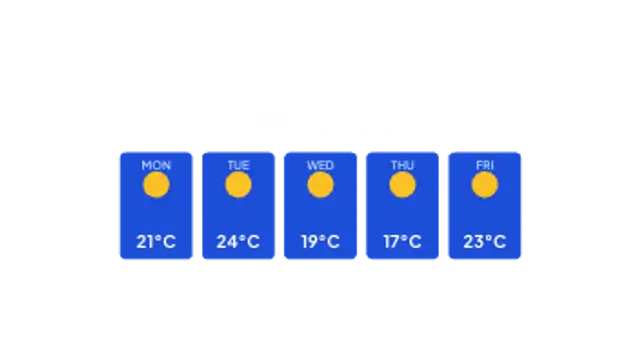
  • A forecast row of day cards that spring up one after another with temperatures and condition marks.

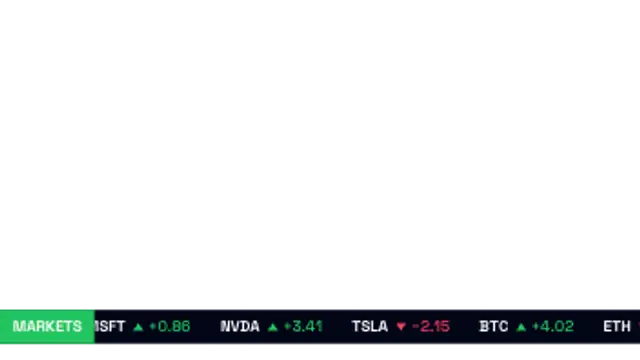
  • Symbols scroll across a market bar with up and down arrows coloured by direction. Finance-ready and seamless.

All news & broadcast

How to make one in the browser

  1. 01Open a news & broadcast presetBrowse the News & Broadcast category and open the preset closest to what you need. It loads in the editor with every control unlocked.
  2. 02Make it yoursRewrite the text, set your brand colors and font, adjust easing and duration, and switch the aspect ratio for the platform you are posting to.
  3. 03Export the clipChoose MP4 for a normal track or transparent WebM for an overlay, pick a resolution up to 8K, and the file renders on your own machine.

Which format should you export?

Use MP4 when the clip sits on its own track or fills the frame. Use transparent WebM whenever it has to float over your own footage: the alpha channel is real, so no keying or blend mode is needed.

Format
MP4 H.264 · WebM VP9
Alpha
Transparent WebM
Resolution
720p to 8K
Aspect
16:9 · 9:16 · 1:1 · 4:5
License
Commercial use included

Three tips that make it look intentional

  • Scroll slowly: the ticker is read on a phone more often than a TV.
  • Reserve the breaking banner for one story per video.
  • Keep headline bars to a single clause so they fit at every aspect ratio.

Frequently asked

Can I put multiple headlines in a ticker?
Yes, the headline list is editable and scrolls in the order you enter.
Do these imitate a specific network?
No, the styling is generic broadcast, with no network branding.
  • Scoreboards & Stats

    Scoreboard graphics: score bugs, leaderboards and stats

    Use a score bug preset, enter the team names and scores, set the colors, and export a transparent WebM. Pin it to a top corner for the length of the clip, and cut to a full-frame leaderboard or final score card between plays.

    Read the guide
  • Chat & Social

    Chat animations: tell a story in message bubbles

    Use a chat preset, type each message in order, and set the colors for sent and received bubbles. Typing indicators and timed bubble entrances give the conversation a rhythm, and a transparent export lets it sit over any background.

    Read the guide
  • HUD & Sci-Fi Interface

    HUD overlays: sci-fi interface graphics that read clearly

    A HUD overlay is a heads-up display graphic, a radar sweep, a target lock, a scanning frame or a telemetry readout, that sits over footage to suggest a machine is watching. Export it transparent and it composites over any shot without a matte.

    Read the guide