velements

Holidays & Celebrations

Holiday animations: greetings that feel made, not bought

Updated September 18, 20263 min read

How do you make a holiday greeting video?

Choose a seasonal preset, type your greeting, set the colors to your brand, and export. Lanterns, diyas, candles and garlands work as a backdrop for a message, and a transparent export lets the decoration sit around your own footage.

Seasonal posts are expected, which is exactly why a generic template stands out for the wrong reason. These presets animate lanterns, rangoli diyas, menorah candles and papel picado, with your own words and palette.

Five holidays & celebrations presets to start from

Hover any card to play it. Opening one loads it in the editor with every control unlocked.

  • Glowing lanterns swing gently beneath a crescent moon and twinkling stars with geometric accents in a seamless loop.

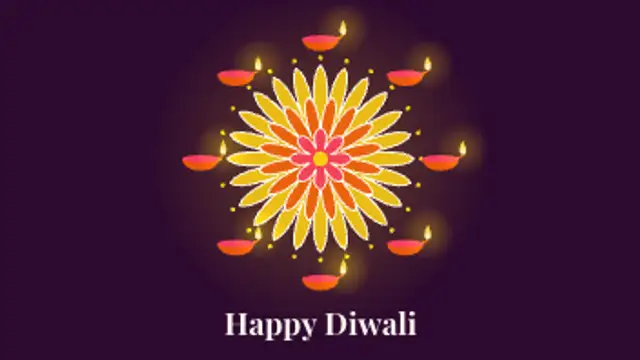
  • A colorful rangoli mandala draws itself petal by petal, then a ring of diya lamps lights up with flickering flames.

  • Red paper lanterns with gold tassels bob in the breeze as paper-cut cloud swirls glide past. Loops seamlessly.

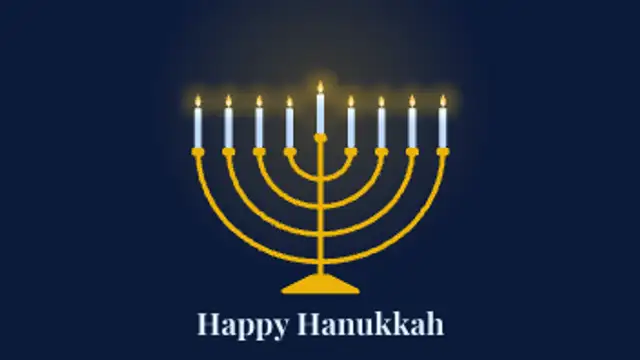
  • The shamash lights first, then each candle of the nine-branch menorah glows to life one by one with a gentle flicker.

  • Rows of colorful cut-paper flags with punched patterns sway on strings while marigold petals drift down. Seamless loop.

All holidays & celebrations

How to make one in the browser

  1. 01Open a holidays & celebrations presetBrowse the Holidays & Celebrations category and open the preset closest to what you need. It loads in the editor with every control unlocked.
  2. 02Make it yoursRewrite the text, set your brand colors and font, adjust easing and duration, and switch the aspect ratio for the platform you are posting to.
  3. 03Export the clipChoose MP4 for a normal track or transparent WebM for an overlay, pick a resolution up to 8K, and the file renders on your own machine.

Which format should you export?

Use MP4 when the clip sits on its own track or fills the frame. Use transparent WebM whenever it has to float over your own footage: the alpha channel is real, so no keying or blend mode is needed.

Format
MP4 H.264 · WebM VP9
Alpha
Transparent WebM
Resolution
720p to 8K
Aspect
16:9 · 9:16 · 1:1 · 4:5
License
Commercial use included

Three tips that make it look intentional

  • Put your greeting in the preset rather than in the caption.
  • Respect the palette that belongs to the occasion before applying brand colors.
  • Schedule the post for the morning of the day, not the night before.

Frequently asked

Can I add my own greeting text?
Yes, headline and subtitle fields take your own wording in any of the shipped fonts.
Do these loop for a screen display?
Several are seamless, which suits lobby screens and background playback.
  • Maps & Routes

    Animated maps: routes, pins and globes

    Use a map preset: set your start and end points, choose the line color and speed, and the route draws itself between pins. Flight paths, delivery routes and rotating dot globes all export as MP4 or transparent WebM for use over any background.

    Read the guide
  • Flags & Banners

    Flag animations: waving flags, bunting and banners

    Pick a flag preset and set the colors of the bands or upload your own artwork where supported. The wave is simulated per frame, so the cloth keeps moving naturally for as long as you need, and a seamless loop avoids a visible restart.

    Read the guide
  • Networks & AI

    AI and network graphics: neural nets, pipelines and servers

    Show structure rather than magic: a neural network firing layer by layer, a prompt streaming into tokens, an agent graph routing a task, a data pipeline moving records, or a rack serving requests. Each one gives narration something concrete to point at.

    Read the guide