
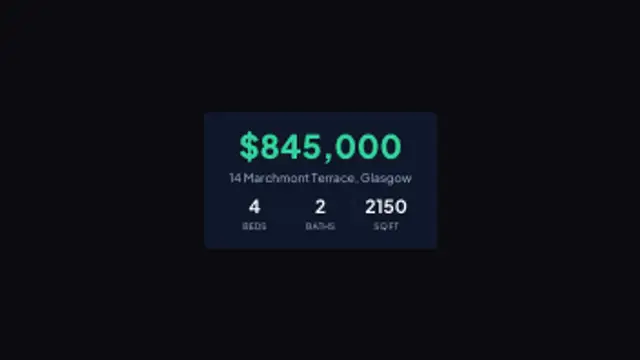
The asking price lifts in over the address, then the bed, bath and floor area figures count into their own columns one by one.
Listing cards, sold banners and agent details for every property you post.
The asking price lifts in over the address, then the bed, bath and floor area figures count into their own columns one by one.

A hard-edged banner drives in from the corner with a status word and a notched accent edge, then holds under a coloured stripe.
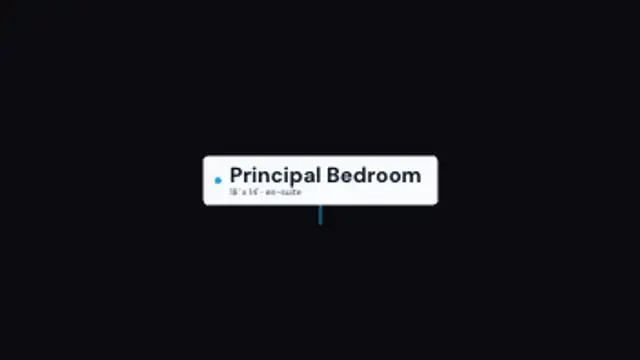
A short stem grows up from the floor and a label wipes open beside a coloured dot, naming the room and its size as you walk in.
A contact card rises into frame, a coloured rule splits the name from the details, and each contact line arrives a beat after the last.
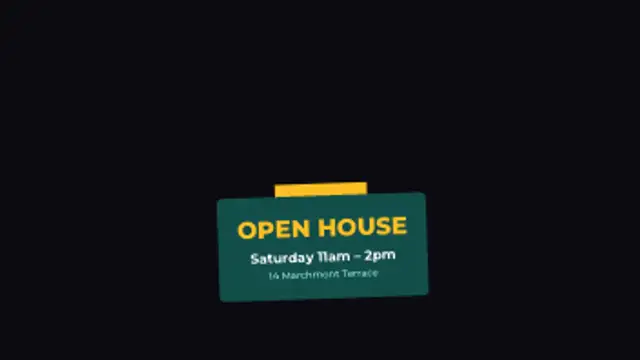
A hanging sign drops in on a tab, rocks to a stop and settles with the viewing day, time and address stacked beneath the heading.
A listing video needs four things on screen: the price and key numbers, a status banner like just listed or sold, room labels during the walkthrough, and your contact details at the end. Set your brand colors once and change the address and numbers per property.
A property video is the same shape every time: exterior, rooms, numbers, call the agent. These presets cover those beats so you only retype the address and the price, and they export with a transparent background to sit over your own walkthrough footage.
Read the full guide: How to Add Price and Room Labels to a Property Video5 editable presets, including Listing Card, Listing Banner, Room Tag, Agent Card and Open House. Every one opens in the browser editor, where you change colors, timing and any text before you download.
None of them loop. Every preset in Real Estate & Property plays once, which suits cuts, openers and one-off moments.
MP4 for any editor or platform, WebM with a transparent background for the web, and a PNG sequence with alpha for Premiere Pro, After Effects, DaVinci Resolve and Figma. Every preset exports in 16:9, 9:16, 1:1 and 4:5 from 720p up to 8K, with a commercial license in your name.
Editing and previewing are free. You only spend a credit when the finished file lands on your machine.
5 free HD downloads on a new account · No card required