

A quiet eyebrow line fades up, both names rise into place between two drawing rules, and leafy sprigs open either side of the date.
Save the dates, monograms and invitations for the day itself and everything before it.
A quiet eyebrow line fades up, both names rise into place between two drawing rules, and leafy sprigs open either side of the date.

Two initials drift in from opposite sides and settle either side of an ampersand while a ring draws around them and petals bloom behind.
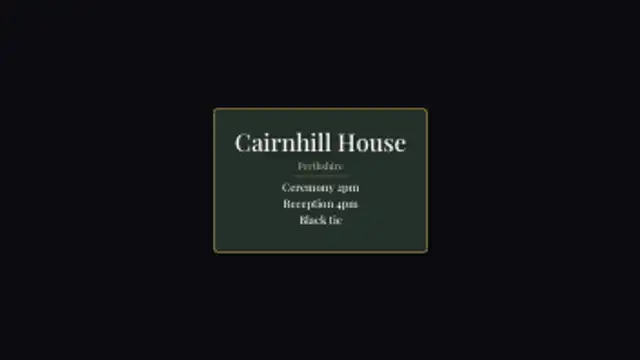
A bordered plate opens, the venue name and county fade up, and the time, address and dress code arrive line by line beneath a short rule.
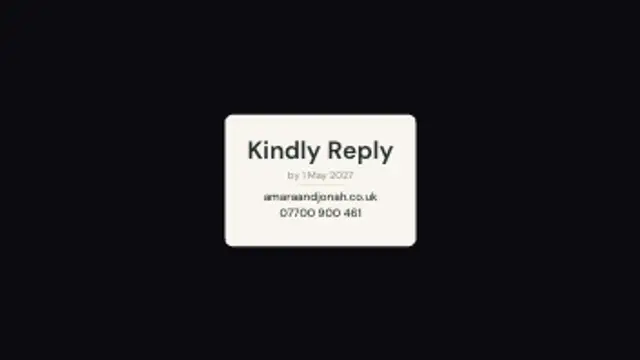
A plain plate lifts in with the reply date up top and the ways to respond stacked underneath, each one landing a beat after the last.

Two halves of an arch draw up from the sides and meet at the crown, leaves open at the shoulders, and the names rise into the opening.
Pick a save the date preset, type both names and the date, choose a font and your palette, then export. The result is a short clip you can send in a message, post to a feed or drop at the head of a wedding film.
A wedding needs the same handful of cards every time, just with different names on them. These presets cover the announcement, the monogram, the venue details and the RSVP, and they all take your own type and colors.
Read the full guide: How to Make a Save the Date Video5 editable presets, including Save The Date, Monogram Crest, Venue Card, RSVP Card and Arch Reveal. Every one opens in the browser editor, where you change colors, timing and any text before you download.
None of them loop. Every preset in Weddings & Events plays once, which suits cuts, openers and one-off moments.
MP4 for any editor or platform, WebM with a transparent background for the web, and a PNG sequence with alpha for Premiere Pro, After Effects, DaVinci Resolve and Figma. Every preset exports in 16:9, 9:16, 1:1 and 4:5 from 720p up to 8K, with a commercial license in your name.
Editing and previewing are free. You only spend a credit when the finished file lands on your machine.
5 free HD downloads on a new account · No card required