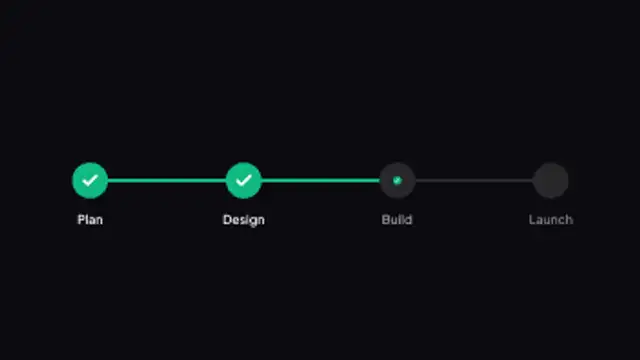
A roadmap track fills from step to step, ticking each milestone with a check as it passes.
Step by Step
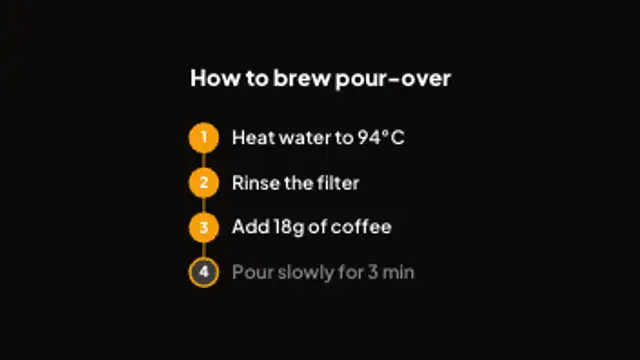
Numbered steps pop in along a connector line and the current step lights up in turn. Great for how-tos and recipes.
Part of Education & Explainers. New to this kind of graphic? Read How to Add Quiz Questions to an Educational Video.
Numbered steps pop in along a connector line and the current step lights up in turn. Great for how-tos and recipes. It belongs to the Education & Explainers category on velements, where you edit it in the browser and download it as a finished video file.
Every control in the editor, grouped the same way there. Content: title and labels. Typography: font, weight and size. Style: background, text color, primary, secondary, accent and thickness. Layout: aspect ratio, corner radius and position. Motion: duration. Each change appears in the live preview straight away, and editing is free.
Step by Step runs 10 seconds by default, and you can set any length up to 60 seconds before you export. It plays once from start to finish, so it drops straight onto a cut or an opening.
Yes. Set the background to Transparent, then export a PNG sequence for Premiere Pro, After Effects, DaVinci Resolve, Final Cut Pro or Figma: import the first frame as an image sequence and it drops onto a track above your footage with a straight alpha channel. Export WebM with a VP9 alpha channel for the web and for CapCut. MP4 has no alpha channel, so it keeps a solid color or image behind the animation.
Yes. Each download comes with a perpetual commercial license in your name for client work, ads and products, and you may sell the edited clip on stock footage sites. Reselling the preset itself as an editable template is not allowed.
A roadmap track fills from step to step, ticking each milestone with a check as it passes.
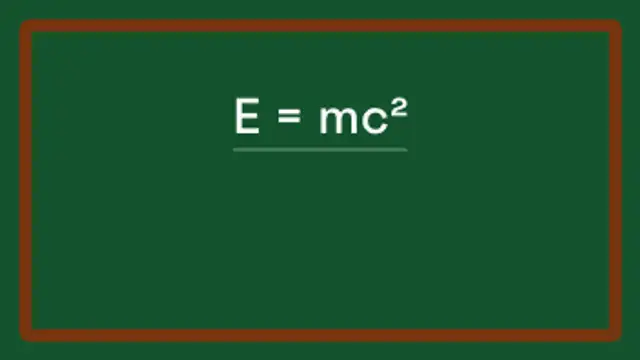
An equation writes itself across a chalkboard, gets underlined and the answer pops into a drawn box.
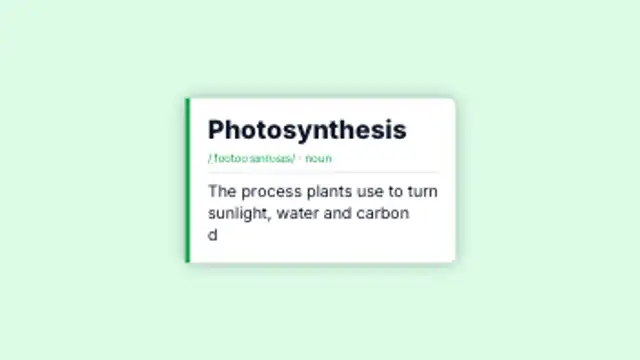
A dictionary-style card with term, pronunciation and a definition that types itself out. Perfect for explainers.
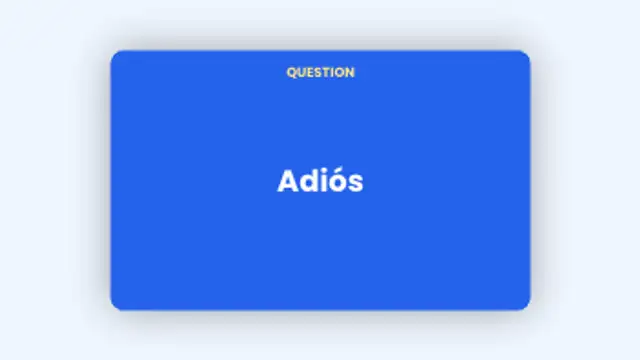
Flashcards flip from question to answer and slide away to the next card. Add as many pairs as you like.
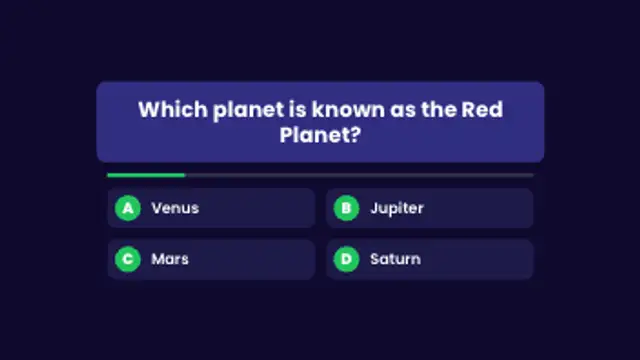
A question card pops in, answer options stagger below, a timer bar drains and the correct answer lights up with a tick.
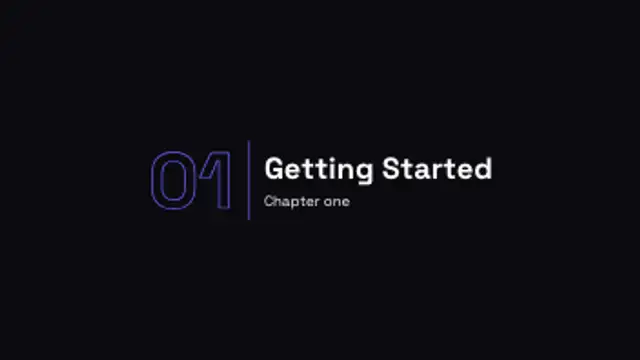
A big outlined chapter number lands next to your section title with a crisp divider line.
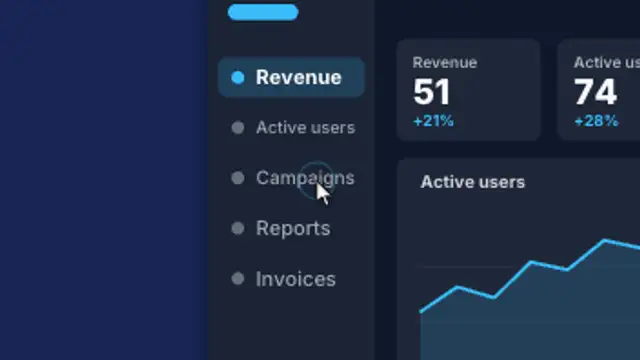
A cursor glides across your website screenshot and clicks each point while the view smoothly zooms in on every click, then eases back out.
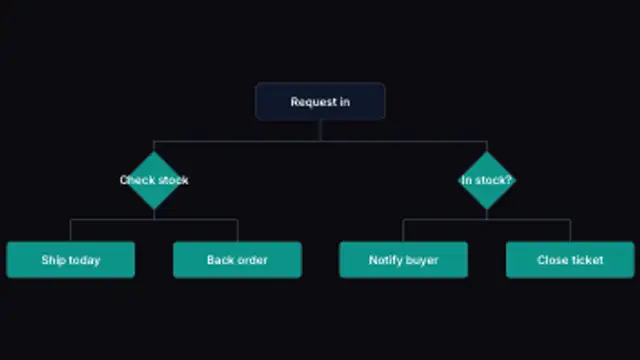
A process branches down the frame, turning every branching step into a decision diamond and routing each connector around it.