
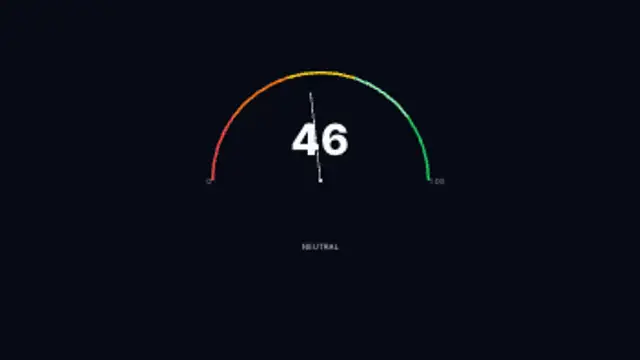
A semicircular arc gauge with a sweeping needle oscillating between Extreme Fear and Extreme Greed zones.
Candlesticks, order books, tickers and heatmaps for finance and crypto videos.
A semicircular arc gauge with a sweeping needle oscillating between Extreme Fear and Extreme Greed zones.
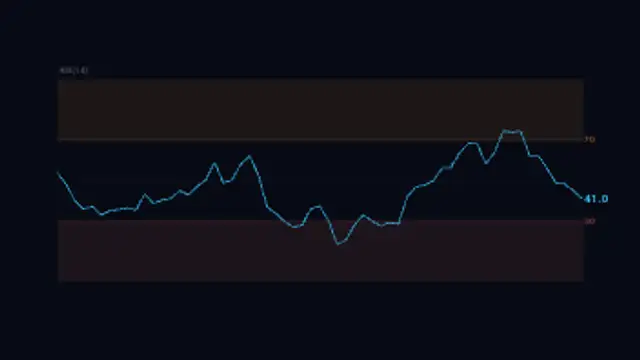
RSI line weaving through overbought and oversold zones with shaded reaction areas and a scrolling price history.
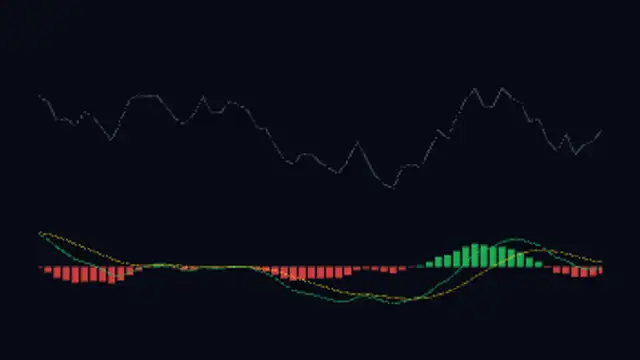
Dual-panel chart showing a scrolling price line above green and red histogram bars with MACD and signal lines crossing below.
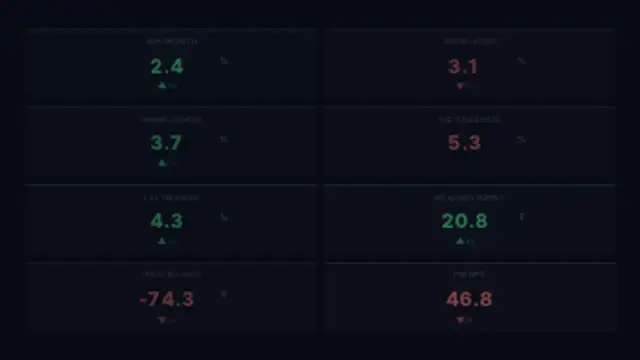
Eight economic indicator tiles showing GDP, CPI, unemployment, rates, treasury yield, money supply, trade balance, and PMI with color-coded trends.
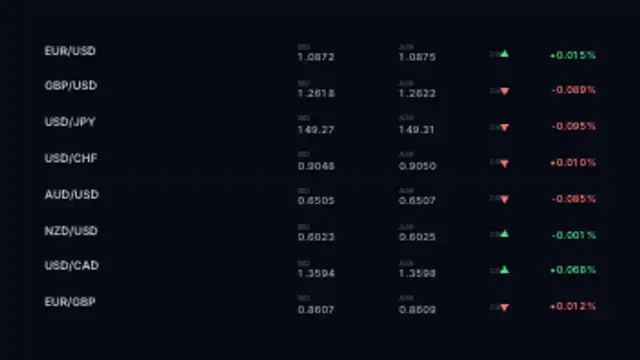
Currency pairs scrolling live bid and ask rates with 24-hour percentage changes and trend arrows on a trading terminal board.
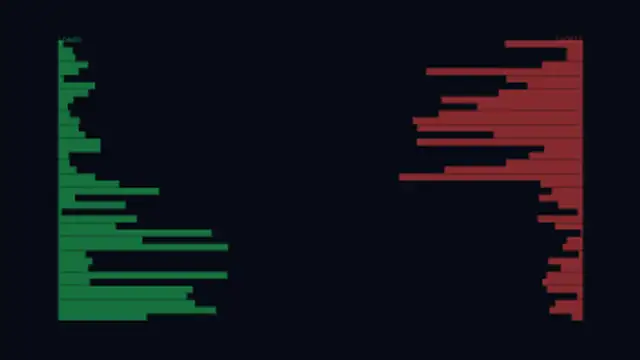
Heat-gradient bars at each price level show long and short liquidation clusters as a live price marker scrolls through them.
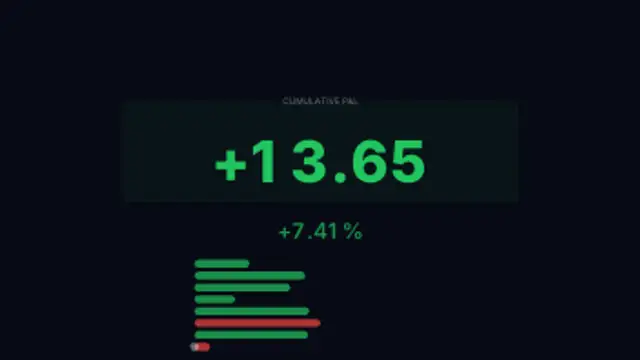
Cumulative profit and loss counter racing through a sequence of trades, flipping green to red as wins and losses stack up.
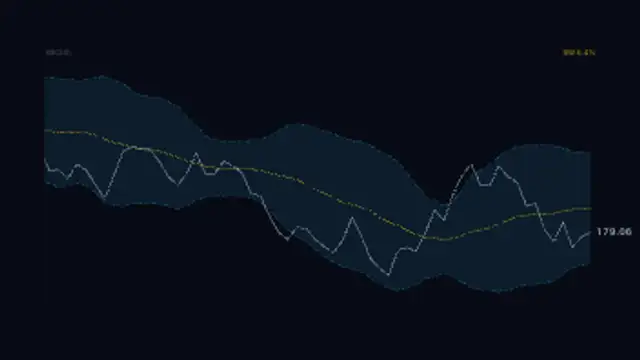
Price line weaving inside a rolling standard deviation channel with a dashed upper and lower band and a glowing middle SMA.

Treasury yield curve morphing between normal, inverted, and humped shapes with a ghost trace showing the prior state.
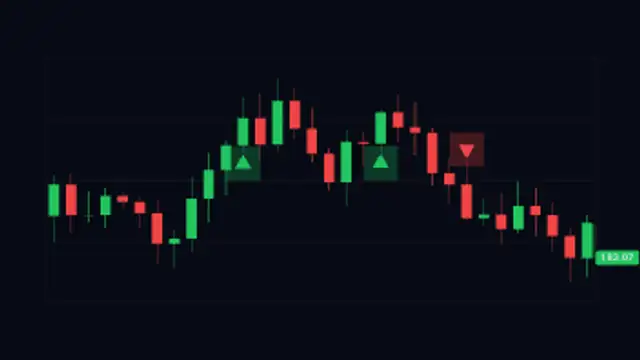
Candlestick chart with animated buy and sell arrow signals popping in at key candles as price scrolls across the screen.
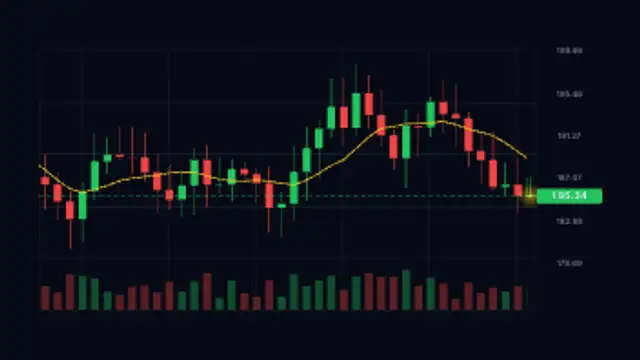
Green and red candles form live on a scrolling trading grid with a moving average and a floating price tag.
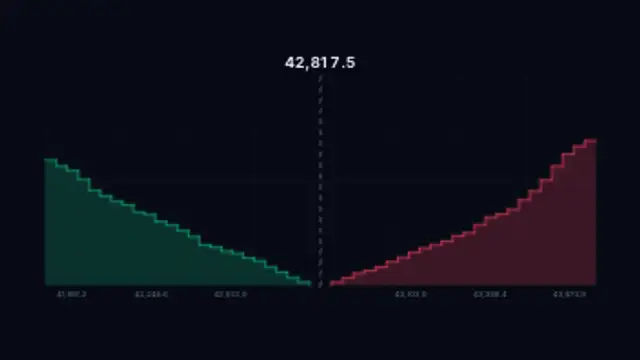
Stepped bid and ask depth walls breathe on either side of a glowing mid price, straight from an exchange screen.
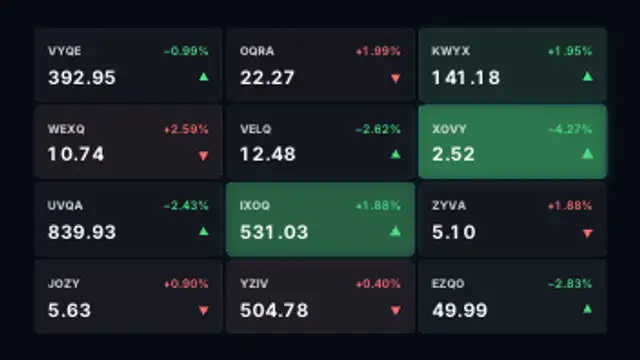
A watchlist grid of fictional symbols ticks through live prices with green and red flashes and direction arrows.
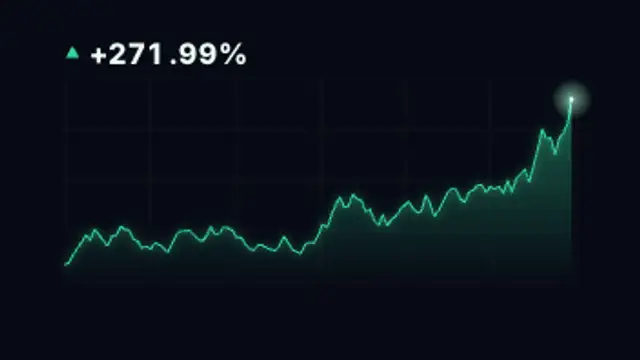
A glowing area chart climbs with realistic volatility while a gain counter races upward behind a pulsing head dot.
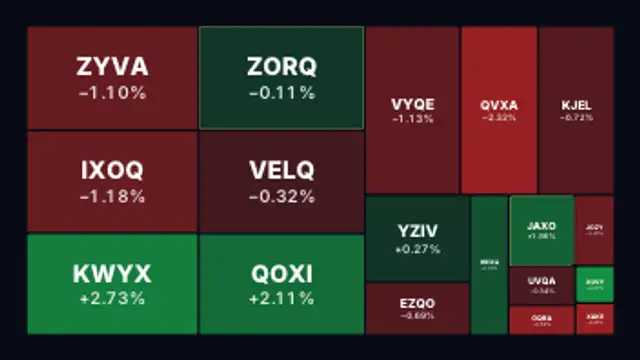
Treemap tiles of fictional stocks shift between green and red intensities with live percentage moves across the board.
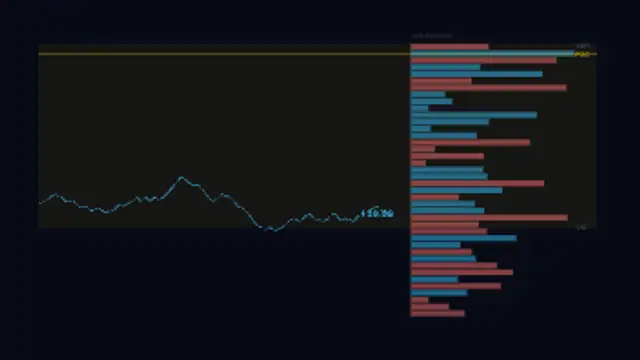
Price line chart with a vertical volume histogram on the right showing traded volume at each price level, with POC and value area zone.
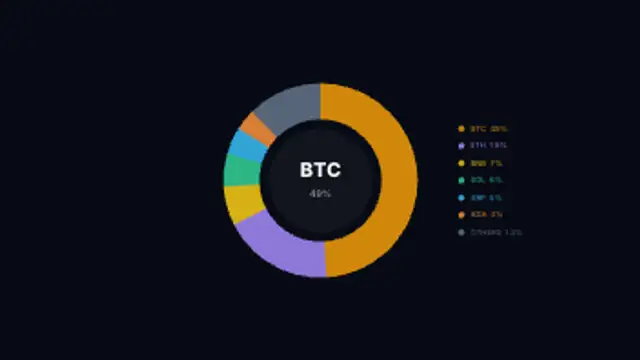
Donut chart showing Bitcoin, Ethereum, and altcoin market cap dominance shares with a live percentage counter at the center.
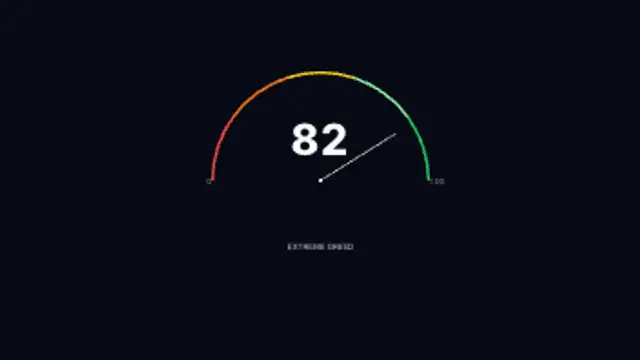
A semicircular gauge showing perpetual futures funding rate sentiment, sweeping from extreme negative to extreme positive zones.
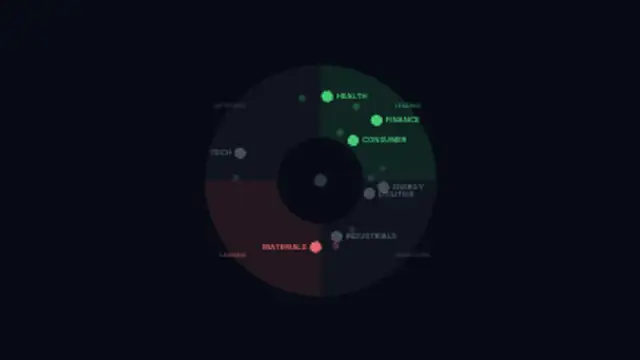
Market sectors orbit a central wheel through Leading, Weakening, Lagging, and Improving quadrants as their momentum shifts.
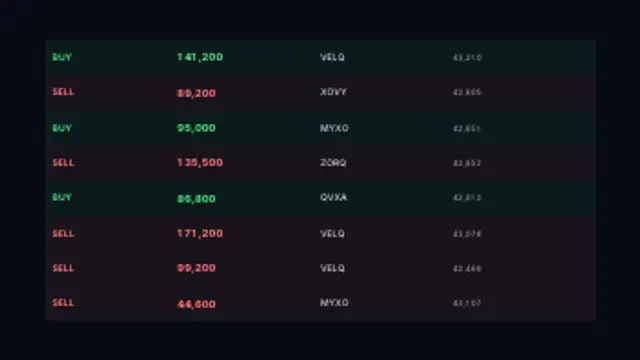
Scrolling transaction tape of large market orders with highlighted whale trades flashing buy and sell amounts in real time.
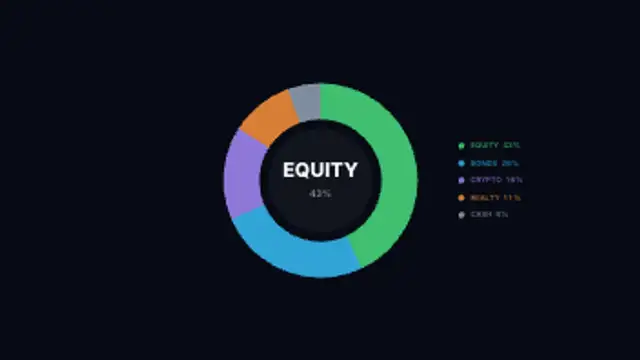
Donut chart revealing the split between equities, bonds, crypto, real estate, and cash with animated segment labels.
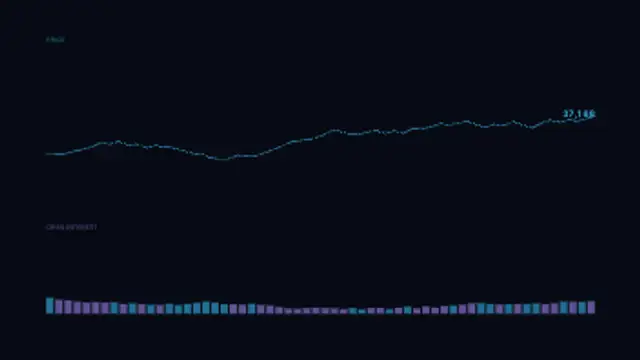
Price line on the upper axis and open interest bars below scrolling together, revealing how positioning builds as price moves.
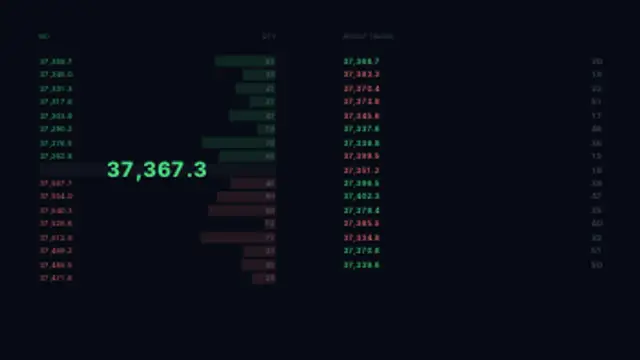
Live order book ladder with bid and ask levels on the left and a real-time trade execution tape on the right.
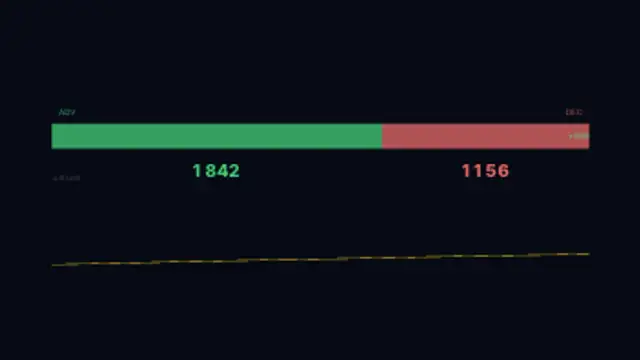
Stacked bar shows advancing versus declining stocks with a scrolling advance-decline cumulative index line below.
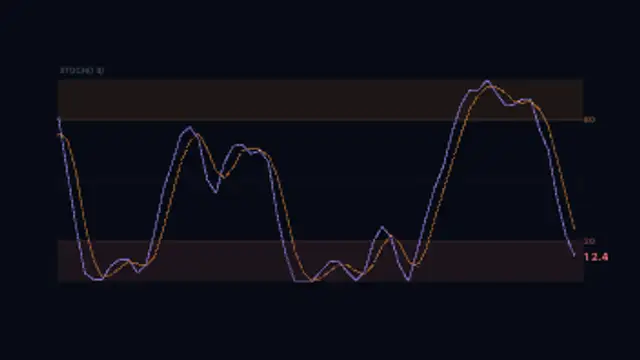
Stochastic oscillator with K and D signal lines weaving through overbought and oversold zones over a scrolling price history.
Pick a market preset, set your colors, and choose how fast the candles print or the ticker scrolls. The figures are illustrative and cannot be typed in, so use these to explain a pattern rather than report a market. Export MP4 for a full screen or transparent WebM to place the chart over a presenter, with no terminal screenshot required.
Finance content lives on charts, and screenshots of a real terminal age badly and carry someone else's branding. These presets print candlesticks, scroll tickers, fill order books and pulse heatmaps with generated illustrative data.
Read the full guide: How to Make a Candlestick Chart Animation25 editable presets, including Fear & Greed Meter, RSI Oscillator, MACD Histogram, Macro Dashboard, Forex Rate Board and Liquidation Heatmap. Every one opens in the browser editor, where you change colors, timing and any text before you download.
None of them loop. Every preset in Trading & Markets plays once, which suits cuts, openers and one-off moments.
MP4 for any editor or platform, WebM with a transparent background for the web, and a PNG sequence with alpha for Premiere Pro, After Effects, DaVinci Resolve and Figma. Every preset exports in 16:9, 9:16, 1:1 and 4:5 from 720p up to 8K, with a commercial license in your name.
Editing and previewing are free. You only spend a credit when the finished file lands on your machine.
5 free HD downloads on a new account · No card required