
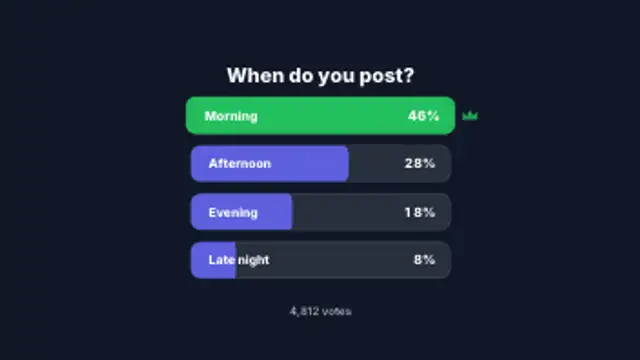
Poll Result Bars
7.5sOption rows slide in and fill to their share while the percentages count up, then the winning row lights up with a crown.
Poll result bars, tier list boards, this-or-that cards, top ten reveals and rating meters.
Option rows slide in and fill to their share while the percentages count up, then the winning row lights up with a crown.
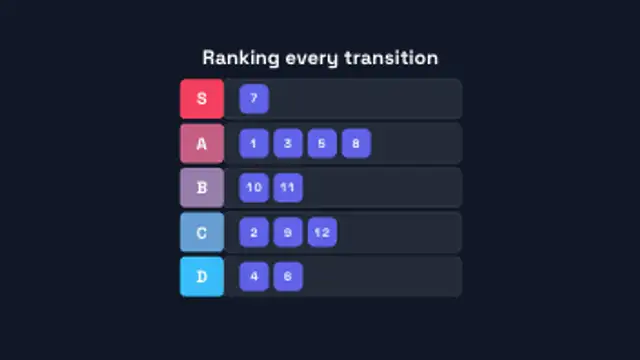
Tier rows draw in from S down to D, then numbered item chips fly in and snap into their tiers one after another.
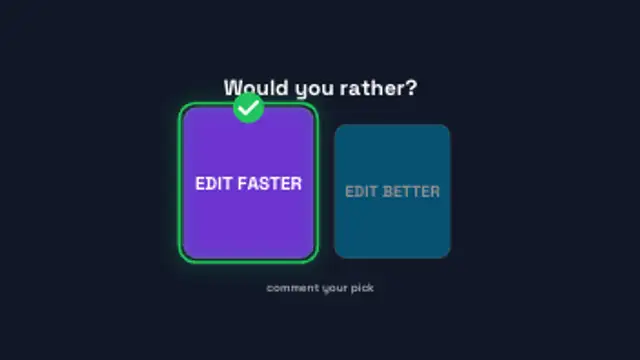
Two option cards crash in from either side, a pointer taps one and the pick scales up with a check while the other dims.
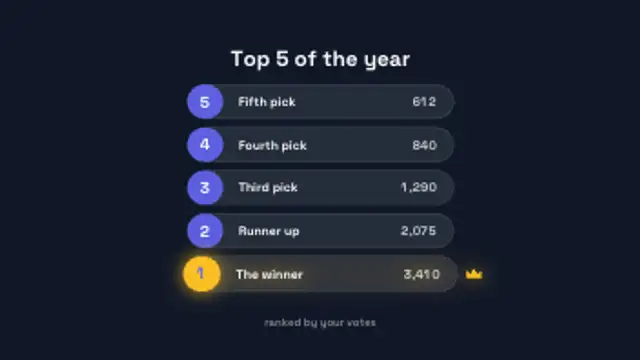
Ranked rows count down from the bottom place to number one, each sliding in with its rank badge and score, and the top spot takes a crown.
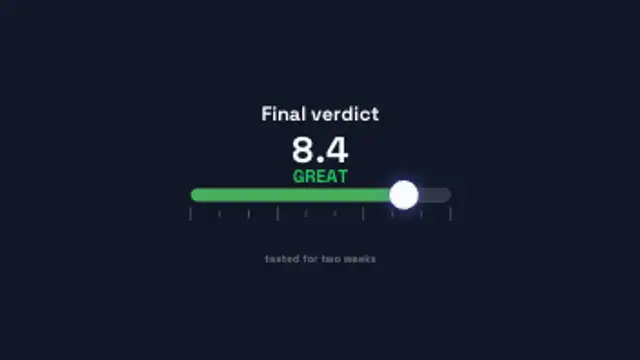
A marker slides along a one to ten scale, the bar shifts from red to green and the score counts up with a verdict word above it.
Use a poll result preset: enter the options and percentages, set the colors, and let the bars fill in order. A tier list board, a this-or-that card or a top ten reveal covers the same audience-participation format with a different shape.
Audience content is only as good as its reveal. These presets fill poll bars, build tier list boards, flip this-or-that cards, count down a top ten and swing rating meters, all with your own labels.
Read the full guide: How to Show Poll Results in a Video5 editable presets, including Poll Result Bars, Tier List Board, This or That, Top Ten Reveal and Rating Scale Meter. Every one opens in the browser editor, where you change colors, timing and any text before you download.
None of them loop. Every preset in Polls & Tier Lists plays once, which suits cuts, openers and one-off moments.
MP4 for any editor or platform, WebM with a transparent background for the web, and a PNG sequence with alpha for Premiere Pro, After Effects, DaVinci Resolve and Figma. Every preset exports in 16:9, 9:16, 1:1 and 4:5 from 720p up to 8K, with a commercial license in your name.
Editing and previewing are free. You only spend a credit when the finished file lands on your machine.
5 free HD downloads on a new account · No card required