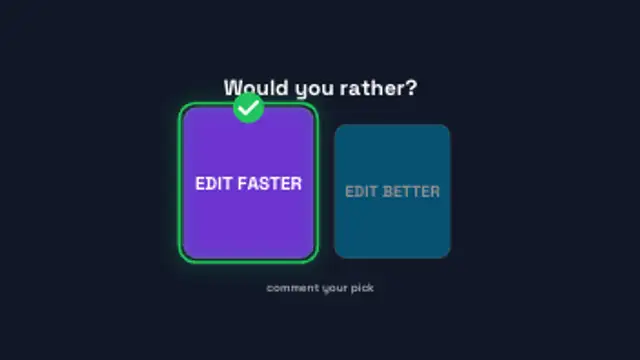
Two option cards crash in from either side, a pointer taps one and the pick scales up with a check while the other dims.
Poll Result Bars
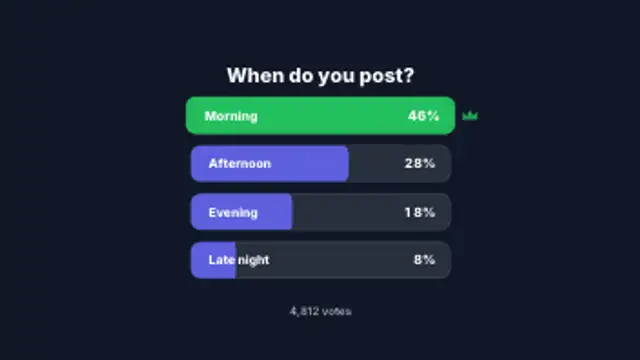
Option rows slide in and fill to their share while the percentages count up, then the winning row lights up with a crown.
Part of Polls & Tier Lists. New to this kind of graphic? Read How to Show Poll Results in a Video.
Option rows slide in and fill to their share while the percentages count up, then the winning row lights up with a crown. It belongs to the Polls & Tier Lists category on velements, where you edit it in the browser and download it as a finished video file.
Every control in the editor, grouped the same way there. Content: title, subtitle, labels and values. Typography: font. Style: background, text color, primary, secondary, accent and thickness. Layout: aspect ratio and scale. Motion: duration, speed and variation. Each change appears in the live preview straight away, and editing is free.
Poll Result Bars runs 7.5 seconds by default, and you can set any length up to 60 seconds before you export. It plays once from start to finish, so it drops straight onto a cut or an opening.
Yes. Set the background to Transparent, then export a PNG sequence for Premiere Pro, After Effects, DaVinci Resolve, Final Cut Pro or Figma: import the first frame as an image sequence and it drops onto a track above your footage with a straight alpha channel. Export WebM with a VP9 alpha channel for the web and for CapCut. MP4 has no alpha channel, so it keeps a solid color or image behind the animation.
Yes. Each download comes with a perpetual commercial license in your name for client work, ads and products, and you may sell the edited clip on stock footage sites. Reselling the preset itself as an editable template is not allowed.
Two option cards crash in from either side, a pointer taps one and the pick scales up with a check while the other dims.
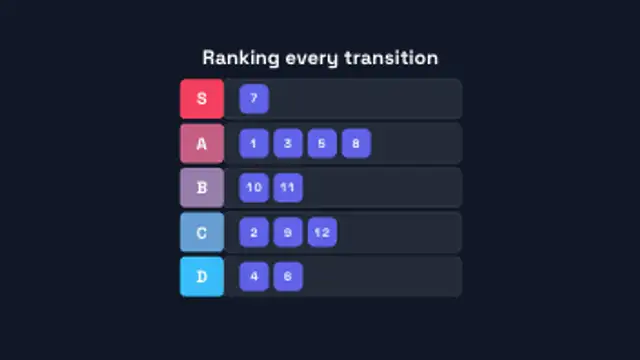
Tier rows draw in from S down to D, then numbered item chips fly in and snap into their tiers one after another.
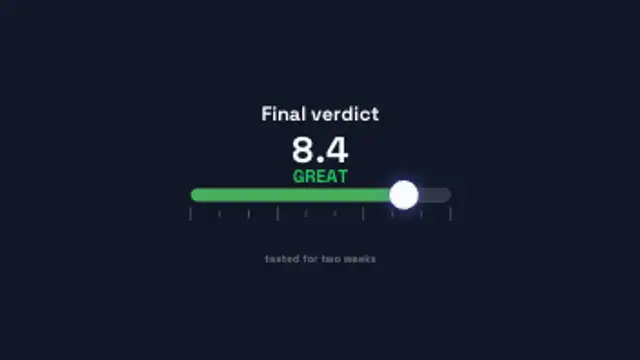
A marker slides along a one to ten scale, the bar shifts from red to green and the score counts up with a verdict word above it.

Ranked rows count down from the bottom place to number one, each sliding in with its rank badge and score, and the top spot takes a crown.
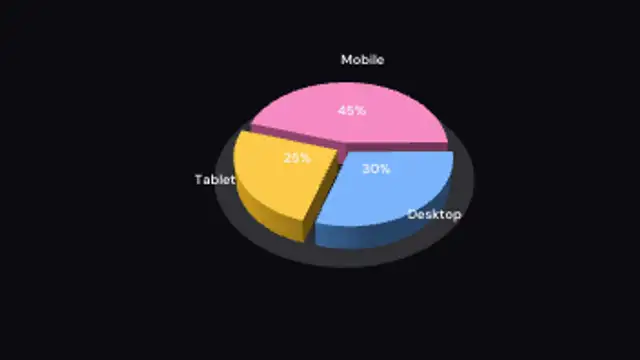
Extruded wedges sweep out one by one on a shaded floor while the camera turns slowly around the whole pie.
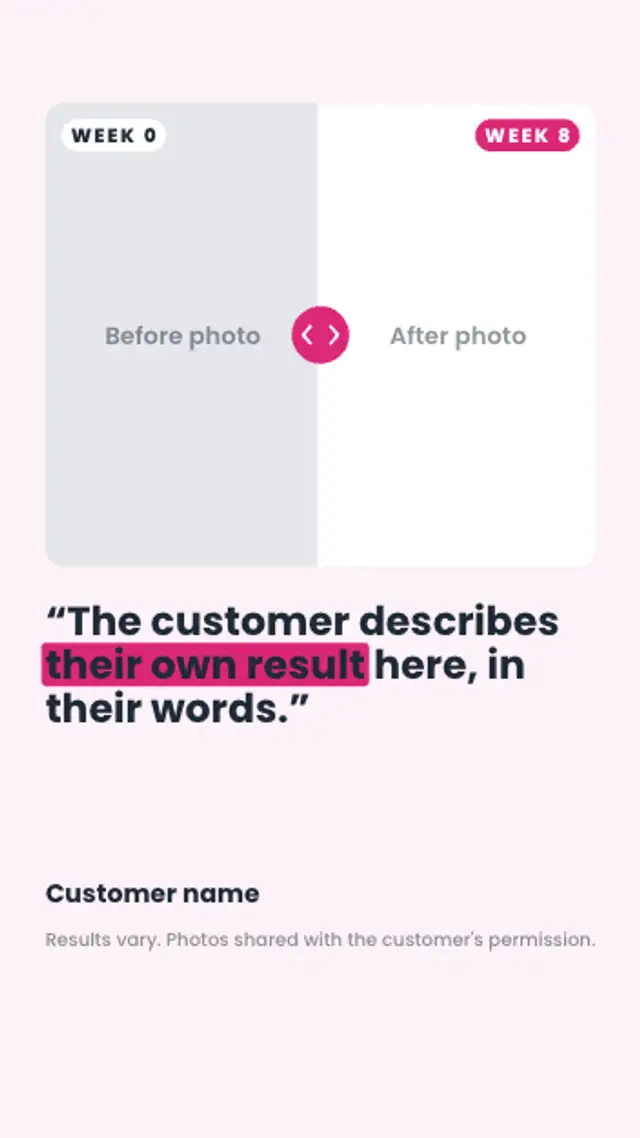
A comparison slider sweeps across the customer's before and after photos with week chips on each side, then their quote and a results-vary note appear.

A single drawn face sits above a rating slider; as the knob glides to the score the mouth bends from frown to grin and the colour warms up.
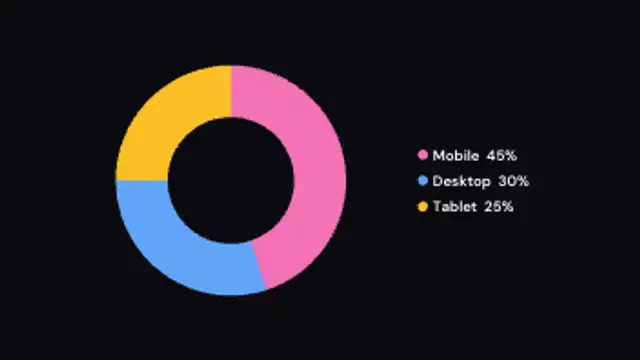
A donut chart sweeps around slice by slice while the legend fills in with computed percentages.