velements

Polls & Tier Lists

Poll and tier list graphics: results that read instantly

Updated September 18, 20263 min read

How do you show poll results in a video?

Use a poll result preset: enter the options and percentages, set the colors, and let the bars fill in order. A tier list board, a this-or-that card or a top ten reveal covers the same audience-participation format with a different shape.

Audience content is only as good as its reveal. These presets fill poll bars, build tier list boards, flip this-or-that cards, count down a top ten and swing rating meters, all with your own labels.
Five polls & tier lists presets to start from

Hover any card to play it. Opening one loads it in the editor with every control unlocked.

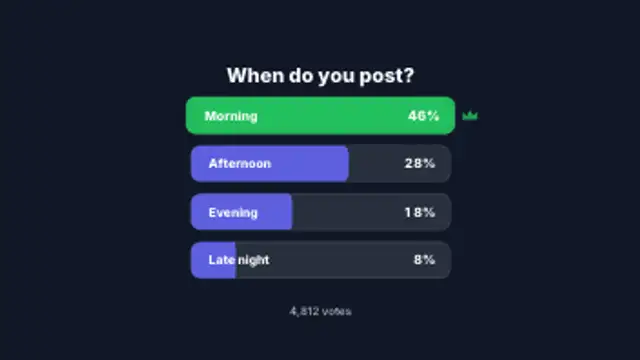
  • Option rows slide in and fill to their share while the percentages count up, then the winning row lights up with a crown.

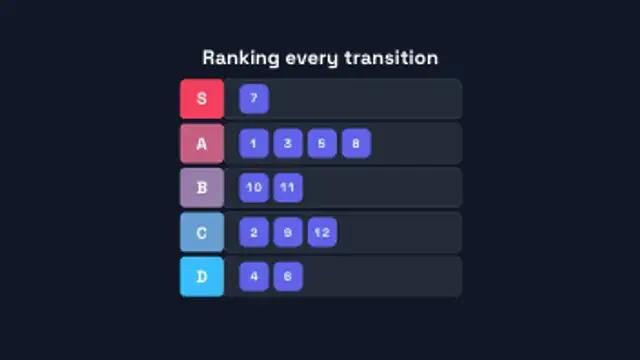
  • Tier rows draw in from S down to D, then numbered item chips fly in and snap into their tiers one after another.

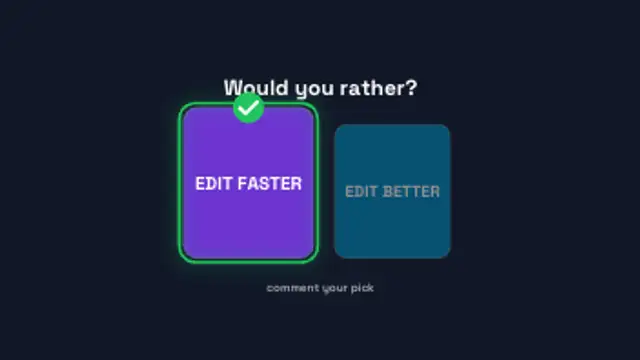
  • Two option cards crash in from either side, a pointer taps one and the pick scales up with a check while the other dims.

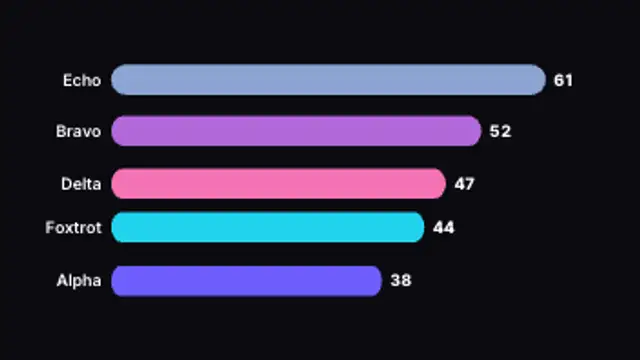
  • Ranked rows count down from the bottom place to number one, each sliding in with its rank badge and score, and the top spot takes a crown.

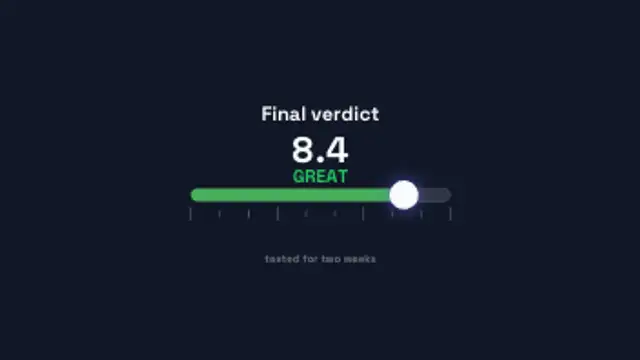
  • A marker slides along a one to ten scale, the bar shifts from red to green and the score counts up with a verdict word above it.

All polls & tier lists

How to make one in the browser

  1. 01Open a polls & tier lists presetBrowse the Polls & Tier Lists category and open the preset closest to what you need. It loads in the editor with every control unlocked.
  2. 02Make it yoursRewrite the text, set your brand colors and font, adjust easing and duration, and switch the aspect ratio for the platform you are posting to.
  3. 03Export the clipChoose MP4 for a normal track or transparent WebM for an overlay, pick a resolution up to 8K, and the file renders on your own machine.

Which format should you export?

Use MP4 when the clip sits on its own track or fills the frame. Use transparent WebM whenever it has to float over your own footage: the alpha channel is real, so no keying or blend mode is needed.

Format
MP4 H.264 · WebM VP9
Alpha
Transparent WebM
Resolution
720p to 8K
Aspect
16:9 · 9:16 · 1:1 · 4:5
License
Commercial use included

Three tips that make it look intentional

  • Reveal the winning bar last so the result has a beat.
  • Round percentages: decimals slow the read.
  • Four to six options keeps the chart legible on a phone.

Frequently asked

Can I enter my own options?
Yes, labels and values are editable lists and the layout adapts to how many you add.
Does a top ten reveal take ten entries?
You choose how many items to include, and the timing spreads across the duration you set.
  • Shape Transitions

    Shape transitions: how to cut between shots without a plugin

    A shape transition is a graphic wipe where a circle, bar or tile grid travels across the frame and hands the shot over to the next one. It hides the cut, carries your brand color and works in any editor once exported as MP4 or transparent WebM.

    Read the guide
  • Text Animations

    Animated text: kinetic typography you can type into

    Pick a text preset, type your line, choose a font and weight, then set the colors, easing and duration. The preview renders the real animation, and the export is an MP4 or a transparent WebM you drop straight onto a track in your editor.

    Read the guide
  • Icon Animations

    Animated icons: small motion that explains a lot

    Choose an icon preset, pick an icon from the built-in library, set its color, size and stroke, then adjust how it draws, pops or pulses. Export a transparent WebM and the icon animates over any slide, app screen or footage without a matte.

    Read the guide