
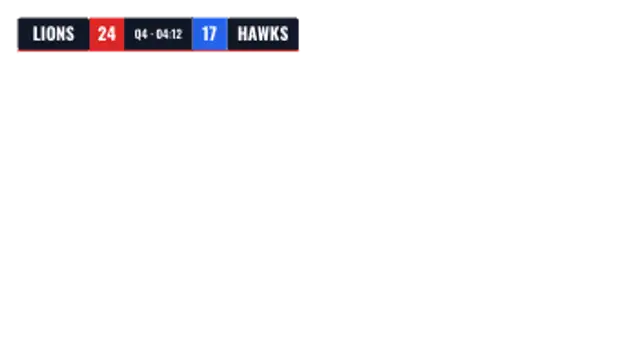
Score Bug
15sThe corner scorebug: two team plates, live scores and a game clock that drops in from the top.
Score bugs, leaderboards and match stats for sports and esports.
The corner scorebug: two team plates, live scores and a game clock that drops in from the top.
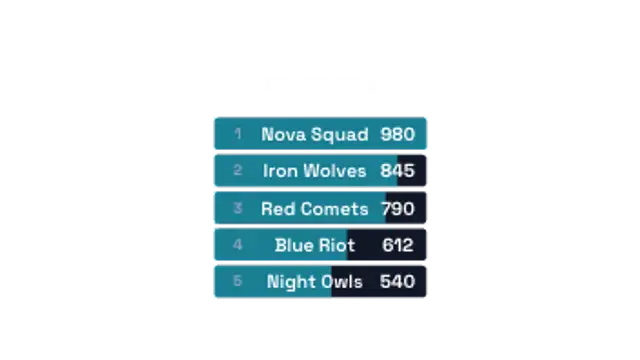
Ranked rows slide in one by one with score bars sized to each result. Built for tournaments and standings.
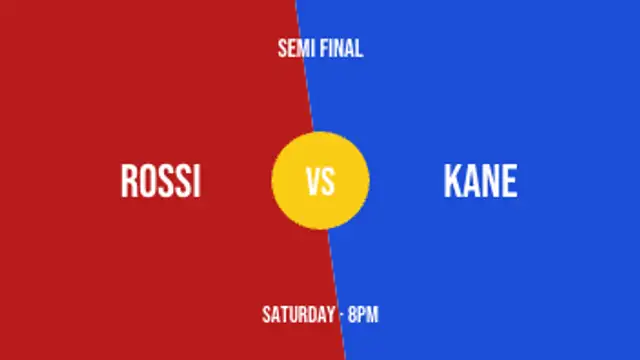
Two skewed panels crash in from either side and a VS badge pops in the middle. Fight-night energy.
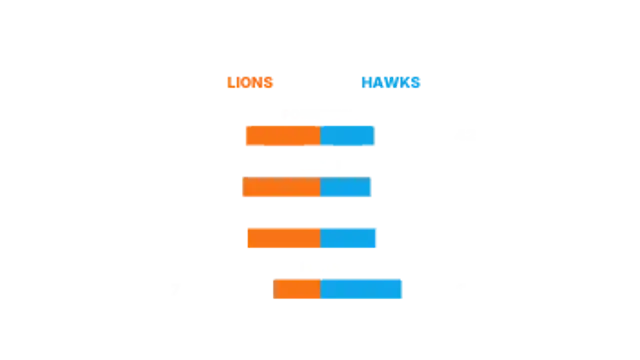
Head-to-head stat bars grow out from the centre line with values on both flanks. Post-match analysis ready.
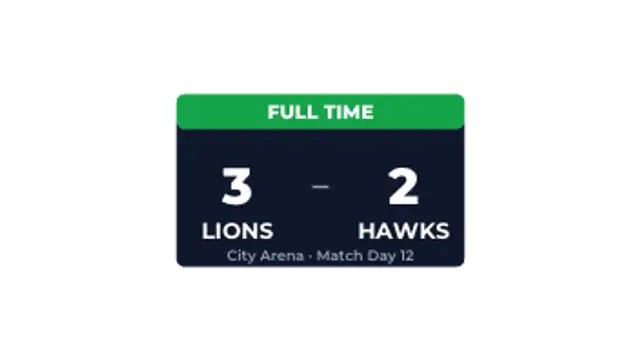
A result card pops open, the scores count up to the final line and the fixture details settle underneath.
Use a score bug preset, enter the team names and scores, set the colors, and export a transparent WebM. Pin it to a top corner for the length of the clip, and cut to a full-frame leaderboard or final score card between plays.
Sports coverage is mostly information design. These presets pin a score bug, stack a leaderboard, face off a versus card, compare stats and close with a final score, all with your own teams and numbers.
Read the full guide: How to Add a Score Bug to a Sports Video5 editable presets, including Score Bug, Leaderboard, Versus Card, Stat Compare and Final Score. Every one opens in the browser editor, where you change colors, timing and any text before you download.
None of them loop. Every preset in Scoreboards & Stats plays once, which suits cuts, openers and one-off moments.
MP4 for any editor or platform, WebM with a transparent background for the web, and a PNG sequence with alpha for Premiere Pro, After Effects, DaVinci Resolve and Figma. Every preset exports in 16:9, 9:16, 1:1 and 4:5 from 720p up to 8K, with a commercial license in your name.
Editing and previewing are free. You only spend a credit when the finished file lands on your machine.
5 free HD downloads on a new account · No card required