
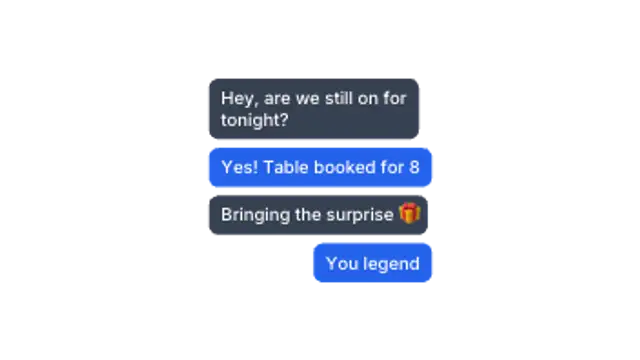
Chat Thread
10sMessages pop in one after another, alternating sides like a phone conversation. Perfect for storytelling reels.
Message bubbles, comments and notifications for social storytelling.
Messages pop in one after another, alternating sides like a phone conversation. Perfect for storytelling reels.
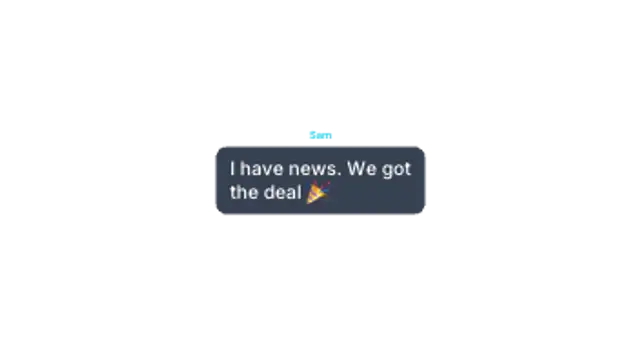
Three dots bounce in a bubble, then the message lands. The suspense beat every chat scene needs.
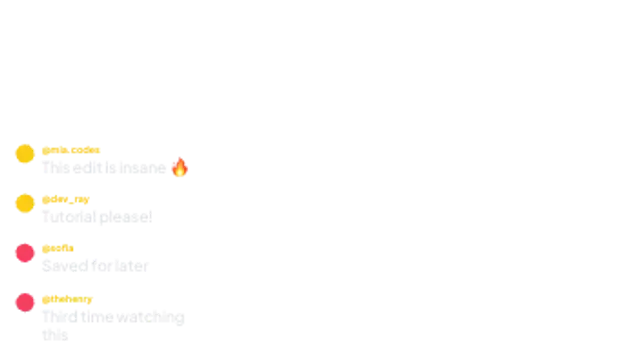
Social comments slide in with avatars and handles, stacking up like a live feed under your video.
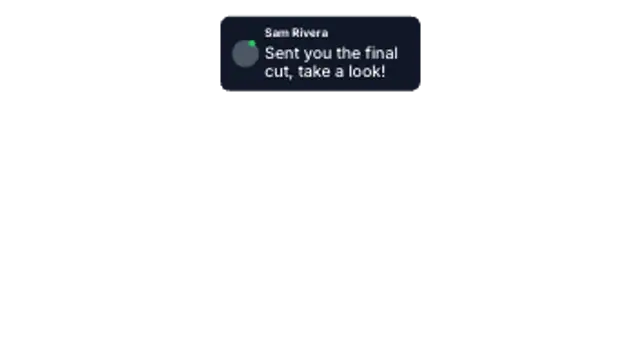
A notification card drops in from the top with avatar, sender and preview text, then settles into place.
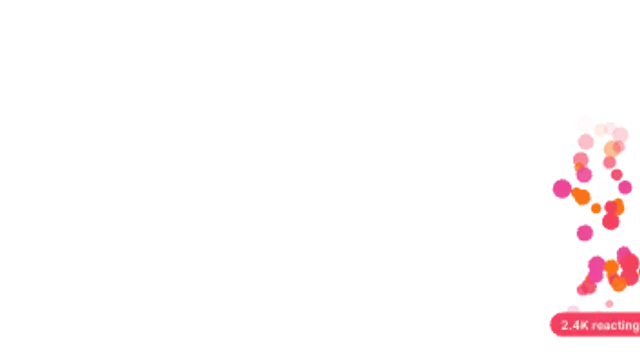
Live-stream reactions drift up the screen in a seeded stream, with an optional counter pill at the base.
Use a chat preset, type each message in order, and set the colors for sent and received bubbles. Typing indicators and timed bubble entrances give the conversation a rhythm, and a transparent export lets it sit over any background.
A conversation is a story with built-in pacing. These presets stack message bubbles, show a typing indicator, float reactions and pop a notification, with your own words in every bubble.
Read the full guide: How to Animate a Text Message Conversation in a Video5 editable presets, including Chat Thread, Typing Bubble, Comment Stack, DM Notification and Reaction Float. Every one opens in the browser editor, where you change colors, timing and any text before you download.
None of them loop. Every preset in Chat & Social plays once, which suits cuts, openers and one-off moments.
MP4 for any editor or platform, WebM with a transparent background for the web, and a PNG sequence with alpha for Premiere Pro, After Effects, DaVinci Resolve and Figma. Every preset exports in 16:9, 9:16, 1:1 and 4:5 from 720p up to 8K, with a commercial license in your name.
Editing and previewing are free. You only spend a credit when the finished file lands on your machine.
5 free HD downloads on a new account · No card required