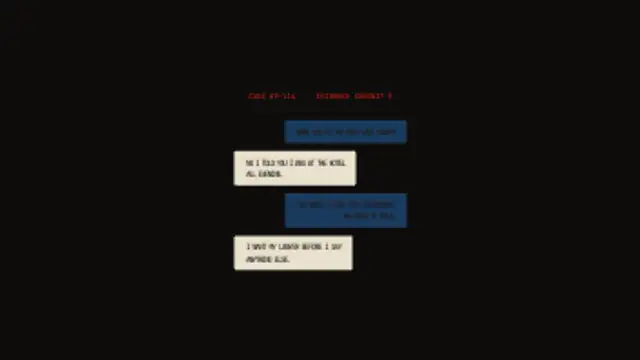
Text message bubbles appear one by one in alternating left-right conversation layout, each sized to its text, building an SMS evidence thread.
Chat Thread
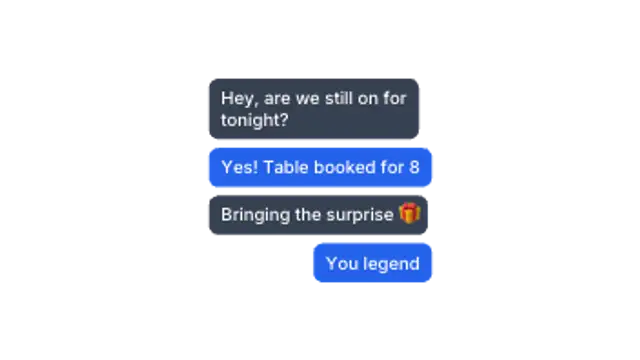
Messages pop in one after another, alternating sides like a phone conversation. Perfect for storytelling reels.
Part of Chat & Social. New to this kind of graphic? Read How to Animate a Text Message Conversation in a Video.
Messages pop in one after another, alternating sides like a phone conversation. Perfect for storytelling reels. It belongs to the Chat & Social category on velements, where you edit it in the browser and download it as a finished video file.
Every control in the editor, grouped the same way there. Content: title and messages. Typography: font, weight and size. Style: background, text color, primary, secondary and accent. Layout: aspect ratio, corner radius and position. Motion: duration. Each change appears in the live preview straight away, and editing is free.
Chat Thread runs 10 seconds by default, and you can set any length up to 60 seconds before you export. It plays once from start to finish, so it drops straight onto a cut or an opening.
Yes. Set the background to Transparent, then export a PNG sequence for Premiere Pro, After Effects, DaVinci Resolve, Final Cut Pro or Figma: import the first frame as an image sequence and it drops onto a track above your footage with a straight alpha channel. Export WebM with a VP9 alpha channel for the web and for CapCut. MP4 has no alpha channel, so it keeps a solid color or image behind the animation.
Yes. Each download comes with a perpetual commercial license in your name for client work, ads and products, and you may sell the edited clip on stock footage sites. Reselling the preset itself as an editable template is not allowed.
Text message bubbles appear one by one in alternating left-right conversation layout, each sized to its text, building an SMS evidence thread.
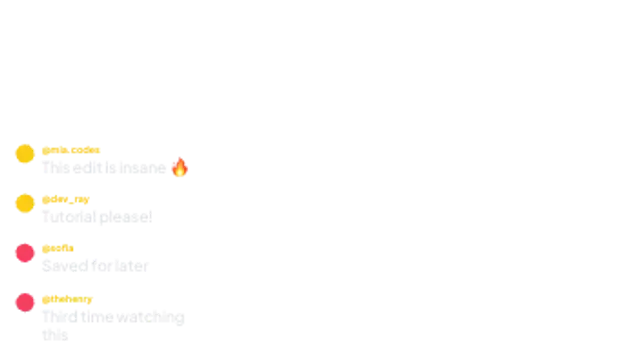
Social comments slide in with avatars and handles, stacking up like a live feed under your video.
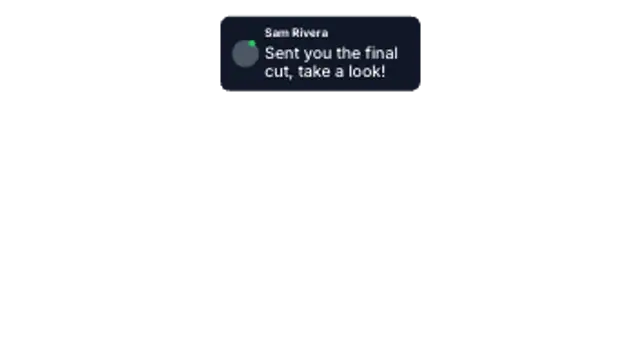
A notification card drops in from the top with avatar, sender and preview text, then settles into place.
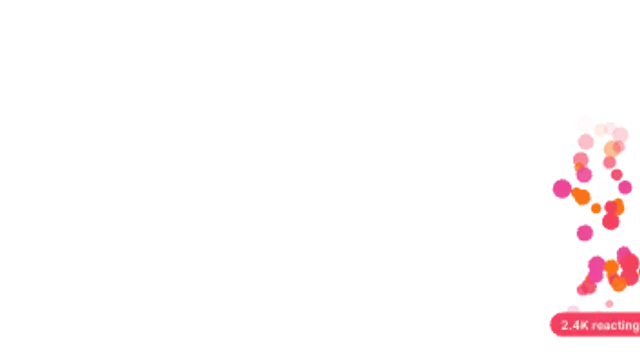
Live-stream reactions drift up the screen in a seeded stream, with an optional counter pill at the base.
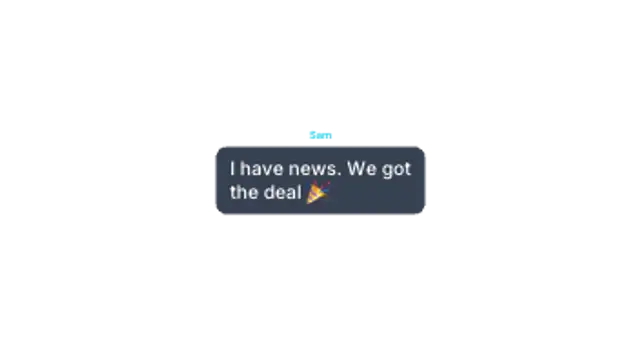
Three dots bounce in a bubble, then the message lands. The suspense beat every chat scene needs.

Colorful bubbles pop up everywhere and merge into a solid wall, then burst away in a new random order.
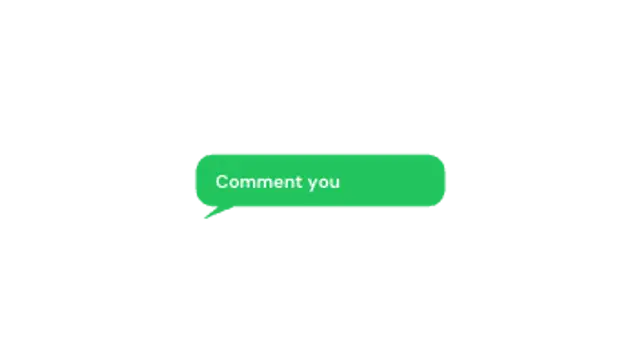
A chat bubble pops up, shows typing dots, then reveals your message. Great for questions and CTAs.
A surge of foam bubbles sweeps left across the frame, densely packing until the screen is covered, then clears away.